WhatsApp Business App vs Platform (API): Which One?
The short version
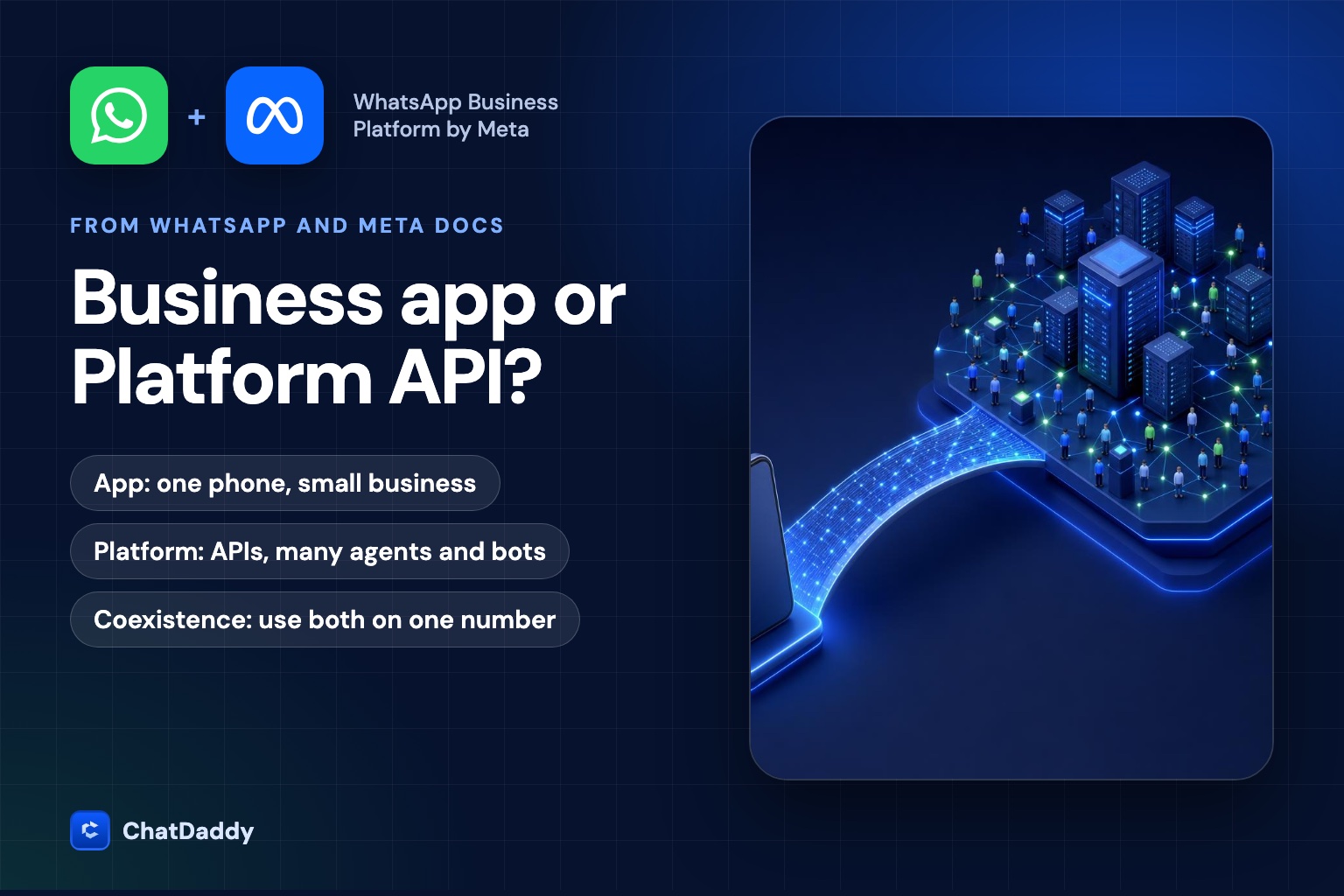
Businesses often ask whether they need "the WhatsApp API". The question is easier to answer when you know what Meta actually sells. WhatsApp's own business site describes the Business app as a free-to-download messaging app ideal for small businesses, and says the Business Platform "is not an app at all": it is a set of APIs and tools that let medium and enterprise businesses interact with customers at scale. The app is something you install. The Platform is something you connect to, usually through a Business Messaging Partner or your own developers.
Side-by-side
| Aspect | WhatsApp Business app | WhatsApp Business Platform |
|---|---|---|
| Who it is for | Small businesses | Medium and enterprise businesses, and any team that needs scale |
| Form | An installable app | APIs and tools; developer resources or a Business Messaging Partner are needed |
| Phone numbers | One phone number, not designed for multi-user use | Multiple numbers and display names |
| People answering | One person on the app, plus supported linked devices | Thousands of agents and bots, through the software you connect |
| Automation | Basic tools to automate and quickly respond to messages | Pre-defined message sequences, chatbot features and integrations with CRM and marketing platforms |
| Starting a conversation | Free-form message by hand | Approved message templates outside the 24-hour window |
| Cost | Free to download | Per-message fees set by Meta, plus any fee from your provider |
When the app is enough
The app suits a business where one or two people answer customers by hand, the volume is modest, and nobody needs to automate or report. A neighbourhood shop, a freelancer or a small clinic can run well on it. The limits show up when a second person must answer from a different place, when you want to message hundreds of contacts with an approved template, or when you want a bot to answer the first message at night.
When you need the Platform
- More than a few people answer. A shared inbox with assignment and notes lives in software connected to the Platform, not in the app.
- You send campaigns. Messages to people outside the 24-hour window must use approved templates, which is a Platform feature. Read our guide to template categories before you start.
- You want automation or AI. Chatbots, order updates and CRM integrations connect through the API. See Meta's rule on AI chatbots for what is allowed.
- You need several numbers or markets. The Platform supports multiple numbers and display names under one business portfolio.
Meta's developer documentation says you must have a business portfolio to use the platform, along with WhatsApp and messaging accounts, a business app, and access tokens. Business verification is not listed as a requirement, but verification affects features such as higher throughput and Official Business Account status.
The in-between: Coexistence
For years the choice was binary: move the number to the API and lose the app, or stay on the app and give up the API. Meta's Coexistence feature lets a business use the WhatsApp Business app and the Platform on the same number. We cover the details in what you keep and lose with Coexistence. In short, one-to-one chats and contacts carry over and messages sent from the app remain free, while some app features, such as groups and broadcast lists, are not carried over, and the number runs at a fixed throughput of 20 messages per second.
Coexistence suits a team that wants to keep the phone in the shop for personal replies while the rest of the team and the automations work through the API.
Platform limits to plan for
The Platform removes the one-phone limit, but it has its own rules. These come from Meta's developer documentation.
| Limit | What Meta states |
|---|---|
| Throughput | Business phone numbers can send up to 80 messages per second by default, with capacity upgrades available |
| Unique recipients outside the window | Capped per business portfolio in a rolling 24 hours; see messaging limits |
| Same user | One message every six seconds to the same user, with a burst of up to 45 messages in six seconds that borrows from future quota |
| Messages outside the window | Only approved templates can be sent |
| API requests | 200 per hour per app per messaging account by default; 5,000 for active accounts with a registered phone number |
How to choose
- Count the people. One person: the app. Two to three people who share a phone: it will already feel tight. More than that: the Platform.
- Count the messages you start. If you only reply, the app can cope. If you start conversations at scale, you need templates and therefore the Platform.
- Decide about automation. If a bot or CRM must answer or log messages, you need the API.
- Look at your history. If you have years of chats on the app and do not want to move, ask for Coexistence rather than migrating.
- Budget the fees. The Platform adds per-message fees from Meta and usually a provider fee. Use the calculator to estimate.
Common mistakes
- Treating the API as a bigger app. The Platform has no screen of its own. The inbox, the broadcast tool and the bot builder come from the software you connect, so the choice of provider matters as much as the choice of product.
- Moving the number without a plan. Onboarding an existing app number to the API without Coexistence changes how the number works. Decide first whether you want to keep using the phone, and check Meta's onboarding page for what carries over.
- Forgetting the template rule. On the app you can write anything to a customer who messaged you. On the Platform, anything you start outside the 24-hour window needs an approved template, so your first campaign needs lead time for approval.
- Buying on the headline price alone. Meta sets the per-message fee, but providers differ in whether they pass it through at cost or add a markup, and in what they charge for seats and the inbox. Ask for the all-in cost per message and compare the inbox, the automation, the support and the contract terms.
- Ignoring consent. Both products depend on people wanting to hear from you. Meta's policy asks for opt-in and honouring opt-outs on either.
A short checklist
- How many people answer customers today, and how many will in a year?
- Do you start conversations outside the 24-hour window?
- Do you need automation, AI, or CRM integration?
- Do you want to keep the phone app in daily use?
- Is your business portfolio set up and verified?
- Have you estimated the per-message cost?
Not sure which one fits your team?
Tell us how many people answer customers and how many contacts you message, and we will recommend the app, the Platform, or Coexistence, and set it up with you.
Book a demoFrequently asked questions
What is the difference between the WhatsApp Business app and the Business Platform?
The app is a free app for small businesses with one phone number. The Platform is a set of APIs for medium and enterprise businesses, with multiple numbers, many agents and bots, and message templates for conversations outside the 24-hour window.
Do I need a developer to use the WhatsApp Business Platform?
Meta's WhatsApp business site says the Platform needs developer resources or a Business Messaging Partner to implement. A partner platform gives you a ready-made inbox and tools.
Can I use the WhatsApp Business app and the API on the same number?
Yes, through Coexistence. Meta's documentation describes a fixed throughput of 20 messages per second in this mode, and some app features such as groups and broadcast lists are not carried over.
Is the WhatsApp Business Platform free?
It is not free to use at scale. Meta charges per message, and your provider may add a platform fee. Use the calculator for an estimate.
How many messages per second can the Platform send?
Meta's developer documentation says business phone numbers can send up to 80 messages per second by default, with capacity upgrades available.
Sources
- WhatsApp Business: The difference between WhatsApp and WhatsApp for Business
- Meta for Developers: About the WhatsApp Business Platform
- Meta for Developers: Onboard WhatsApp Business app users
- WhatsApp Business Messaging Policy