WhatsApp Coexistence: What You Keep and What You Lose
What Coexistence is
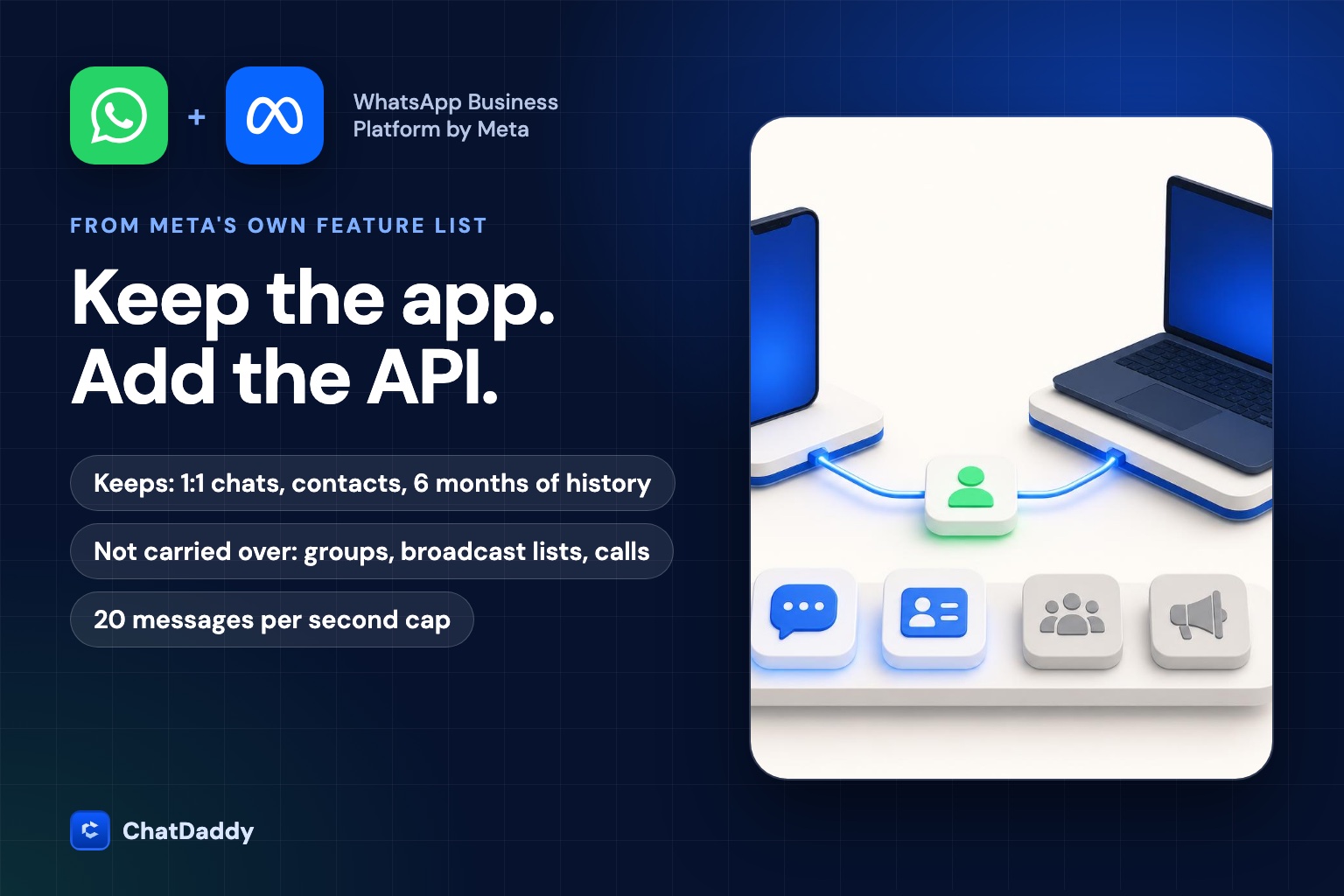
Meta describes the feature in its developer documentation as letting a business onboard to the WhatsApp Business Platform "using their existing WhatsApp Business app account and phone number." After that, the business can send high volumes of messages through a partner's software, keep messaging one-to-one in the WhatsApp Business app, and WhatsApp keeps the message history in sync between both. Meta notes that support channels and partner documentation often call this feature "Coexistence".
Under the hood, Meta converts the existing WhatsApp Business account into a backward-compatible Messaging account. The account keeps its existing ID, and Meta shares the account with the partner business. You do not register a new number.
Feature by feature: keep, change or lose
This table follows the feature comparison in Meta's onboarding documentation (last updated 26 June 2026). "In the app" is what happens to the WhatsApp Business app after onboarding. "Through the API" is whether the feature is available to software connected to the Cloud API.
| Feature | In the WhatsApp Business app | Through the API |
|---|---|---|
| One-to-one chats | Keeps working. Message edit and revoke are now supported. | Supported. Messages are mirrored both ways, and the most recent 6 months of chat messages can be synchronized. |
| Contacts | No change | Supported. All contacts with a WhatsApp number can be synchronized. |
| Group chats | No change | Not supported. Groups are not synchronized. |
| Disappearing messages | Turned off for all one-to-one chats | Not supported |
| View once messages | Disabled for one-to-one chats | Not supported |
| Live location messages | Disabled for one-to-one chats | Not supported |
| Broadcast lists | Disabled. You cannot create new ones; existing lists become read-only. | Not supported (use API campaigns and templates instead) |
| Voice and video calls | No change | Not supported |
| Business tools (catalog, orders, status) | No change | Not supported |
| Messaging tools (greeting, away message, quick replies, labels) | No change | Not supported |
| Business profile | No change | Not supported |
| Channels | No change | Not supported |
| Linked devices | Up to four companion clients. All are unlinked at onboarding, and you re-link the supported ones afterwards. | Not applicable. WhatsApp for Windows and WhatsApp for WearOS are not supported as companions. |
The practical reading: the app keeps almost everything it had, except the three one-to-one features Meta switches off and broadcast lists. The API side gains scale and automation, but it does not gain the app's own tools. Anything that depends on those, such as the catalog or groups, stays in the app.
Limits to plan around
- Throughput is fixed at 20 messages per second. Meta states that numbers used in both the Business app and the Cloud API have a fixed throughput of 20 mps to stay compatible with the app. For most small and mid-size teams that is plenty; for very large broadcasts it matters.
- App version 2.24.17 or higher. The business must use at least that version of the WhatsApp Business app.
- History sync is bounded. Meta says the most recent 6 months of chat messages can be synchronized, and only if the business agrees to share its chat history during onboarding. Media for those messages is delivered separately, and only for media sent within 14 days of onboarding.
- The sync window is short. After onboarding, the partner has 24 hours to synchronize the history, or the customer must be offboarded and go through the flow again. Keep the Business app open while it runs.
- The 24-hour window applies to API messages only. Meta states that messages sent from the Business app are not subject to the customer service window and do not create, extend or affect API conversation windows or pricing.
- A message that arrives just before onboarding. If a customer writes just before you connect, WhatsApp has not opened an API customer service window, so the first API reply has to be a template message.
- Unsupported companion devices break mirroring. A customer who messages through a companion client that is not supported can still reach you, but the message does not trigger a message webhook, so your software does not see it.
What can disconnect you
Meta's documentation lists the system and user reasons a coexistence number can be disconnected from the API. Two are easy to trigger by accident:
- Inactivity. The primary device inactive for approximately 14 days, or a companion device inactive for approximately 30 days. Open the WhatsApp Business app on the main phone at least every couple of weeks.
- Re-registering. Registering the number with the consumer WhatsApp app, changing the phone number, or re-registering on a new device.
Meta also tells partners that the Deregister API cannot be used on a number that is in use with both the app and the Cloud API. To disconnect on purpose, the business uses the app itself: Settings, Account, Business Platform, Disconnect Account.
How it affects your bill
Meta's documentation is explicit: after onboarding, messages the business sends through the WhatsApp Business app continue to be free, while messages sent through the Cloud API are subject to Cloud API pricing. Since 1 October 2026 that includes service messages, which Meta now bills per message after the first 1,000 per number each month. See our breakdown of WhatsApp service message pricing by market for the numbers.
That creates a real trade-off. Replies a person types in the app cost nothing; replies sent by software are billable. It is a reason to keep complex, human conversations in the app or the shared inbox, and to use automation where it saves time rather than as the default for every reply. It is not a reason to avoid the API: automation, scheduled campaigns, team assignment and reporting are what the API adds.
Who should use it
| Your situation | Best fit | Why |
|---|---|---|
| One person or a very small team, a few hundred chats a month, no automation needed | Stay on the WhatsApp Business app | Free, simple, and its own tools (catalog, labels, quick replies) do the job. |
| You want a shared inbox, automation and campaigns but must keep your number, your chats and the app | Coexistence | Keeps the app and history, adds API features on the same number. |
| You rely on groups, broadcast lists, calls or the catalog inside WhatsApp | Think twice | Groups and calls are not supported through the API, and broadcast lists switch off in the app. |
| Large-volume sending, strict throughput needs, or no use of the app at all | Full Cloud API number | Coexistence caps throughput at 20 mps; a number used only on the API is not bound by that. |
How onboarding works
- The business starts the partner's Embedded Signup flow and chooses to connect an existing WhatsApp Business app account.
- It enters the WhatsApp Business app phone number. WhatsApp shows a verification code.
- In the app, the business expects a message from the official Facebook Business Account, taps Connect to the Business Platform, then taps Confirm to decide whether to share chat history.
- The business pastes the code and finishes the flow. The partner receives the asset IDs and a token, skips phone number registration because the number is already registered, and onboards the customer.
- The partner synchronizes contacts and history within 24 hours. When it finishes, the app refreshes and shows that the number is connected to the API.
With ChatDaddy this flow is guided for you. See the Coexistence setup guide and our Coexistence overview, or compare it with a full API number in WABA vs Coexistence.
Checklist before you connect
- Update the WhatsApp Business app to 2.24.17 or higher.
- List everything you use groups, calls, the catalog or broadcast lists for, and decide where each job will live afterwards.
- Note which linked devices you use. All of them are unlinked at onboarding; Windows and WearOS companions will not work afterwards.
- Decide whether to share chat history, and keep the app open while it syncs.
- Pick a person responsible for opening the app on the main phone every week.
- Add a payment method in Billing Hub and estimate your API message costs for the new pricing.
- Test with a few conversations before you move your team over.
Check whether Coexistence fits your setup
ChatDaddy supports WhatsApp Coexistence, so your team can keep using the Business app on the same number while automation and the shared inbox run through the API.
See how Coexistence works with ChatDaddyFrequently asked questions
Can I use the WhatsApp Business app and the API on the same number?
Yes, through WhatsApp Coexistence. The business onboards its existing WhatsApp Business app number to the Cloud API through a partner, keeps messaging one-to-one in the app, and WhatsApp keeps the history in sync.
Do I lose my chat history when I connect?
No. Chats stay in the app. If the business agrees to share its chat history during onboarding, the most recent 6 months of chat messages can be synchronized to the partner's software.
What stops working after I connect the Business app to the API?
Disappearing messages, view once messages and live location are disabled for one-to-one chats, broadcast lists become read-only, and all linked devices are unlinked (you can re-link supported ones). Groups and calls are not supported through the API.
Are messages I send from the app free after onboarding?
Yes. Meta states that messages sent through the WhatsApp Business app continue to be free, while messages sent through the Cloud API follow Cloud API pricing.
How long can the main phone stay offline?
Meta lists approximately 14 days of primary device inactivity, or approximately 30 days for a companion device, among the reasons a coexistence number can be disconnected.
What is the throughput limit?
Numbers used in both the WhatsApp Business app and the Cloud API have a fixed throughput of 20 messages per second.
Sources
- Meta for Developers: Onboard WhatsApp Business app users (Coexistence), updated 26 June 2026
- Meta for Developers: Pricing on the WhatsApp Business Platform
- Meta for Developers: Pricing for non-template messages
- ChatDaddy: WhatsApp Coexistence
- ChatDaddy: WABA vs Coexistence