Can You Use an AI Chatbot on WhatsApp? Meta's Rule
What the rule says
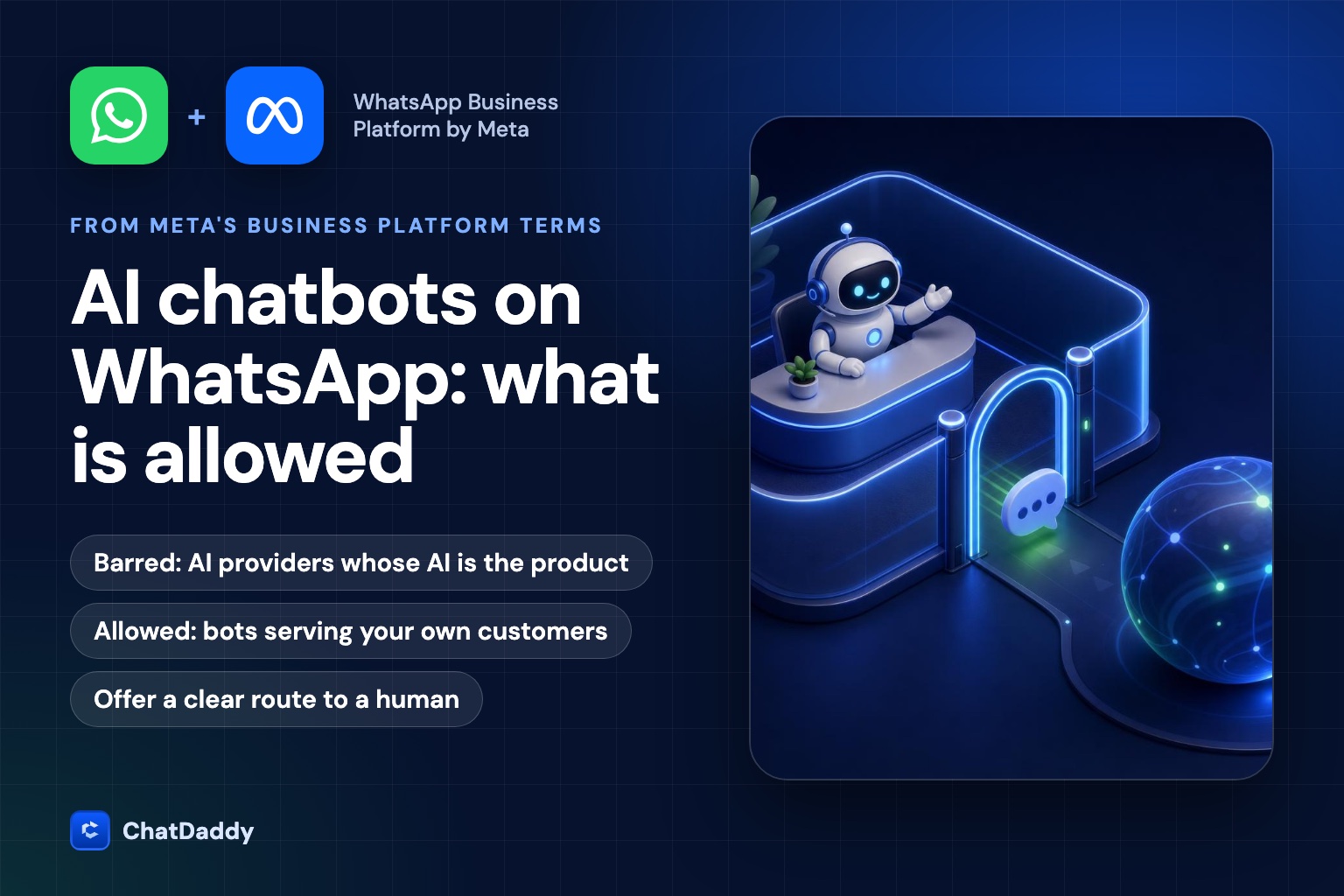
Many teams now put an AI model in front of their WhatsApp inbox. At the same time, news coverage has warned that Meta banned AI chatbots from WhatsApp. Both things are true, and they are about different situations. The rule sits in Section 4.7 ("AI Providers") of the Meta Terms for the WhatsApp Business Platform. Meta's page, last modified 23 September 2026 when we checked it, says that providers and developers of artificial intelligence or machine learning technologies are strictly prohibited from accessing or using the WhatsApp Business Platform, whether directly or indirectly, when such technologies are the primary (rather than incidental or ancillary) functionality being made available for use, as determined by Meta in its sole discretion.
Press reports said the restriction took effect on 15 January 2026, after being announced in October 2025. Meta's spokesperson said the Business Platform exists to help businesses support customers and send relevant updates, and that general-purpose use put a heavy load on its systems. Meta also said businesses that use AI to serve their customers are not affected, with a travel company's customer-service bot given as an example. The Terms page itself gives no separate effective date for the clause, so use the "last modified" date on the page as your reference.
Who is affected and who is not
Read the clause as a test of what the product is. If the main thing a person gets from the WhatsApp number is access to an AI assistant, that is an AI provider using the platform as a distribution channel. If the main thing is a business serving its customers, with AI as one part of how it answers, the AI is incidental to the business and the clause does not apply in the way it is aimed.
The Terms do not define "primary", "incidental" or "ancillary", and Meta decides case by case. That discretion is the real risk. A borderline product, for example a "personal assistant" that happens to be sold by a company with a few services, could be judged either way. If you are close to the line, do not rely on a reading of the wording. Ask your provider how Meta has treated similar use cases, and keep your use focused on your own customers and your own products.
The Terms also mention an exception that allows a business to keep an AI company as its Solution Provider, and a carve-out for certain countries that is documented on a separate page. We have not reviewed that country list here, so check it if your customers are in a market where it may apply.
The data clause
The second half of Section 4.7 is easy to miss and matters for anyone who connects a language model. It bars using WhatsApp Business Platform Data to train or improve AI models, with a narrow exception for fine-tuning a model for your own exclusive use. In practice this means three habits. Do not send chat history to a vendor that reserves the right to train on it. Check the data-processing terms of any model provider you connect. Keep personal data out of prompts unless it is needed to answer the customer.
Automation rules in the Business Policy
Separate from the Terms, the WhatsApp Business Messaging Policy (last updated 23 September 2026 when we checked) sets the behavioural rules for automation. Section 2 says a business may use automation when responding during the 24-hour window, and must have available prompt, clear and direct escalation paths. The accepted paths include a transfer to a human agent in the chat, a phone number, an email, web support on your site, an in-store visit or a support form.
The same policy asks businesses not to confuse, deceive, defraud, mislead, spam or surprise people, and to honour requests to stop communications. Users can block and report businesses, and Meta may limit how many messages you can send based on that feedback. For an AI agent this has a plain consequence: an agent that keeps answering after someone says "stop", or that pretends to be a person, is a policy risk before it is a product risk.
Allowed or risky: examples
The table below is our reading of the wording, not legal advice or a statement from Meta. Where it says "likely fine", the AI serves the business's own customers. Where it says "high risk", the AI itself is what is being offered.
| Use case | Our reading | Why |
|---|---|---|
| AI answers product and order questions for your shop | Likely fine | Customer service for your own business; AI is how you answer, not what you sell |
| AI qualifies leads, then hands over to a salesperson | Likely fine | Business conversation with a clear route to a human |
| AI books appointments for a clinic or salon | Likely fine | Serves the business's own customers |
| An "ask me anything" assistant open to the public on a WhatsApp number | High risk | The AI assistant is the primary functionality being offered |
| A reseller offering a general chatbot number to many end users | High risk | Provider is distributing AI itself through the platform |
| Sending chat logs to a vendor that trains its models on them | Not allowed | Section 4.7 bars using platform data to train or improve AI models |
| An AI that never offers a human and ignores "stop" | Policy breach | Escalation path and opt-out rules in the Business Policy |
How to build a compliant AI agent
- Scope it to your business. Give the agent your products, prices, policies and booking rules, and have it decline unrelated requests politely. A narrow agent is better for customers and easier to defend.
- Keep the 24-hour window in mind. Automation is allowed when responding inside the window. Outside it, only approved templates can be sent, so an agent cannot start a free-form conversation on its own.
- Offer a human. Add a visible way to reach a person, and make the agent hand over when it is unsure, when the customer asks, or when the topic involves payment problems or complaints.
- Be honest about what it is. Say it is an automated assistant. Do not imitate a named staff member.
- Respect opt-outs. When a customer asks you to stop, stop, and remove the contact from marketing lists.
- Control the data. Check where prompts and chat text go, confirm the model provider does not train on it, and avoid sending sensitive identifiers such as full card numbers, which the policy also asks you not to request.
- Log and review. Read a sample of conversations every week. Most compliance problems show up as odd answers long before Meta notices them.
Choosing a provider
Because the clause covers use "directly or indirectly", it also matters who sits between you and Meta. The Terms contain an exception for keeping an AI provider as your Solution Provider, but a provider whose own product is a general assistant is a different situation from a customer-service platform. Ask any vendor three questions: is your product a business inbox with AI features, or an AI assistant delivered through WhatsApp; do you train models on customer chats; and how does a customer reach a human.
ChatDaddy is a business messaging platform. The AI Agent answers on the customer's own number and sits next to a shared inbox, so people on your team can read the conversation and take over. We describe that structure here because it is the shape Meta's wording favours, not because it removes the need to check your own use against the Terms.
A short checklist
- Is the AI there to serve your own customers, not to be the product itself?
- Does the agent stay on your business topics and decline the rest?
- Can the customer reach a human in the chat?
- Does it stop when asked, and is the contact removed from marketing?
- Does your model provider agree not to train on your chat data?
- Do you re-read Meta's Terms and Policy pages every quarter? Both have changed this year.
Run an AI agent that stays inside Meta's rules
ChatDaddy's AI Agent answers customers on your own WhatsApp number, hands over to your team when needed, and keeps a human in the loop. Talk to us about setting it up for your business.
Book a demoFrequently asked questions
Did Meta ban all chatbots on WhatsApp?
No. Meta's Terms restrict AI providers when their AI technology is the primary functionality offered. Meta has said businesses using AI to serve their own customers are not affected.
Can I use ChatGPT or another model inside my WhatsApp customer service?
A business can use a language model as part of its own customer-service flow. What the Terms restrict is offering a general-purpose AI assistant as the product itself, and using platform data to train or improve AI models. Check your model provider's data terms.
Who decides what counts as primary functionality?
Meta. The clause says it is determined by Meta in its sole discretion, and the Terms do not define the words primary, incidental or ancillary.
Does my AI agent have to hand over to a human?
Meta's Business Policy requires prompt, clear and direct escalation paths when you use automation. That can be a transfer to a human agent in the chat, or a phone number, email, support page or form.
Can an AI agent send messages outside the 24-hour window?
Only approved message templates can be sent outside the 24-hour customer service window, so an AI agent cannot start a free-form conversation on its own. See our guide on service message pricing for the costs.
Sources
- Meta Terms for the WhatsApp Business Platform (Section 4.7, AI Providers)
- WhatsApp Business Messaging Policy
- Yahoo Tech: WhatsApp changes its terms to bar general-purpose chatbots from its platform
- Gulf News: Meta bans major AI chatbots from 2026