WhatsApp Messaging Limits: 250 to Unlimited, Explained
What the limit measures
Teams often hear "WhatsApp allows 1,000 messages a day" and plan around it. That figure comes from an older version of the system. Meta's current messaging limits page defines the limit as the maximum number of unique WhatsApp user phone numbers your business can deliver messages to, outside a customer service window, in a moving 24-hour period. Three details in that sentence change how you plan.
- Unique numbers, not messages. Sending three templates to the same customer in a day uses one unit of the limit, not three.
- Outside the window only. When a customer has messaged you in the last 24 hours, your replies are not counted against this limit. The limit governs business-started conversations, such as marketing, utility and authentication templates.
- Shared across the portfolio. The limit belongs to the business portfolio and is shared by all of its phone numbers. One busy number can use up the capacity of the others.
The tiers
| Tier | Unique numbers per moving 24 hours | How you get there |
|---|---|---|
| Starting | 250 | Default for a new portfolio |
| Tier 1 | 2,000 | Business verification, partner verification, or 2,000 delivered template messages to unique numbers in a 30-day moving period |
| Tier 2 | 10,000 | Automatic scaling |
| Tier 3 | 100,000 | Automatic scaling |
| Top | Unlimited | Automatic scaling |
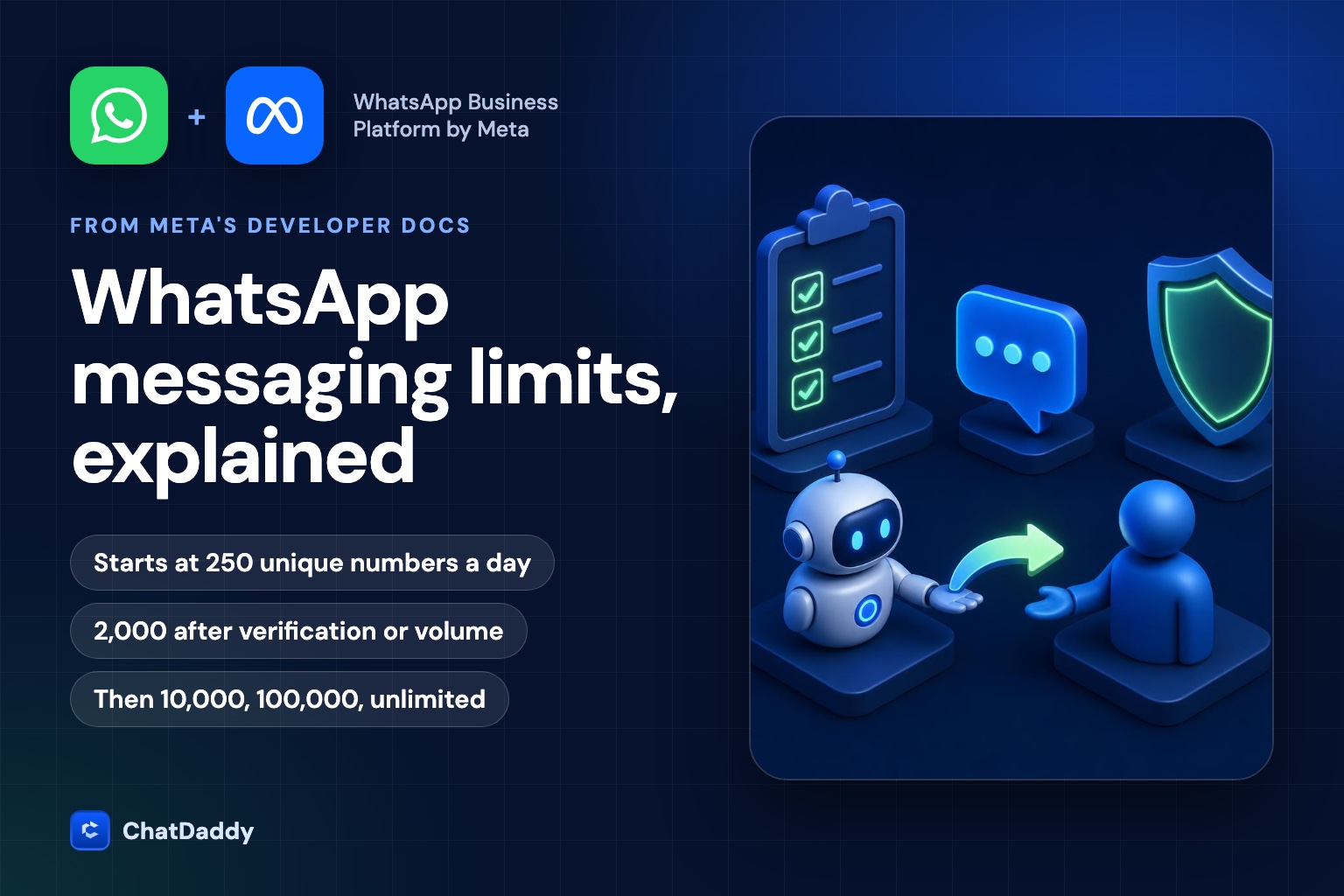
Meta's page lists the starting level as 250 and the next level as 2,000, with 10,000, 100,000 and unlimited above it. Older articles that mention 1,000 as the first tier describe the previous system, so check the date of anything you read about this.
How to move up
From 250 to 2,000
Meta describes three scaling paths. Verify your business. Have your partner verify it, if a partner onboarded you. Or send 2,000 delivered messages outside customer service windows to unique numbers within a 30-day moving period, using high-quality templates. After you complete a path, Meta reviews your message quality and decides whether you are eligible for automatic scaling. If approved, the limit rises to 2,000 immediately. If denied, the limit stays where it is, and an account_alerts webhook tells you why and what to do next.
From 2,000 upward
Above 2,000, scaling is automatic. The limit rises one level, within 6 hours, if you send high-quality messages across all numbers and templates and in the last 7 days you used at least half of your current limit. Two consequences follow. First, if you stay below half of your limit, you do not move up, so a plan that sends 600 messages a day will stay at the 2,000 tier. Second, the rise is one level at a time, so reaching unlimited takes several rounds of healthy sending.
Meta's page uses the words "high quality" as a requirement but does not define quality rating or what causes a limit to fall on that page. Treat quality as a result of what Meta's Business Policy describes: people who expect your messages, who find them relevant, and who do not block or report you.
Checking your limit
In WhatsApp Manager, open Account tools and then Messaging limits. Through the API, request the whatsapp_business_manager_messaging_limit field, which returns a value such as TIER_250. The older messaging_limit_tier field is deprecated. Check the limit before a campaign, not after it stalls, and remember it is per portfolio, so a number you use for a pilot may already have spent part of the allowance.
The rules behind the quality bar
The limit system rewards messages people want. Meta's WhatsApp Business Messaging Policy (last updated 23 September 2026 when we checked) spells out what that means in practice.
- Opt-in. You may contact people only if they have given you their mobile phone number or username and you have permission to contact them. Meta's best practices suggest collecting opt-in by message category rather than one blanket consent.
- Templates. You may start a conversation only with an approved message template, for its designated purpose. Outside the 24-hour window, only approved templates can be sent, and Meta may review, approve, pause or reject a template at any time.
- Opt-out. You must honour requests to stop communications, including removing the person from your contacts.
- No surprises. The policy asks businesses not to confuse, deceive, defraud, mislead, spam or surprise people.
- Feedback has consequences. Users can block or report a business, and Meta may limit how many messages you can send based on that feedback. Serious or repeated violations can limit or remove access.
Planning a first campaign
- Count unique contacts, not messages. If your opted-in list has 8,000 numbers and your limit is 250, a single send would take about 32 days of capacity. Split the list and plan the weeks.
- Start with your best audience. Recent buyers and people who asked to hear from you are the least likely to block you, so they help your quality signals.
- Use a template for one clear purpose. A promotion in a utility template is the kind of mismatch that invites rejection or complaints.
- Verify the business early. It is the simplest path to 2,000, and it does not depend on sending volume.
- Watch replies and blocks. If many people reply "stop" or block you after the first send, fix the audience before you send more.
- Budget the cost. Since 1 October 2026 Meta charges per message for marketing, utility and authentication templates, and for service messages beyond the free allowance. See our pricing guide for the rate card.
Common mistakes
| Mistake | Why it hurts |
|---|---|
| Planning around "1,000 per day" | The current starting limit is 250 unique numbers per moving 24 hours |
| Spreading a campaign across several numbers | The limit is shared across the portfolio, so you do not get more capacity |
| Importing a purchased list | No opt-in, high block rate, and the policy requires permission to contact |
| Ignoring stop requests | The policy requires honouring them, and complaints reduce your sending allowance |
| Using up less than half of your limit | Automatic scaling needs at least half of the current limit used in the last 7 days |
A short checklist
- Know your current tier and read it from WhatsApp Manager.
- Verify the business to reach 2,000 without volume.
- Count unique recipients per day, not total messages.
- Keep opt-in records by message category.
- Match each template to its category and purpose.
- Honour opt-outs on the same day.
- Re-check Meta's pages before large sends, because limits and prices change.
Plan your WhatsApp sending before you hit the limit
ChatDaddy helps you onboard a verified WhatsApp Business Platform number, build approved templates and send campaigns to opted-in contacts. Talk to us about your volume and we will map the path.
Book a demoFrequently asked questions
What is the WhatsApp messaging limit for a new account?
Meta's messaging limits page lists 250 unique WhatsApp user phone numbers per moving 24 hours for new business portfolios, for messages sent outside a customer service window.
Do replies to customers count against the limit?
No. The limit applies to messages delivered outside a customer service window. When a customer has messaged you in the last 24 hours, replying inside the window is not counted.
How do I go from 250 to 2,000?
Complete one of three paths: verify your business, have your partner verify it, or send 2,000 delivered messages outside customer service windows to unique numbers within a 30-day moving period using high-quality templates. Meta then reviews your message quality.
How does the limit increase above 2,000?
Automatically. Meta raises it one level within 6 hours if your messages are high quality across all numbers and templates and you used at least half of your current limit in the last 7 days.
Is the limit per phone number?
No. Meta's page says limits are set per business portfolio and shared by all of its business phone numbers.
Sources
- Meta for Developers: WhatsApp messaging limits
- WhatsApp Business Messaging Policy
- Meta Terms for the WhatsApp Business Platform
- Meta for Developers: WhatsApp Business Platform pricing