Messaging Facebook Live Viewers: Meta's 24-Hour Rule
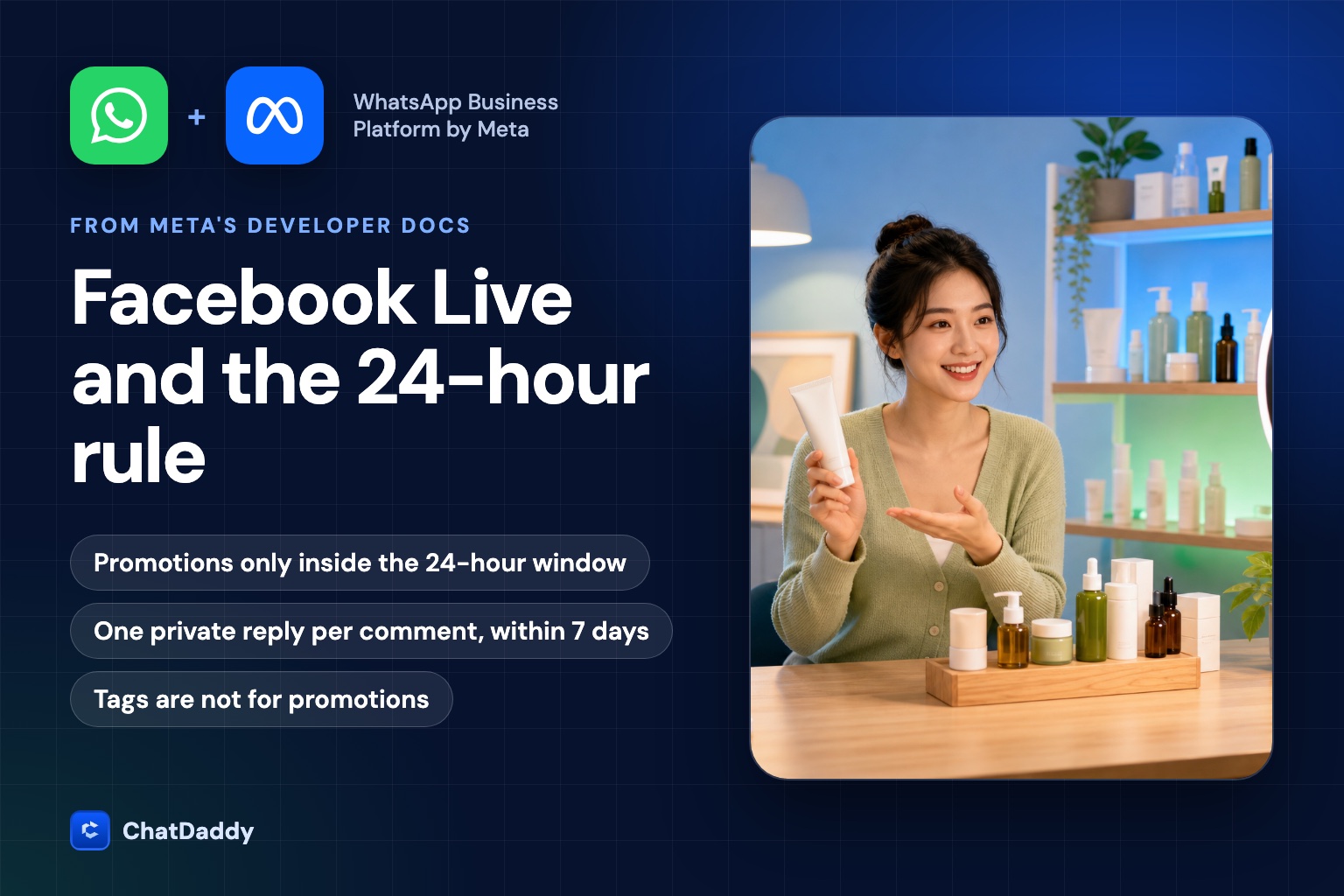
The problem sellers run into
A common sales pattern in Southeast Asia and beyond looks like this. A seller goes live on Facebook, announces the show to existing customers on WhatsApp, and sells products while viewers comment. After the show, the seller wants to message everyone who watched: a reminder, a discount code, a restock notice. Then the Messenger broadcast tool refuses most of the list.
That is not a bug in the tool. It is the platform rule. A broadcast to people who only watched, liked or commented is, in Meta's eyes, a message to people who have not started a conversation with the Page. This guide explains what Meta's developer documentation actually says, what that means for a live-selling workflow, and which routes are open. Everything below is taken from Meta's own pages, linked in the sources, and was checked on 15 October 2026.
The 24-hour window, in Meta's words
Meta's Messenger Platform policy states that businesses have up to 24 hours to respond to a user. The window opens when the user acts first, for example by sending a message to the Page. The same page says that messages sent within the 24-hour window may contain promotional content, and that promotional content is not allowed outside the window under standard messaging.
Two exceptions exist. Sponsored Messages, which are paid ads in the Messenger inbox, can be sent outside the window and can include promotional content. One-Time Notification lets a Page send a single time-sensitive, personally relevant notification after a person explicitly asks for it. Meta notes that Sponsored Messages and One-Time Notification are not available for the Instagram messaging API.
| Situation | Can the Page send promotions? | What Meta says |
|---|---|---|
| Person messaged the Page in the last 24 hours | Yes | Messages within the 24-hour window may contain promotional content |
| Person only watched or commented on a Live | No, except one private reply to the comment | A private reply is one message; the conversation continues only if the person responds |
| Window has closed, no opt-in | No (standard messaging) | Promotional content is not allowed outside the window |
| Person opted in to Marketing Messages | Yes, within the limits of the opt-in | Follow-ups can be sent outside the standard window |
| Paid Sponsored Message | Yes | Sent outside the window, labelled Sponsored |
The private reply to a comment
A comment on a Page post gives the Page one way in. Meta's private replies documentation says the message must be sent within 7 days from when the post or comment was created, and that only one message can be sent to the person who commented. It adds that only when a person responds to the private message can you continue the conversation within the 24-hour messaging window.
Read that sentence carefully, because it defines the whole flow. The private reply is a single opening message. If the person never answers, you cannot follow up. If they answer, the 24-hour window opens and your normal promotional messaging is allowed for that day.
One caveat from the documentation: the page does not say whether comments made during a live video are treated differently from comments on ordinary posts. Treat the 7-day, one-message rule as the baseline and test with a small audience before a large live.
This also shapes how you write the first message. Because you only get one, it should be a question or an offer that invites a reply, not a long announcement. "Hi, thanks for joining the live. Want the discount code for the serum? Reply YES" gives the person a reason to answer and opens the window. A paragraph of product details with a link may be read, but it gives them no easy way to reply, and after one unanswered message the door closes.
A flow that stays inside the rules
Putting the pieces together gives a flow with four steps.
- Before the live: send a WhatsApp announcement to existing customers who agreed to receive messages, with the live link. Marketing templates on WhatsApp are charged per message by Meta since 1 October 2026, so budget for the size of the list.
- During the live: the host asks viewers to comment a keyword, for example "GLOW", to receive the offer.
- On each keyword comment: send one private reply that asks a simple question or offers the code. This is the only message the Page can send until the person answers.
- When the person replies: the 24-hour window is open. Send the offer, the product link and answer questions, manually or with an automated flow.
ChatDaddy supports the building blocks of this flow. Comments on Facebook and Instagram posts, including live videos, arrive in the inbox as messages, the automation builder has a trigger for new comments, and a reply to a comment is sent as a Messenger private reply. Broadcasts on Messenger and Instagram are limited to contacts whose last message to the Page was within the past 24 hours, which follows the rule above.
Reaching people outside the window
Three routes exist for people who watched but did not reply. Each has limits.
Marketing Messages (opt-in)
Meta's Marketing Messages feature, previously known as Recurring Notifications, allows a Page to send messages outside the standard window to people who opted in. The rules on the documentation page are specific. An opt-in request can only be sent within the standard messaging window, and a user's act of opting in does not open that window. You can send only one opt-in request per week with the same title to a person, duplicate requests are not allowed, and the person chooses a daily, weekly or monthly cadence.
The most important detail for planning is access. The page states that the product is a premium feature Meta intends to charge for in the future, that it is currently in a free trial, and that from 1 September 2025 access is limited to existing partners and end clients, with no new integrations allowed. It also states that the earlier Recurring Notifications product is being deprecated. Because the page describes both the new API and the old product, confirm with Meta or your provider whether your account qualifies before you promise this to a client.
One-Time Notification
If a person explicitly asks to be notified, for example "tell me when this item is back in stock", a Page can send one time-sensitive notification. It is a single message, not a subscription, and it is not available on Instagram.
Sponsored Messages
Sponsored Messages are paid Messenger ads that can reach people outside the window and carry promotional content. They are bought through Meta's ads tools, priced by auction, and labelled Sponsored in the conversation. They are the legitimate way to retarget live viewers who never messaged you.
What does not work
Message tags are the shortcut sellers most often reach for, and the one most likely to cause harm. The Human Agent tag lets a real person reply manually within 7 days of the user's last message, for support-type conversations. Meta's policy says that using tags outside approved use cases may result in restrictions on your ability to send messages. A promotional broadcast sent with a tag is outside the approved use. The risk is not a failed message; it is a restricted Page, which for a live seller is the sales channel itself.
Other tactics fail for the same reason: broadcasting to an exported list of Facebook users, sending the same text again from a second Page, or asking a tool to ignore the window. A tool that appears to do this is either using one of the routes above or putting your Page at risk. Meta also states that messaging capabilities can be limited if a conversation receives excessive negative feedback, so frequency and relevance matter even inside the window.
What to measure
A live-selling flow has a funnel that starts before Facebook. A useful report follows each step: WhatsApp announcements sent and read, clicks on the live link, comments with a keyword, private replies sent, replies received, and orders. The step most teams lose track of is the link between channels. A Facebook commenter does not have a phone number visible to you, so matching an order to a viewer needs a shared identifier such as an order code the person types into the chat.
Two measurements are worth adding early. First, the reply rate to the private reply, because it decides how many people enter the open window. Second, read and delivery status per message, which shows whether failures come from blocked Pages or from messages sent outside the allowed window. Both are easier to act on when they are reported per live, so you can compare a show that used a strong first message with one that did not.
Keep an honest eye on attribution. Link clicks show interest, not viewing, and a person can click a live link after the show has ended. Treat clicks as a proxy and say so in any report you give to a client.
A short checklist
- Collect WhatsApp numbers with clear consent before using them for live announcements.
- Use one private reply per comment, sent within 7 days, written to invite an answer.
- Send promotions only after the person replies, inside the 24-hour window.
- Do not use message tags for promotions.
- Ask for a Marketing Messages opt-in only inside the window, and confirm that your account has access first.
- Use Sponsored Messages for people outside the window.
- Report per live: announcements, clicks, comments, replies, orders.
- Test the flow with a small audience before a large live, and re-read Meta's pages, because these rules change.
Turn live comments into conversations
ChatDaddy brings Facebook and Instagram comments into one inbox, can trigger an automated reply when a comment arrives, and lets your team continue the chat on Messenger or WhatsApp. Talk to us about setting it up for your next live.
Book a demoFrequently asked questions
Can I message everyone who watched my Facebook Live?
Not with promotional content. People who only watched or commented have not opened the 24-hour window. You can send one private reply to a comment within 7 days, and if the person answers you can continue for 24 hours.
How many private replies can I send per comment?
Meta's documentation says only one message can be sent to the person who commented. The conversation can continue only when the person responds to that message.
Can I use the Human Agent tag to send a promotion?
No. The tag is for a person to reply manually within 7 days of the user's last message. Meta warns that using tags outside approved use cases may lead to restrictions on your ability to send messages.
Does opting in to Marketing Messages open the 24-hour window?
No. Meta states that opting in does not open the standard messaging window, and that an opt-in request can only be sent inside the window. Access to the newer Marketing Messages API is also limited to existing partners and end clients.
How do I reach live viewers who never messaged my Page?
The paid route is Sponsored Messages, which can be sent outside the 24-hour window. Another option is to invite them to message you, for example with a comment keyword, which starts the compliant flow.
Sources
- Meta for Developers: Messenger Platform and IG Messaging API policy
- Meta for Developers: Messenger Platform private replies
- Meta for Developers: Marketing Messages on Messenger
- Meta for Developers: Send a message (limits and message tags)
- Meta for Developers: Messenger Platform policy overview