ChatDaddy

ChatDaddy

ChatDaddy

Your AI-Powered Messaging Platform

Your AI-Powered Messaging Platform

Streamline conversations across WhatsApp, Instagram, Facebook Messenger, TikTok, SMS, Email, and more — all in one intelligent platform built to grow your business.


Managing 10M+ daily messages for 23.5K+ businesses

Why ChatDaddy?

Built for the full customer journey

From fast-moving startups to structured enterprises, ChatDaddy adapts to your team’s real-world workflows, not the other way around.

Your Growth Partner

We measure our success by yours. From onboarding to scaling, our team is here to help you unlock the full value of ChatDaddy.

One platform for the entire customer journey

From first touch to repeat purchase, ChatDaddy brings marketing, sales, and support into a single, streamlined workspace.

Scalable, flexible, and easy to use

Get started quickly, integrate with your favorite tools, and scale without adding complexity.

Proven Messaging Automation

With millions of conversations managed daily, we’ve built a platform that simplifies complexity so your team can focus on growth.

Key Features

Build Around Your Growth

From attracting new prospects to retaining loyal customers, ChatDaddy equips your team with everything you need to grow — in one seamless platform.

Prospect Discovery

Prospect Discovery

Prospect Discovery

From getting customers to converting leads…
Marketing

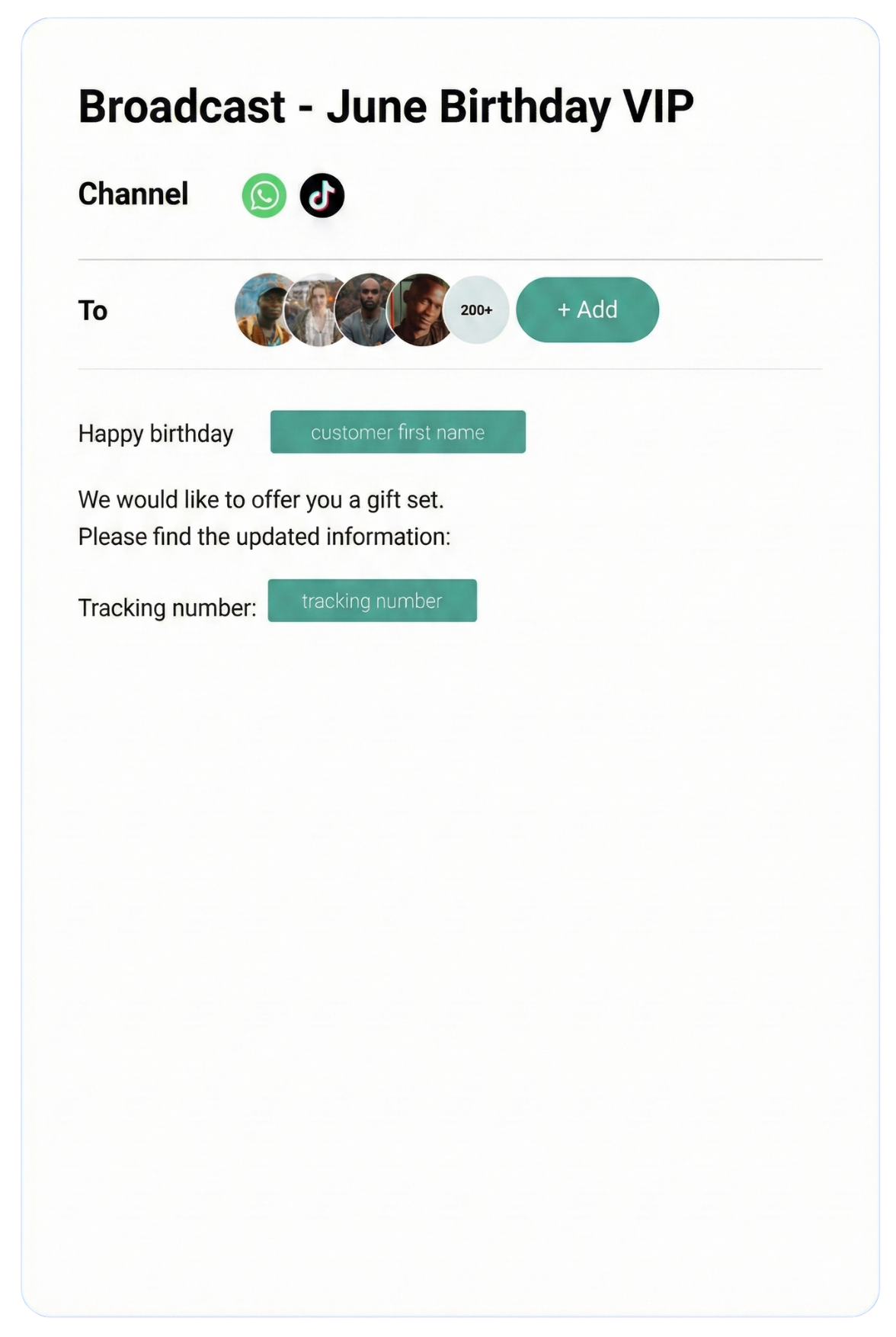
Expand your reach effortlessly by targeting the right audiences with precision campaigns, helping you attract and convert more prospects.

Learn more

Shop

Showcase your products and services in an engaging storefront, making it simple for customers to browse, discover, and buy.

AI Agent

Respond instantly with intelligent chatbots that qualify leads, answer questions, and guide customers through every step.

App Store

Simplify transactions with seamless payment options, giving customers a fast, secure, and friction-free checkout experience.

Dashboard

Marketing

Expand your reach effortlessly by targeting the right audiences with precision campaigns, helping you attract and convert more prospects.

Learn more

Shop

Showcase your products and services in an engaging storefront, making it simple for customers to browse, discover, and buy.

AI Agent

Respond instantly with intelligent chatbots that qualify leads, answer questions, and guide customers through every step.

App Store

Simplify transactions with seamless payment options, giving customers a fast, secure, and friction-free checkout experience.

Dashboard

Marketing

Expand your reach effortlessly by targeting the right audiences with precision campaigns, helping you attract and convert more prospects.

Learn more

Shop

Showcase your products and services in an engaging storefront, making it simple for customers to browse, discover, and buy.

AI Agent

Respond instantly with intelligent chatbots that qualify leads, answer questions, and guide customers through every step.

App Store

Simplify transactions with seamless payment options, giving customers a fast, secure, and friction-free checkout experience.

Dashboard

to keeping customers and managing your growth

to keeping customers and managing your growth

Inbox

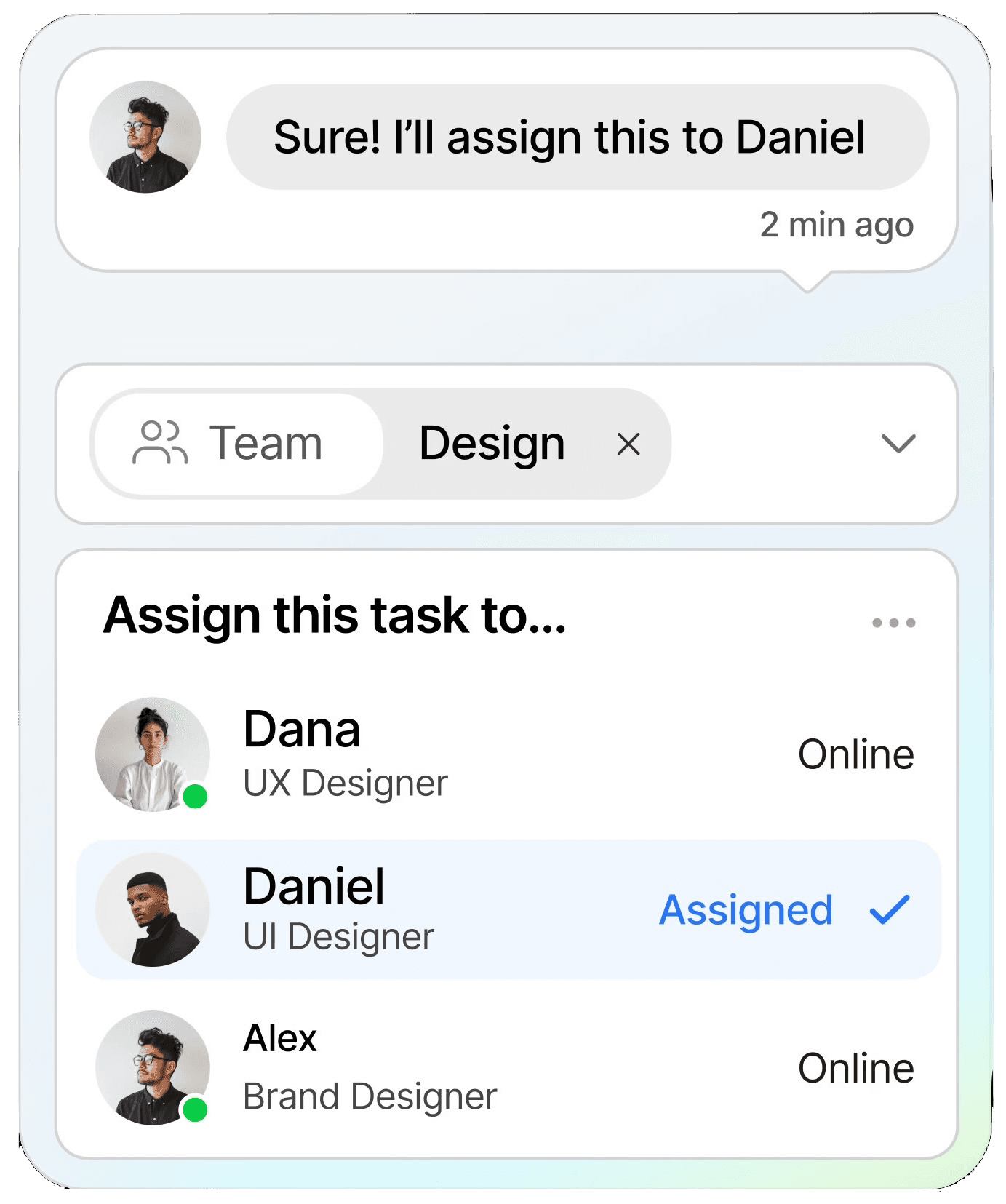
Manage all conversations in one shared inbox, ensuring clear communication and faster resolutions across your entire team.

Learn more

Notifications

Keep customers informed in real time with instant notifications, helping you stay connected and responsive at scale.

CRM

Organize customer data into a single view, making it easy to track interactions, nurture relationships, and boost retention.

Automation

Streamline repetitive tasks with intelligent automation, saving time and scaling your workflows without extra resources.

Dashboard

Inbox

Manage all conversations in one shared inbox, ensuring clear communication and faster resolutions across your entire team.

Learn more

Notifications

Keep customers informed in real time with instant notifications, helping you stay connected and responsive at scale.

CRM

Organize customer data into a single view, making it easy to track interactions, nurture relationships, and boost retention.

Automation

Streamline repetitive tasks with intelligent automation, saving time and scaling your workflows without extra resources.

Dashboard

Inbox

Manage all conversations in one shared inbox, ensuring clear communication and faster resolutions across your entire team.

Learn more

Notifications

Keep customers informed in real time with instant notifications, helping you stay connected and responsive at scale.

CRM

Organize customer data into a single view, making it easy to track interactions, nurture relationships, and boost retention.

Automation

Streamline repetitive tasks with intelligent automation, saving time and scaling your workflows without extra resources.

Dashboard

Testmonial

Trusted by businesses

Real results—from startups to enterprises—showing that smarter automation not only pays for itself but drives lasting growth.

WhatsApp Business Calling

Answer WhatsApp Calls
Right in Your Browser

Customer calls ring on screen in ChatDaddy, and any teammate picks up without a phone.

Nervous about the first call? Practise in the free sandbox →

InboxAll chatsWhatsApp Business
TW
Tan Wei MingCan I collect tomorrow?
10:02
PN
Priya NairThanks, received the invoice
09:48
AF
Ahmad FarisDo you deliver to Johor?
09:31
NA
Nurul AinaWhatsApp · Incoming call
Ringing · 0:02 Ringing · 0:06 Ringing · 0:12 Still on screen Connected · 0:00
DeclineAnswer
On callSales LineWhatsApp call
NA
Nurul Aina+60 12-345 6789
01:5802:0402:14
Browser autoplayBlocked
Caller audioAudible
Nurul AinaHung up
MuteSpeakerEnd
Call ended · 02:14 Nurul Aina hung up. Your call screen closed. ✓ Back to the Inbox
NA
Nurul Aina📞 WhatsApp call · 02:14
10:16
TW
Tan Wei MingCan I collect tomorrow?
10:02
Call endedNurul Aina · 02:14Completed
How was this WhatsApp call?✕
★★★★★
Very happy
Tell us how we can improve...
Submit
✓ Sent to the calling team
No card after a call that failed, was cut off early or never connected.

Three Call Problems,
All Three Fixed

The moments that used to break a WhatsApp call now behave the way you expect.

The Customer Hangs Up

Your call screen closes instead of running on.

The Browser Blocks Autoplay

You still hear the caller when audio can't start on its own.

A Call Rings Past Ten Seconds

The incoming call stays on screen for its whole life.

One Call, From Ring to Rating

Scroll through a single WhatsApp call, the way your team sees it.

01 · Ring

It Rings Right in the Dashboard

Incoming WhatsApp calls show up on screen and stay there for the whole ring.

02 · Answer

Any Teammate Picks Up

Whoever is free answers from the browser, and hears the caller even when autoplay is blocked.

03 · Hang Up

When They Hang Up, It Ends

The moment the customer hangs up, your call screen closes instead of running on.

04 · Rate

Tell Us How It Sounded

A short card appears after a real call ends. Ratings and notes go straight to our calling team.

Take your first call →

Pick Up Your Next WhatsApp Call in ChatDaddy

Start free, or book a demo and see calling live.

Every Call on One Calm Page

Channel tabs, filters, statistics and the call table, in one region that scrolls together.

1

A Lighter Sidebar

Soft grey nav with a tinted active row and hairline separators.

2

A Page With an Edge

Each page sits on a floating card inside the shell.

3

A Table You Can Read

Everything under the channel tabs scrolls as one, so short windows still fit.

Practise Calling Before It Counts

The WhatsApp testing sandbox looks and feels like your Inbox. Try calling in a realistic chat first.

  • Nothing is sent
  • No channel is created
  • No credits are used
  • Buttons, lists and calling to try

Read the sandbox guide →

Questions

Do my teammates need a phone to answer calls?
No. Incoming WhatsApp calls ring on screen in the ChatDaddy dashboard, and teammates answer from the browser.
What if the browser blocks audio?
You still hear the caller. The caller is audible even when the browser blocks audio from starting on its own.
Can we try calling before going live?
Yes. The WhatsApp testing sandbox looks and feels like your Inbox. You can try buttons, lists and calling in a realistic chat. Nothing is sent, no channel is created and no credits are used.
How do we report a bad call?
A short rating card appears once a real call has ended, never mid-conversation. It stays quiet for a call that failed, was cut off early or never connected. Ratings and notes go straight to the team that works on calling.
Where can we see all our calls?
On the Calls page. It has channel tabs, filters, call statistics and a call table, and everything under the channel tabs scrolls as one region so the table keeps a readable height. Call logs guide.

Let Customers Call.
Answer From Any Tab.

Connect WhatsApp to ChatDaddy and take calls in the browser.

Want to practise first? Try the sandbox · See pricing