






ChatDaddy

ChatDaddy

ChatDaddy

Your AI-Powered Messaging Platform

Your AI-Powered Messaging Platform

Streamline conversations across WhatsApp, Instagram, Facebook Messenger, TikTok, SMS, Email, and more — all in one intelligent platform built to grow your business.


Managing 10M+ daily messages for 23.5K+ businesses

Why ChatDaddy?

Built for the full customer journey

From fast-moving startups to structured enterprises, ChatDaddy adapts to your team’s real-world workflows, not the other way around.

Your Growth Partner

We measure our success by yours. From onboarding to scaling, our team is here to help you unlock the full value of ChatDaddy.

One platform for the entire customer journey

From first touch to repeat purchase, ChatDaddy brings marketing, sales, and support into a single, streamlined workspace.

Scalable, flexible, and easy to use

Get started quickly, integrate with your favorite tools, and scale without adding complexity.

Proven Messaging Automation

With millions of conversations managed daily, we’ve built a platform that simplifies complexity so your team can focus on growth.

Key Features

Build Around Your Growth

From attracting new prospects to retaining loyal customers, ChatDaddy equips your team with everything you need to grow — in one seamless platform.

Prospect Discovery

Prospect Discovery

Prospect Discovery

From getting customers to converting leads…

Marketing

Expand your reach effortlessly by targeting the right audiences with precision campaigns, helping you attract and convert more prospects.

Learn more

Shop

Showcase your products and services in an engaging storefront, making it simple for customers to browse, discover, and buy.

AI Agent

Respond instantly with intelligent chatbots that qualify leads, answer questions, and guide customers through every step.

App Store

Simplify transactions with seamless payment options, giving customers a fast, secure, and friction-free checkout experience.

Dashboard

Marketing

Expand your reach effortlessly by targeting the right audiences with precision campaigns, helping you attract and convert more prospects.

Learn more

Shop

Showcase your products and services in an engaging storefront, making it simple for customers to browse, discover, and buy.

AI Agent

Respond instantly with intelligent chatbots that qualify leads, answer questions, and guide customers through every step.

App Store

Simplify transactions with seamless payment options, giving customers a fast, secure, and friction-free checkout experience.

Dashboard

Marketing

Expand your reach effortlessly by targeting the right audiences with precision campaigns, helping you attract and convert more prospects.

Learn more

Shop

Showcase your products and services in an engaging storefront, making it simple for customers to browse, discover, and buy.

AI Agent

Respond instantly with intelligent chatbots that qualify leads, answer questions, and guide customers through every step.

App Store

Simplify transactions with seamless payment options, giving customers a fast, secure, and friction-free checkout experience.

Dashboard

to keeping customers and managing your growth

to keeping customers and managing your growth

Inbox

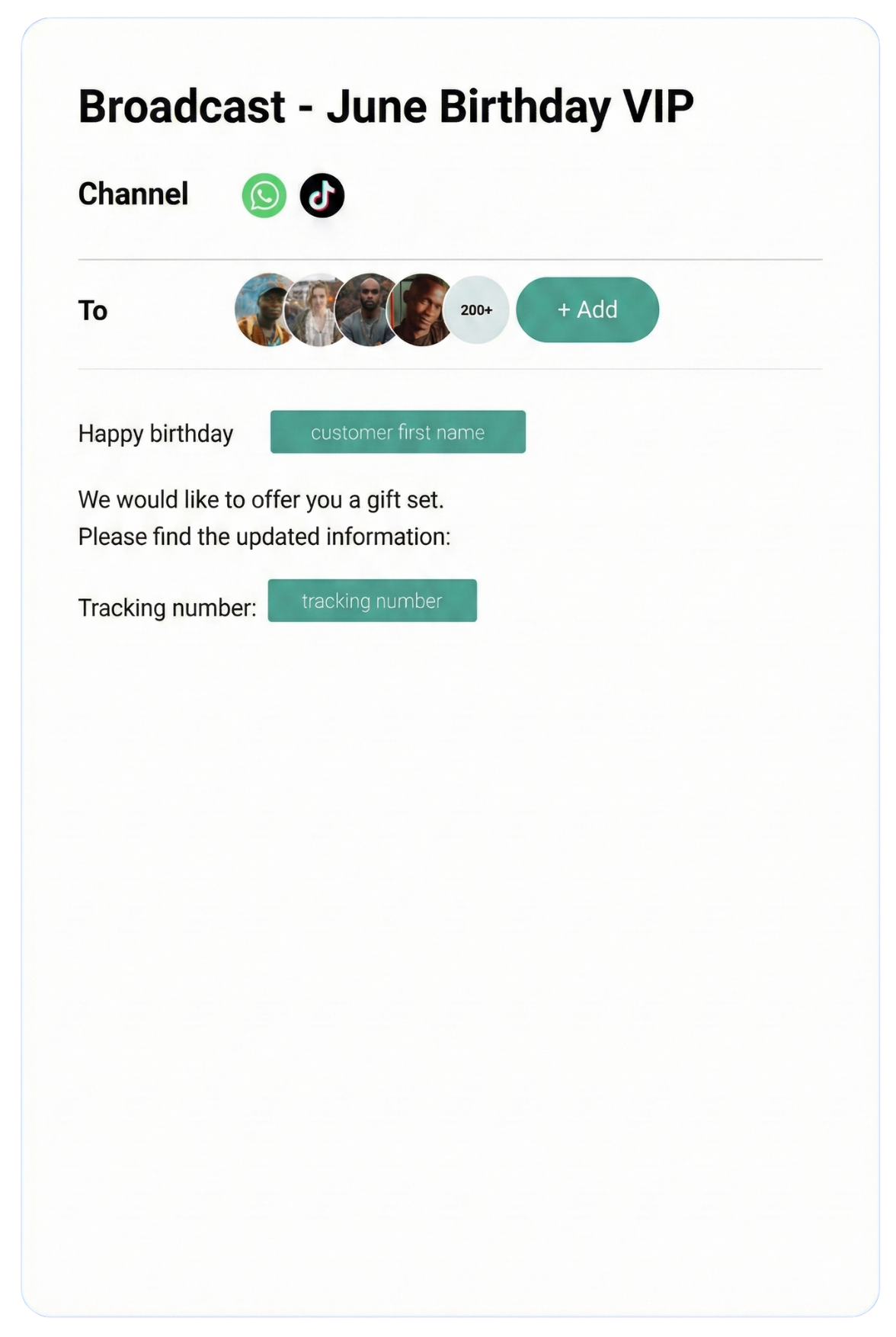
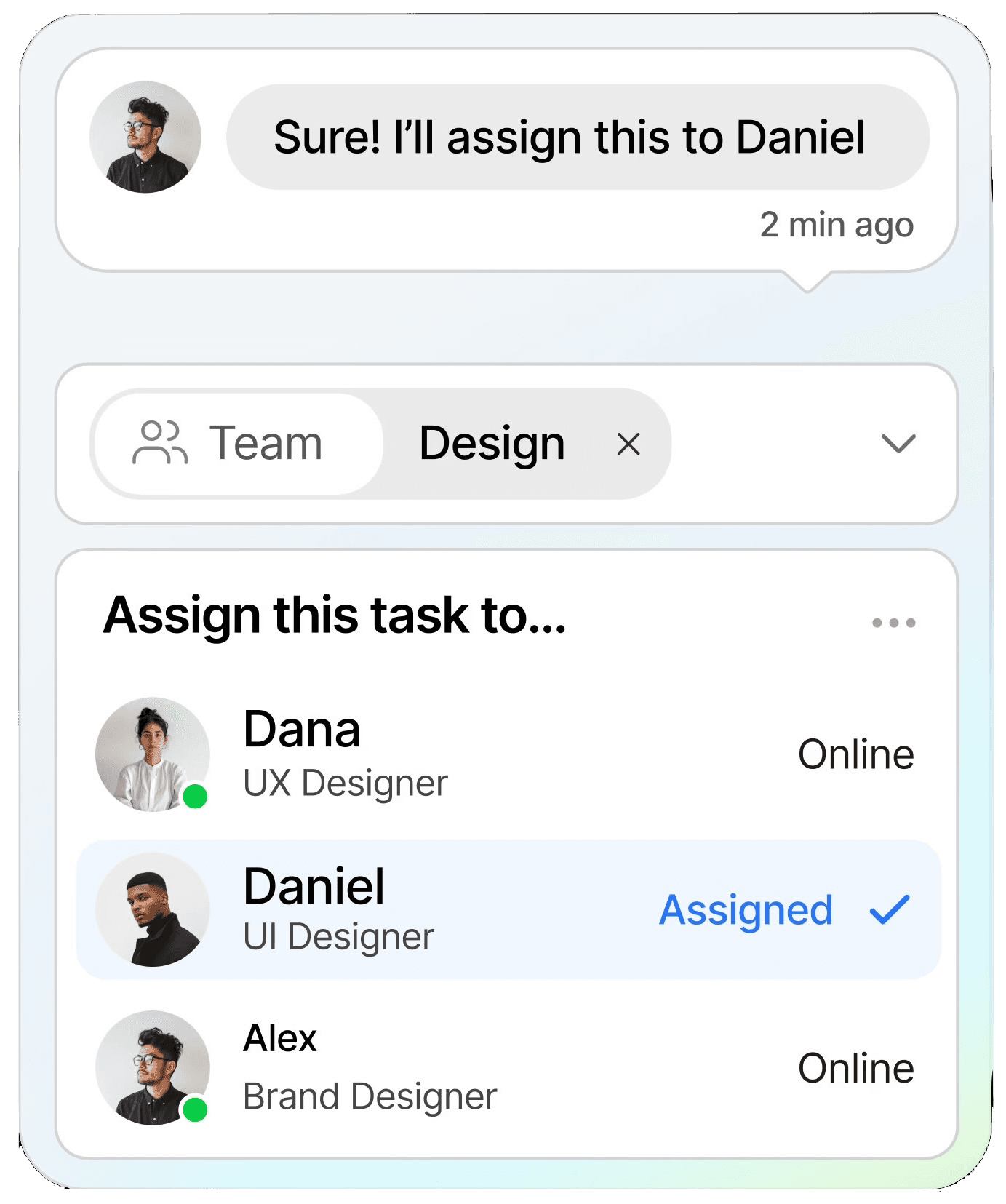
Manage all conversations in one shared inbox, ensuring clear communication and faster resolutions across your entire team.

Learn more

Notifications

Keep customers informed in real time with instant notifications, helping you stay connected and responsive at scale.

CRM

Organize customer data into a single view, making it easy to track interactions, nurture relationships, and boost retention.

Automation

Streamline repetitive tasks with intelligent automation, saving time and scaling your workflows without extra resources.

Dashboard

Inbox

Manage all conversations in one shared inbox, ensuring clear communication and faster resolutions across your entire team.

Learn more

Notifications

Keep customers informed in real time with instant notifications, helping you stay connected and responsive at scale.

CRM

Organize customer data into a single view, making it easy to track interactions, nurture relationships, and boost retention.

Automation

Streamline repetitive tasks with intelligent automation, saving time and scaling your workflows without extra resources.

Dashboard

Inbox

Manage all conversations in one shared inbox, ensuring clear communication and faster resolutions across your entire team.

Learn more

Notifications

Keep customers informed in real time with instant notifications, helping you stay connected and responsive at scale.

CRM

Organize customer data into a single view, making it easy to track interactions, nurture relationships, and boost retention.

Automation

Streamline repetitive tasks with intelligent automation, saving time and scaling your workflows without extra resources.

Dashboard

Testmonial

Trusted by businesses

Real results—from startups to enterprises—showing that smarter automation not only pays for itself but drives lasting growth.

ChatDaddy MCP

Run WhatsApp in
Claude Code

Message customers, tag contacts, launch campaigns and log CRM tickets, just by asking. You approve every step.

1 · Paste in your terminal
claude mcp add chatdaddy -s user \
  --env CHATDADDY_API_KEY=apit_your_token \
  -- npx -y @chatdaddytech/mcp-server

Swap in your API token, restart Claude Code and type /mcp. You should see chatdaddy · connected.

Opens Claude Code on your computer with the prompt ready. Press Enter to run it.

chatdaddy · connected50 tools
>
⏺ chatdaddy · search_contacts ("Priya Tan")
⎿ 1 contact · +65 9123 4567
Allow chatdaddy · send_message?
to +65 9123 4567 · WhatsApp 7
YesNo
⎿ Sent · delivered ✓✓
Done. Priya has her update.
>
⏺ chatdaddy · search_contacts (tag: vip)
⎿ 128 contacts
⏺ chatdaddy · list_bots
⎿ found October Promo
Allow chatdaddy · create_campaign?
128 recipients · tomorrow 10:00 · 5s apart
YesNo
Scheduled for 128 VIPs.
>
⏺ chatdaddy · search_contacts ("Jane")
⎿ Jane Doe · +65 9876 5432
⏺ chatdaddy · list_crm_boards
Allow chatdaddy · create_ticket?
"Refund request" · Support board
YesNo
⎿ Ticket created · tag refund
Logged for your support team.
50 ChatDaddy actions✓ You approve every stepFree & open source (MIT)Built for Claude Code

Build Anything in ChatDaddy
with Claude

Pick a prompt and hit Try in Claude Code, or describe any job yourself.

ChatDaddy Send 'Your order has shipped 🚚' to Priya Tan from my main WhatsApp channel.

ChatDaddy Summarise my unread WhatsApp chats and draft a reply for anything urgent. Do not send anything yet.

ChatDaddy Retry every WhatsApp message that failed today, 5 seconds apart.

ChatDaddy Send our price list PDF to everyone who asked about pricing today: https://example.com/price-list.pdf

ChatDaddy Send the order_update template to Priya Tan on my WhatsApp Business API channel.

ChatDaddy Find everyone who asked about pricing this week and tag them hot-lead.

ChatDaddy Add these contacts and tag them webinar-oct: Alex Lim +60 12 345 6789, Nur Syafiqah +60 13 222 3344, Ken Wong +65 8123 4567.

ChatDaddy Show how many contacts each tag has, then suggest which unused tags to delete. Ask me before deleting any.

ChatDaddy Send the October Promo bot to everyone tagged vip tomorrow at 10am, 5 seconds apart.

ChatDaddy List my campaigns from the last 7 days and tell me which are still running. Stop any I say to.

ChatDaddy When someone sends 'price', reply with the Pricing bot.

ChatDaddy Turn on the Holiday bot as my offline auto-reply.

ChatDaddy Create a bot called Welcome that greets new customers, asks what they need, and offers Sales or Support.

ChatDaddy Fire the Feedback bot for everyone tagged delivered-this-week.

ChatDaddy Open a Refund ticket for Jane on the Support board and tag her refund.

ChatDaddy List open tickets on my Sales board that have not been updated in 3 days.

ChatDaddy Connect a new WhatsApp number to ChatDaddy.

ChatDaddy Send every new WhatsApp message to my webhook at https://example.com/webhook.

ChatDaddy What ChatDaddy plan am I on? Quote what Pro would cost per month, but do not upgrade anything.

Try in Claude Code opens Claude Code on your computer with the prompt typed in. Nothing runs until you press Enter. New here? Set up ChatDaddy MCP in 3 steps

Every ChatDaddy Action,
Inside Claude Code

50 tools. Claude picks the right ones for each request.

Messages & files

10
send_messagesend_mediaget_messagessearch_messagesforward_messageedit_messagedelete_messagebulk_message_actionlist_templatesupload_file

Contacts, chats & tags

10
search_contactsupsert_contactsupdate_contactlist_chatsupdate_chatlist_tagscreate_tagupdate_tagdelete_tagtag_usage

Campaigns

4
list_campaignscreate_campaignstart_campaignstop_campaign

Bots & auto-replies

13
list_botsget_botcreate_botupdate_botdelete_botfire_botbulk_fire_botlist_bot_fire_recordslist_keyword_repliescreate_keyword_replystop_keyword_replyget_offline_botset_offline_bot

CRM

5
list_crm_boardslist_ticketscreate_ticketupdate_ticketdelete_ticket

Channels, webhooks & plan

8
list_accountsconnect_channellist_subscriptionscreate_subscriptionupdate_subscriptiondelete_subscriptionget_planupgrade_plan

Start in 3 Steps

No code. About two minutes.

1

Create an API token

In ChatDaddy, open Developer → API Tokens and create one. It starts with apit_.

2

Add ChatDaddy to Claude Code

Paste the command in your terminal, with your token in place of apit_your_token.

3

Ask Claude

Restart Claude Code, then try “list my ChatDaddy channels”. Claude asks before every send or change.

Full guide →

No WhatsApp connected yet? Run npx @chatdaddytech/mcp-server connect and scan the QR.

Safe by Design

50ChatDaddy actions
1sentence per task
0lines of code
23,500+businesses on ChatDaddy
You approve every action
One token, one team
Revoke access anytime
Open source · MIT

Questions

What is MCP?
An open standard that lets AI apps like Claude use outside tools. ChatDaddy MCP gives Claude 50 ChatDaddy actions.
Which apps does it work with?
Claude Code, for now. Add it with one command in your terminal.
What does “Try in Claude Code” do?
It opens Claude Code in a new terminal window on your computer, signed in as you, with the prompt already typed. Nothing runs until you press Enter. If ChatDaddy MCP isn’t connected yet, the prompt asks Claude Code to help you set it up first. Nothing opening? Send Claude Code one prompt first so it can open links, or copy the command instead.
Do I need to code?
No. Paste one command or config, then type what you want in plain English.
Can Claude send without asking?
No. Claude asks before every send, change or delete, and shows you exactly what will happen.
How much does it cost?
The MCP server is free (MIT). Messages and credits follow your ChatDaddy plan, including the free plan.
Does it work with the WhatsApp Business API?
Yes, on any channel already connected to your team. New WhatsApp Business API, Messenger and Instagram channels are connected once in the dashboard.

Try It on Your
Own Team Today

Start free. Connect Claude in minutes.

View on npm · Setup guide