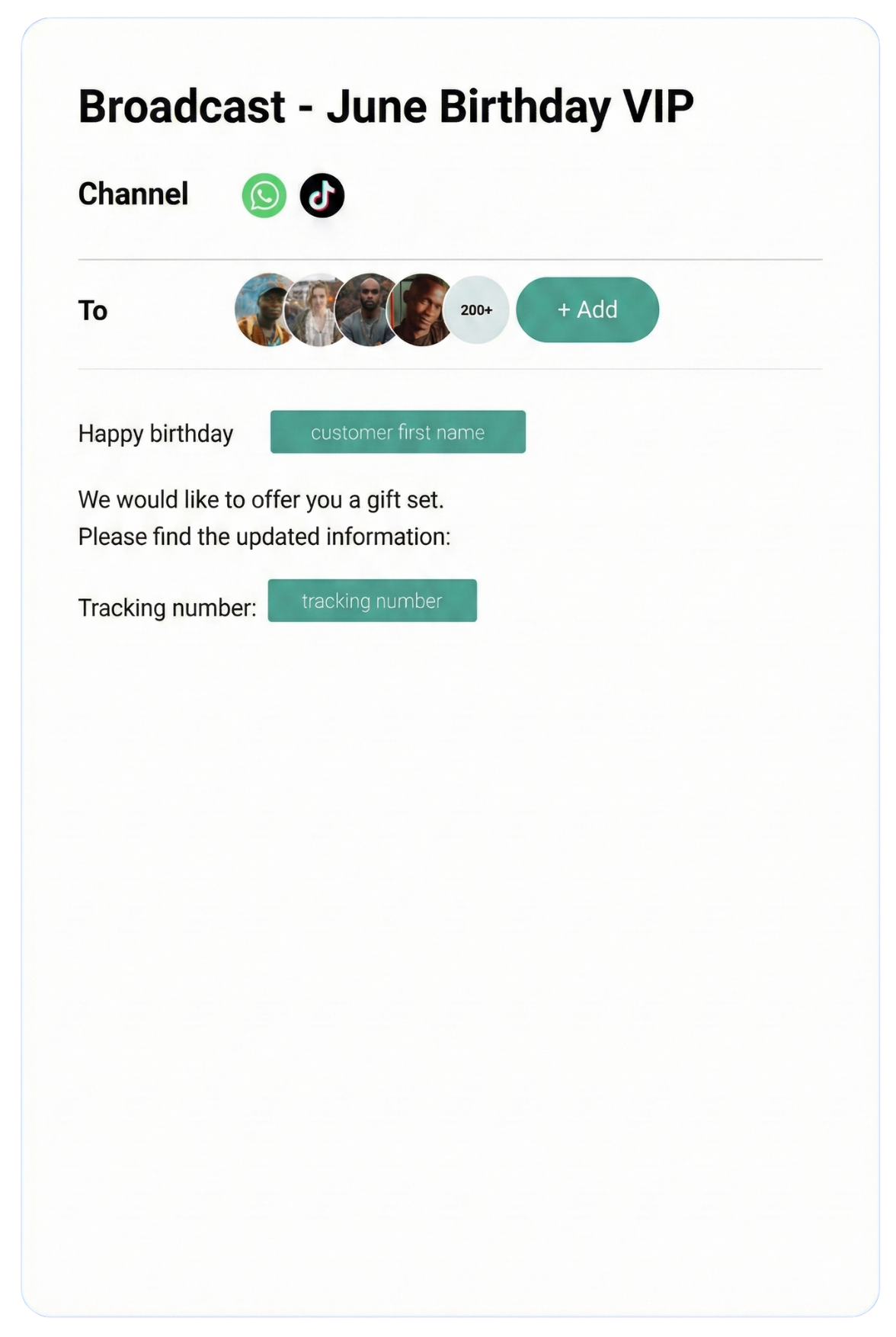
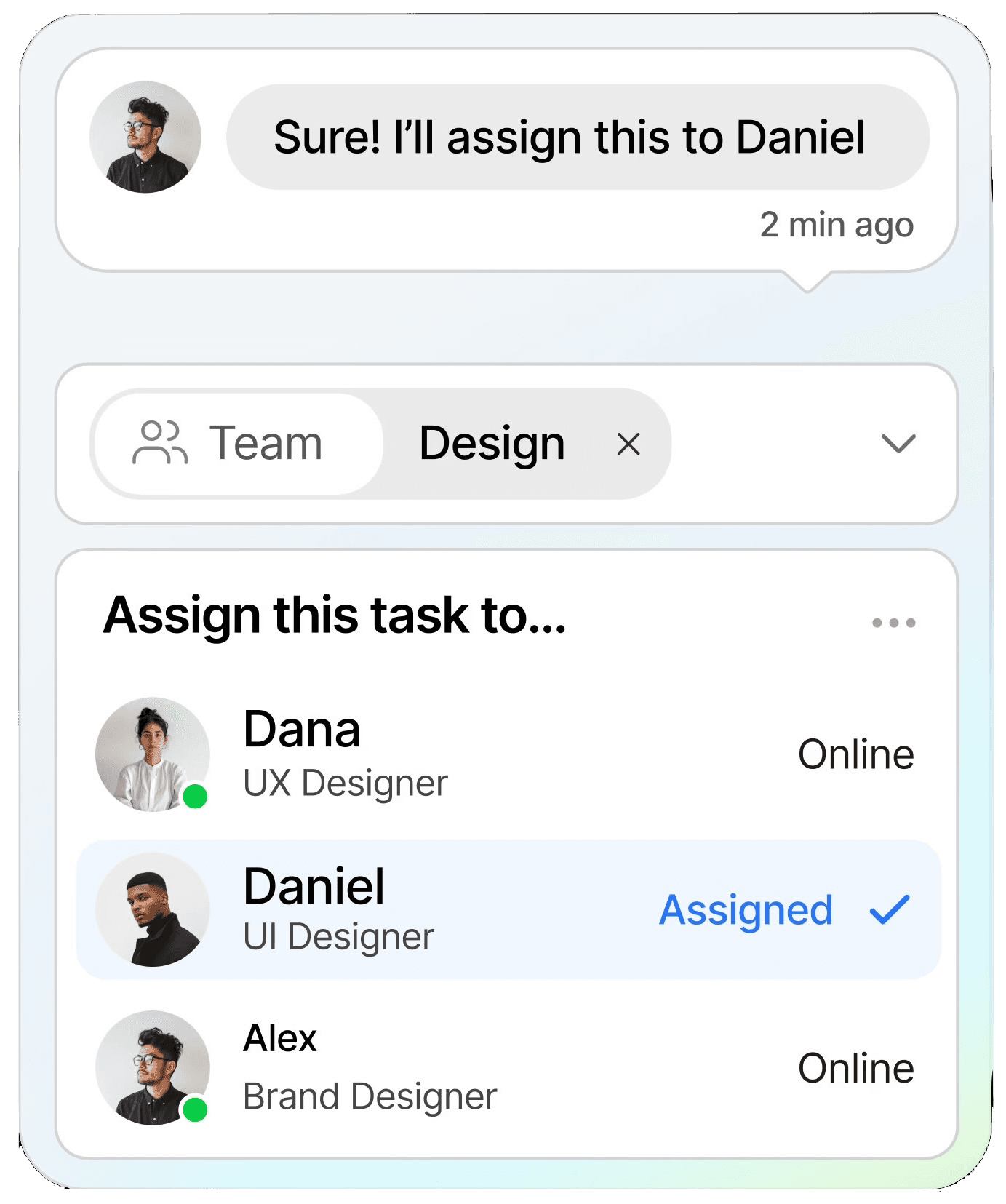
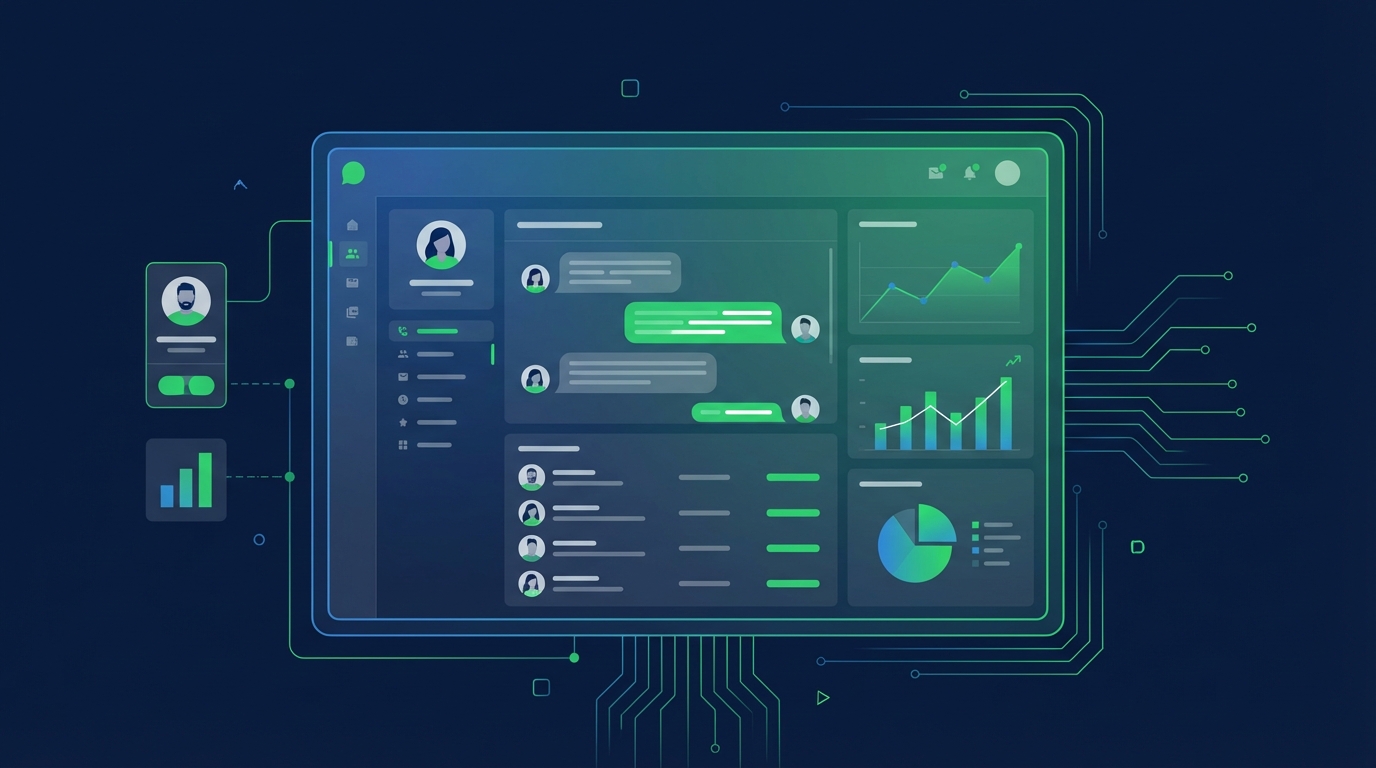
Streamline conversations across WhatsApp, Instagram, Facebook Messenger, TikTok, SMS, Email, and more — all in one intelligent platform built to grow your business.
Keep customers informed in real time with instant notifications, helping you stay connected and responsive at scale.
CRM
Organize customer data into a single view, making it easy to track interactions, nurture relationships, and boost retention.
Automation
Streamline repetitive tasks with intelligent automation, saving time and scaling your workflows without extra resources.
Testmonial
Trusted by businesses
Real results—from startups to enterprises—showing that smarter automation not only pays for itself but drives lasting growth.
Our bot deflection rate with our previous customer service solution was 5–10%. With ChatDaddy, we achieved 65% bot deflection within just one week of going live.
Edward
Gadget Galaxy Store
Self-service and proactive support have helped us reduce inbound conversation volume by 20% over the past two years, even as our user base has continued to grow.
Christian Parker
Contact Lens Easy
ChatDaddy powers our customer communications, delivering conversions, customer engagement, and personalized support. The WhatsApp chatbot is the heart of this strategy.
Geronimo Chala
Fashion Fusion Boutique
We have almost all of our support channels integrated into one system, making it easy for us to manage our support, as well as take a data-driven approach to continuously improving our service.
Ada May
Delicious Bites & More
Our bot deflection rate with our previous customer service solution was 5–10%. With ChatDaddy, we achieved 65% bot deflection within just one week of going live.
Edward
Gadget Galaxy Store
Self-service and proactive support have helped us reduce inbound conversation volume by 20% over the past two years, even as our user base has continued to grow.
Christian Parker
Contact Lens Easy
ChatDaddy powers our customer communications, delivering conversions, customer engagement, and personalized support. The WhatsApp chatbot is the heart of this strategy.
Geronimo Chala
Fashion Fusion Boutique
We have almost all of our support channels integrated into one system, making it easy for us to manage our support, as well as take a data-driven approach to continuously improving our service.
Ada May
Delicious Bites & More
WhatsApp + Zoho Integration: Connect & Automate in 2026
By ChatDaddy TeamMarch 24, 20269 min read
The WhatsApp Zoho integration connects WhatsApp Business with Zoho CRM, Zoho Desk, and the broader Zoho suite. Through ChatDaddy, you can sync contacts bidirectionally, trigger WhatsApp messages from Zoho workflows, log conversations to CRM records, and manage support tickets initiated via WhatsApp.
Zoho offers an all-in-one business suite used by millions of companies worldwide. When you integrate WhatsApp with Zoho through ChatDaddy, your sales team can engage leads on WhatsApp while keeping Zoho CRM as the system of record. Support teams can handle WhatsApp tickets in Zoho Desk. Marketing teams can trigger WhatsApp campaigns from Zoho Campaigns.
Zoho is not just a CRM — it includes Desk, Campaigns, Books, Projects, and more. The WhatsApp integration through ChatDaddy works across the Zoho ecosystem, connecting messaging with sales, support, marketing, and operations.
Affordable All-in-One Solution
Zoho is known for competitive pricing. Combined with ChatDaddy's affordable plans, small and mid-size businesses get a complete WhatsApp-CRM stack without enterprise pricing. Zoho CRM starts free for up to 3 users.
Workflow Automation with Deluge
Zoho's Deluge scripting language lets you build custom automation rules. Trigger WhatsApp messages from complex business logic: if a deal value exceeds $10,000 and the stage is Negotiation, send a VIP WhatsApp message.
Multi-Channel CRM Context
Zoho CRM already tracks email, phone, and social interactions. Adding WhatsApp through ChatDaddy gives your team a true omnichannel view of every customer relationship.
2. What You Can Automate
1. Contact and Lead Sync
New WhatsApp contacts are created as Zoho Leads with phone number, name, and source. When a lead converts in Zoho, the WhatsApp conversation stays linked to the Contact and Deal records.
2. Deal Stage WhatsApp Triggers
Configure Zoho workflows to send WhatsApp messages when deals change stage. Proposal sent triggers a WhatsApp with the proposal link. Closed Won triggers an onboarding welcome message.
3. Zoho Desk Ticket Updates
When a customer messages on WhatsApp, create a Zoho Desk ticket automatically. When the ticket is resolved, send a WhatsApp notification with a satisfaction survey.
4. Campaign Follow-Ups
After a Zoho Campaigns email blast, send a WhatsApp follow-up to non-openers. The combination of email and WhatsApp reaches contacts across multiple channels.
5. Invoice and Payment Reminders
When a Zoho Books invoice is overdue, trigger a WhatsApp payment reminder with the invoice amount and a payment link. WhatsApp reminders have significantly higher response rates than email.
6. Activity Logging
Every WhatsApp message is logged as a Zoho CRM Activity, giving managers full visibility into team communication and enabling reporting on WhatsApp engagement metrics.
Automated WhatsApp workflow connected with Zoho through ChatDaddy
3. Step-by-Step Setup Guide Using ChatDaddy
Step 1: Create Your ChatDaddy Account
Sign up at app.chatdaddy.tech and connect your WhatsApp Business API number.
Step 2: Navigate to ChatDaddy Integrations
In your ChatDaddy dashboard, go to Settings, then Integrations. Find Zoho CRM and click Connect.
Step 3: Authorize Zoho Access
You will be redirected to Zoho to authorize the connection. Grant ChatDaddy permission to access Leads, Contacts, Deals, and Activities in your Zoho org.
Step 4: Configure Sync Settings
Set up field mappings between ChatDaddy and Zoho: phone number, name, tags to custom fields, and conversation logging preferences.
Step 5: Create Zoho Workflows
In Zoho CRM, create workflow rules that trigger the ChatDaddy Send WhatsApp action. Define your trigger criteria and select the WhatsApp template to send.
Step 6: Test and Go Live
Create a test lead in ChatDaddy and verify it appears in Zoho. Trigger a test workflow and confirm the WhatsApp message is delivered correctly.
Configuring the ChatDaddy-Zoho integration
4. Real Workflow Examples
Below are practical workflows that businesses run with the WhatsApp-Zoho integration through ChatDaddy. Each example includes screenshot placeholders showing the actual configuration.
A real workflow combining WhatsApp messaging with Zoho data
5. Comparison: Native vs Zapier vs API Integration
Method
Option A
Option B
Custom API
Setup Time
15 minutes
30 minutes (via Zapier)
Days
Technical Skill
Zoho Admin
None
Developer
Bidirectional Sync
Yes
Limited
Yes
Zoho Desk Support
Yes
No
Custom
Cost
ChatDaddy plan
Zapier + ChatDaddy
Dev cost
Best For
Zoho-centric teams
Multi-app workflows
Custom enterprise
For teams already using the Zoho suite, the native ChatDaddy integration provides the deepest functionality. Zapier is useful when you need to connect Zoho and WhatsApp with additional third-party apps.
Connect WhatsApp + Zoho Today
Automate WhatsApp messaging with Zoho using ChatDaddy. Set up in minutes. Start free.
Can I sync WhatsApp contacts with Zoho CRM automatically?
Yes. New WhatsApp contacts are automatically created as Zoho Leads with phone number, name, and source tag. The sync works bidirectionally — Zoho contact updates also sync to ChatDaddy.
Does the integration work with Zoho Desk?
Yes. WhatsApp messages can create Zoho Desk tickets automatically. Ticket status updates can trigger WhatsApp notifications to the customer. Support agents see the full WhatsApp conversation in the ticket.
Can I trigger WhatsApp messages from Zoho workflow rules?
Yes. The ChatDaddy integration adds a Send WhatsApp Message action to Zoho's workflow automation. You can trigger it from any workflow criteria including deal stage changes, lead assignment, and custom conditions.
What Zoho editions support this integration?
The integration works with Zoho CRM Free, Standard, Professional, and Enterprise editions. Some workflow features require Professional edition or above.
Can I send Zoho Books invoices via WhatsApp?
Yes. When an invoice is created or becomes overdue in Zoho Books, trigger a WhatsApp message with the invoice details and a payment link through ChatDaddy.