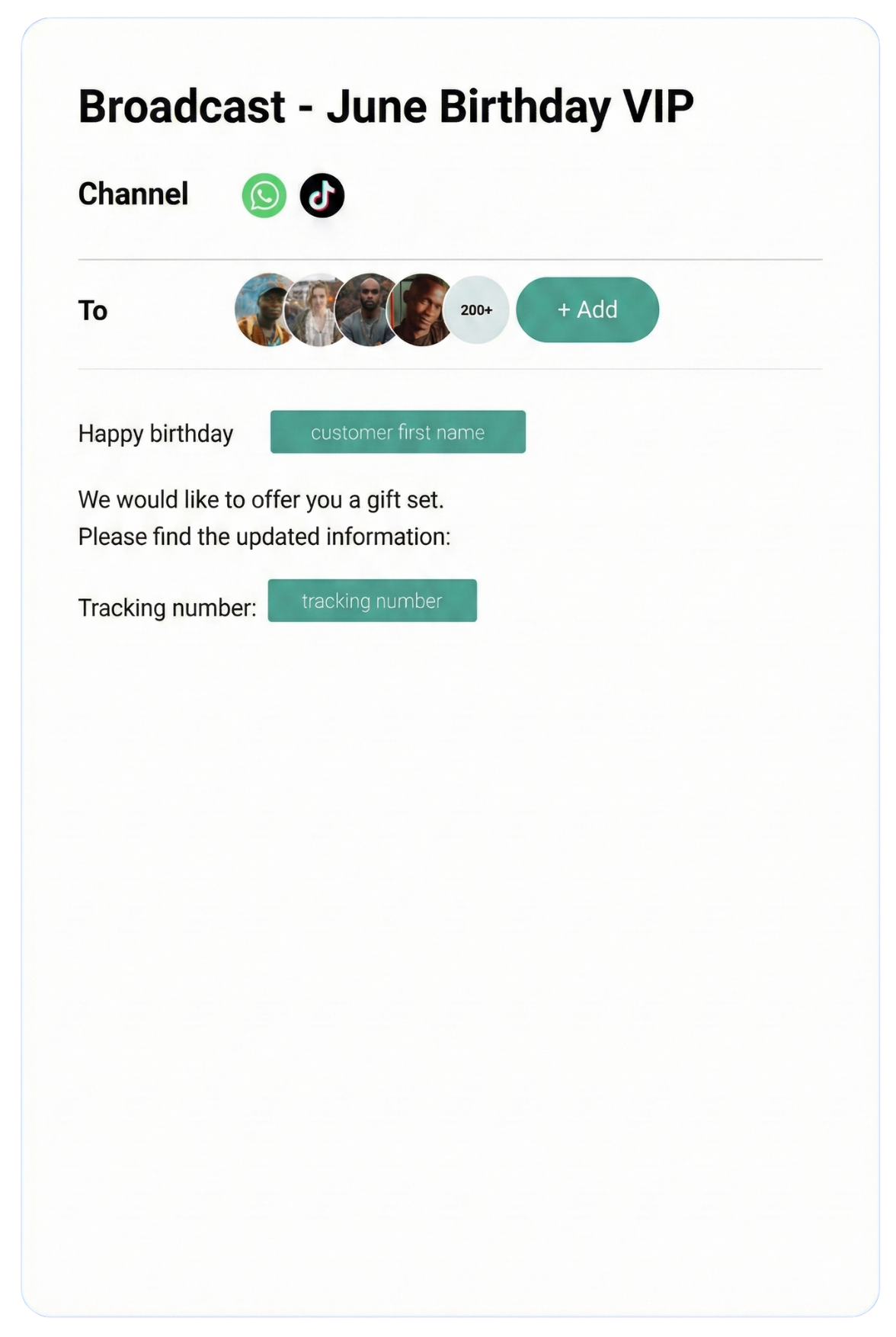
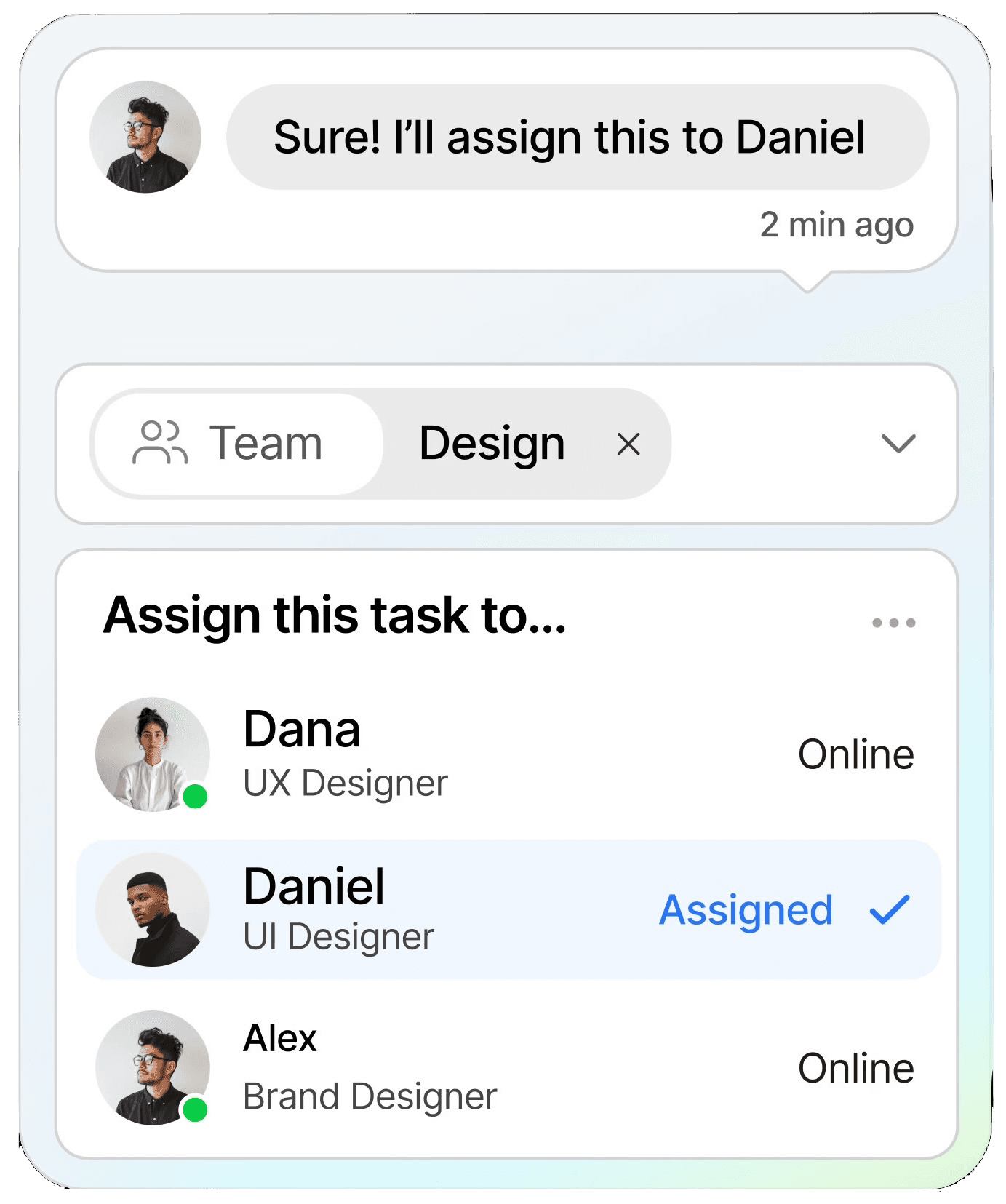
Streamline conversations across WhatsApp, Instagram, Facebook Messenger, TikTok, SMS, Email, and more — all in one intelligent platform built to grow your business.
Keep customers informed in real time with instant notifications, helping you stay connected and responsive at scale.
CRM
Organize customer data into a single view, making it easy to track interactions, nurture relationships, and boost retention.
Automation
Streamline repetitive tasks with intelligent automation, saving time and scaling your workflows without extra resources.
Testmonial
Trusted by businesses
Real results—from startups to enterprises—showing that smarter automation not only pays for itself but drives lasting growth.
Our bot deflection rate with our previous customer service solution was 5–10%. With ChatDaddy, we achieved 65% bot deflection within just one week of going live.
Edward
Gadget Galaxy Store
Self-service and proactive support have helped us reduce inbound conversation volume by 20% over the past two years, even as our user base has continued to grow.
Christian Parker
Contact Lens Easy
ChatDaddy powers our customer communications, delivering conversions, customer engagement, and personalized support. The WhatsApp chatbot is the heart of this strategy.
Geronimo Chala
Fashion Fusion Boutique
We have almost all of our support channels integrated into one system, making it easy for us to manage our support, as well as take a data-driven approach to continuously improving our service.
Ada May
Delicious Bites & More
Our bot deflection rate with our previous customer service solution was 5–10%. With ChatDaddy, we achieved 65% bot deflection within just one week of going live.
Edward
Gadget Galaxy Store
Self-service and proactive support have helped us reduce inbound conversation volume by 20% over the past two years, even as our user base has continued to grow.
Christian Parker
Contact Lens Easy
ChatDaddy powers our customer communications, delivering conversions, customer engagement, and personalized support. The WhatsApp chatbot is the heart of this strategy.
Geronimo Chala
Fashion Fusion Boutique
We have almost all of our support channels integrated into one system, making it easy for us to manage our support, as well as take a data-driven approach to continuously improving our service.
Ada May
Delicious Bites & More
WhatsApp + Slack Integration: Connect & Automate in 2026
By ChatDaddy TeamMarch 24, 20269 min read
The WhatsApp Slack integration sends real-time WhatsApp message notifications to Slack channels, enabling your team to monitor customer conversations, escalate urgent issues, and coordinate responses without leaving Slack. ChatDaddy bridges both platforms so your internal collaboration and customer communication stay connected.
Slack is where your team works. WhatsApp is where your customers message. The disconnect between the two means customer messages get lost, response times suffer, and urgent issues go unnoticed. By connecting WhatsApp to Slack through ChatDaddy, every important customer interaction surfaces where your team already lives.
When a high-priority WhatsApp message comes in — a VIP customer, an angry complaint, or a keyword like 'cancel' — your team gets an instant Slack notification. Response time drops from hours to minutes.
Team Coordination
Slack threads let your team discuss how to handle a WhatsApp conversation before responding. Sales can loop in product experts. Support can escalate to engineering. All the coordination happens in Slack while the customer waits on WhatsApp.
Channel-Based Routing
Route WhatsApp notifications to specific Slack channels based on criteria: sales leads to #sales-leads, support issues to #support-urgent, order questions to #orders. Each team sees only what is relevant to them.
No Context Switching
Your team does not need to constantly check the ChatDaddy dashboard. Slack notifications bring WhatsApp conversations to them, and they can click through to ChatDaddy to respond when needed.
2. What You Can Automate
1. New Conversation Alerts
When a new WhatsApp conversation starts, post a notification to the relevant Slack channel with the customer's name, phone number, and first message. Include a link to open the conversation in ChatDaddy.
2. Keyword-Based Escalation
When a WhatsApp message contains urgent keywords (cancel, refund, complaint, legal), immediately post to a dedicated Slack escalation channel and mention the responsible team member.
3. Daily Conversation Summaries
At the end of each day, post a summary to Slack: total WhatsApp conversations, average response time, unresolved conversations, and top customer issues.
4. Lead Notification to Sales
When ChatDaddy's chatbot qualifies a lead on WhatsApp (budget confirmed, timeline identified), post the lead details to #sales-leads in Slack so the team can claim and follow up.
5. Assignment Notifications
When a WhatsApp conversation is assigned to an agent in ChatDaddy, notify them in Slack with a direct link to the conversation.
6. CSAT Alert for Low Scores
When a customer gives a low satisfaction score via WhatsApp survey, post an alert to #customer-success in Slack with the conversation history link.
Automated WhatsApp workflow connected with Slack through ChatDaddy
3. Step-by-Step Setup Guide Using ChatDaddy
Step 1: Create Your ChatDaddy Account
Sign up at app.chatdaddy.tech and connect your WhatsApp Business API number.
Step 2: Create a Slack App or Use Zapier
Option A: In Zapier, create a Zap with ChatDaddy trigger and Slack action. Option B: Use ChatDaddy's webhook to post directly to a Slack incoming webhook URL.
Step 3: Configure Slack Channel Routing
Choose which Slack channels receive which types of WhatsApp notifications. Create separate Zaps or webhook routes for different message categories.
Step 4: Customize Notification Format
Format your Slack messages to include customer name, phone number, message preview, conversation tags, and a direct link to the ChatDaddy conversation.
Step 5: Add Keyword Filters
Use Zapier filters or ChatDaddy webhook conditions to only notify Slack for messages matching specific criteria (keywords, VIP tags, new conversations).
Step 6: Test and Go Live
Send a test WhatsApp message and verify the Slack notification appears in the correct channel with the right format and link.
Configuring the ChatDaddy-Slack integration
4. Real Workflow Examples
Below are practical workflows that businesses run with the WhatsApp-Slack integration through ChatDaddy. Each example includes screenshot placeholders showing the actual configuration.
A real workflow combining WhatsApp messaging with Slack data
5. Comparison: Native vs Zapier vs API Integration
Method
Option A
Option B
Custom API
Setup Time
10 minutes
15 minutes
Hours
Real-Time
Near real-time
1-15 min delay
Real-time
Channel Routing
Via webhook rules
Via multiple Zaps
Custom
Rich Formatting
Slack Block Kit
Basic text
Custom
Cost
Free (webhook)
Zapier plan
Dev cost
Best For
Direct webhook users
No-code teams
Custom enterprise
For most teams, the Zapier connection is the simplest setup. For higher-volume or lower-latency needs, ChatDaddy's direct webhook to Slack offers real-time notifications without Zapier's delay.
Connect WhatsApp + Slack Today
Automate WhatsApp messaging with Slack using ChatDaddy. Set up in minutes. Start free.
The integration sends WhatsApp notifications to Slack for awareness and coordination. To reply to the customer, click the link in the Slack notification to open the conversation in ChatDaddy's inbox.
Can I route WhatsApp messages to different Slack channels?
Yes. Use multiple Zaps with different filters or configure ChatDaddy webhooks with conditions to route messages to specific Slack channels based on keywords, tags, or contact properties.
Will every WhatsApp message create a Slack notification?
You control the filtering. You can notify on every message, only new conversations, only messages with specific keywords, or only messages from VIP contacts. Avoid notification fatigue by being selective.
Does this work with Slack Connect (external channels)?
Yes. Slack notifications from ChatDaddy can be posted to any Slack channel including Slack Connect channels shared with external partners.
Can I get WhatsApp conversation summaries in Slack?
Yes. Use Make or Zapier's scheduled triggers combined with ChatDaddy's API to generate daily or weekly WhatsApp conversation summaries posted to a Slack channel.