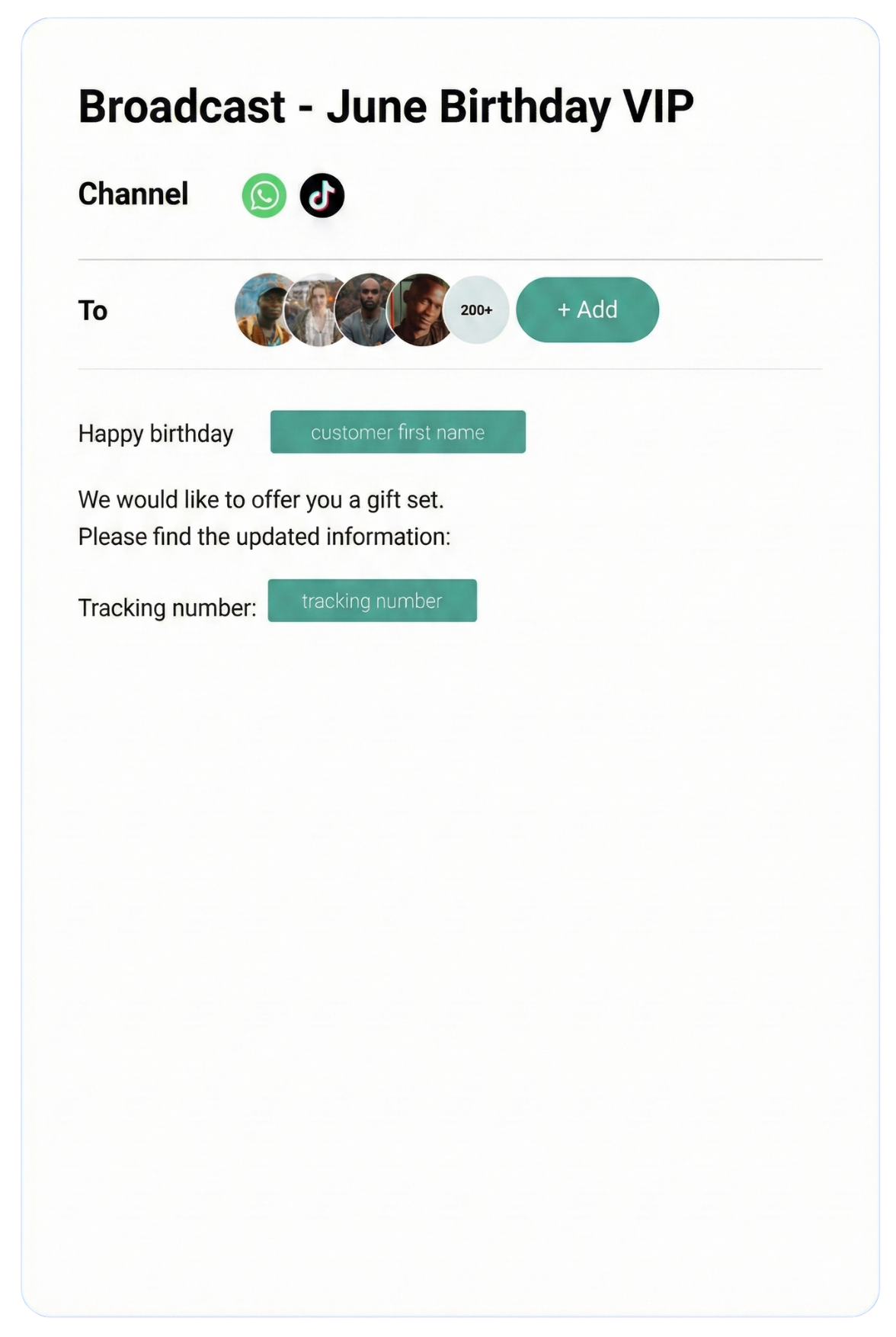
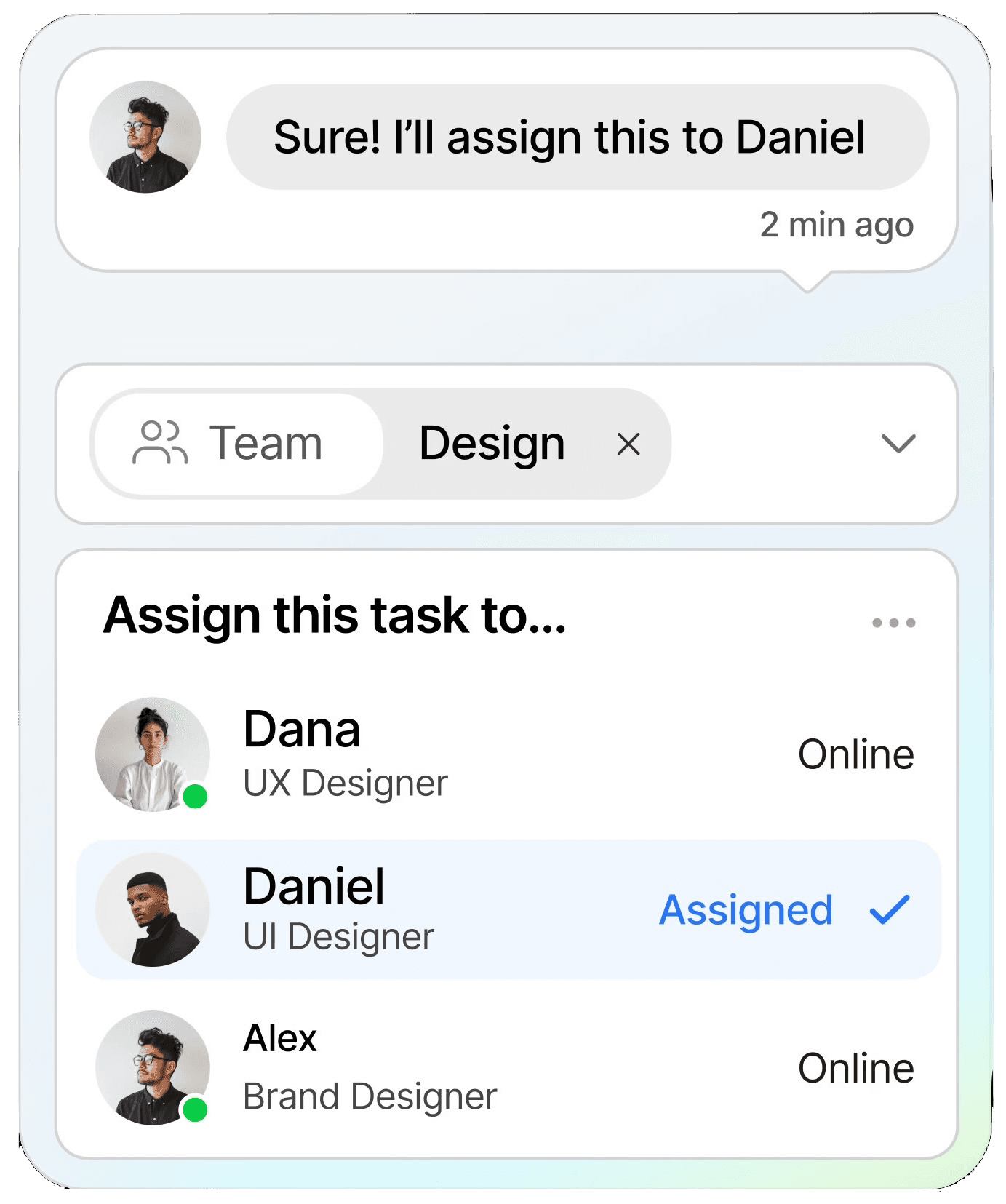
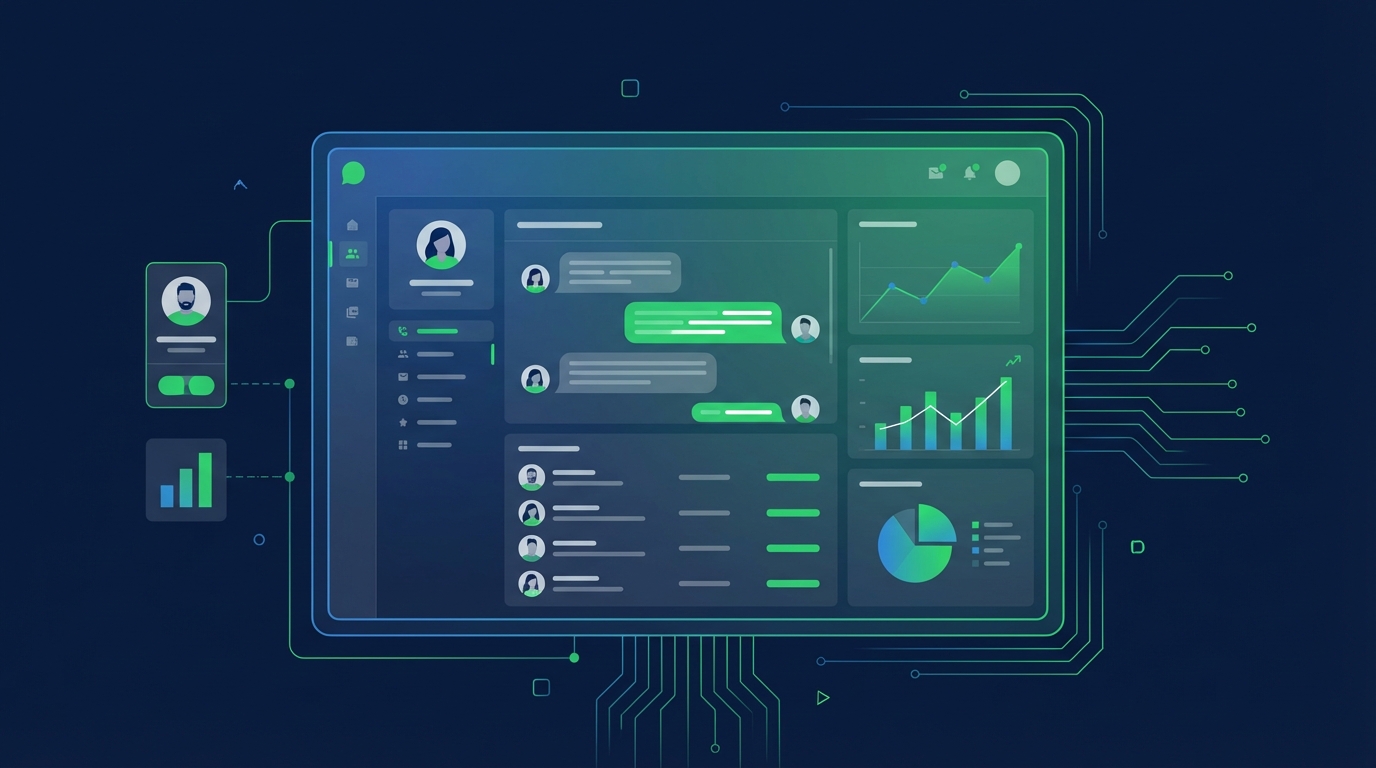
Streamline conversations across WhatsApp, Instagram, Facebook Messenger, TikTok, SMS, Email, and more — all in one intelligent platform built to grow your business.
Keep customers informed in real time with instant notifications, helping you stay connected and responsive at scale.
CRM
Organize customer data into a single view, making it easy to track interactions, nurture relationships, and boost retention.
Automation
Streamline repetitive tasks with intelligent automation, saving time and scaling your workflows without extra resources.
Testmonial
Trusted by businesses
Real results—from startups to enterprises—showing that smarter automation not only pays for itself but drives lasting growth.
Our bot deflection rate with our previous customer service solution was 5–10%. With ChatDaddy, we achieved 65% bot deflection within just one week of going live.
Edward
Gadget Galaxy Store
Self-service and proactive support have helped us reduce inbound conversation volume by 20% over the past two years, even as our user base has continued to grow.
Christian Parker
Contact Lens Easy
ChatDaddy powers our customer communications, delivering conversions, customer engagement, and personalized support. The WhatsApp chatbot is the heart of this strategy.
Geronimo Chala
Fashion Fusion Boutique
We have almost all of our support channels integrated into one system, making it easy for us to manage our support, as well as take a data-driven approach to continuously improving our service.
Ada May
Delicious Bites & More
Our bot deflection rate with our previous customer service solution was 5–10%. With ChatDaddy, we achieved 65% bot deflection within just one week of going live.
Edward
Gadget Galaxy Store
Self-service and proactive support have helped us reduce inbound conversation volume by 20% over the past two years, even as our user base has continued to grow.
Christian Parker
Contact Lens Easy
ChatDaddy powers our customer communications, delivering conversions, customer engagement, and personalized support. The WhatsApp chatbot is the heart of this strategy.
Geronimo Chala
Fashion Fusion Boutique
We have almost all of our support channels integrated into one system, making it easy for us to manage our support, as well as take a data-driven approach to continuously improving our service.
Ada May
Delicious Bites & More
WhatsApp + Salesforce Integration: Connect & Automate in 2026
By ChatDaddy TeamMarch 24, 20269 min read
The WhatsApp Salesforce integration connects your WhatsApp Business API with Salesforce CRM, enabling you to sync leads and contacts, trigger WhatsApp messages from Salesforce flows, log conversations on the contact record, and manage WhatsApp communication directly alongside your existing Salesforce pipeline.
Salesforce powers sales operations for hundreds of thousands of companies worldwide. WhatsApp reaches 3.3 billion users with 95-98% message open rates. Connecting them means your sales team can engage prospects on their preferred channel while keeping Salesforce as the single source of truth for every customer interaction.
This guide covers the benefits, automatable workflows, setup instructions using ChatDaddy, real examples, and a comparison of integration methods.
Without integration, WhatsApp conversations live outside your CRM. Sales reps context-switch between apps, and managers have no visibility into WhatsApp-driven deals. Integration logs every message to the Salesforce contact record so your CRM data stays complete.
Reach Customers Where They Respond
Salesforce email campaigns average 20% open rates. WhatsApp messages deliver 95%+ open rates and average response times under 90 seconds. For high-value enterprise deals, the speed and reliability of WhatsApp outreach can be the difference between winning and losing.
Automate Sales and Support Workflows
Salesforce Process Builder and Flow can trigger WhatsApp messages based on opportunity stage changes, case status updates, or custom criteria. This means your most critical communications happen automatically without reps remembering to send them.
Enterprise-Grade Compliance
Both Salesforce and the WhatsApp Business API are built for enterprise compliance. ChatDaddy's integration maintains audit trails, respects opt-in/opt-out preferences, and ensures that message templates comply with Meta's policies — all visible in Salesforce.
2. What You Can Automate
1. Lead and Contact Sync
New WhatsApp contacts are automatically created as Salesforce Leads with phone number, name, and source attribution. When a lead converts to a Contact in Salesforce, the WhatsApp thread stays linked to the new record.
2. Opportunity Stage Notifications
When an opportunity moves to "Negotiation," send the prospect a WhatsApp message with pricing details. When it moves to "Closed Won," trigger a welcome message. Each stage transition can have a tailored WhatsApp action.
3. Case Management via WhatsApp
Support cases created in Salesforce can trigger WhatsApp updates to the customer. When a case is resolved, the customer receives a WhatsApp notification with a satisfaction survey link. Replies create follow-up activities in Salesforce.
4. Activity Logging
Every WhatsApp message is logged as a Salesforce Activity, giving managers full visibility into sales rep communication. Reports and dashboards can track WhatsApp message volume, response times, and conversion rates.
5. Campaign Member Updates
Add contacts who engage with WhatsApp broadcasts to Salesforce Campaigns. Track which WhatsApp campaigns drive the most pipeline value using Salesforce campaign influence reporting.
6. Automated Appointment Reminders
When a meeting is scheduled on a Salesforce Event, send a WhatsApp reminder 24 hours before and 1 hour before. This reduces no-show rates by up to 40% compared to email reminders alone.
A Salesforce Flow that triggers WhatsApp messages based on opportunity stage changes
3. Step-by-Step Setup Guide Using ChatDaddy
Step 1: Create Your ChatDaddy Account
Sign up at app.chatdaddy.tech and connect your WhatsApp Business API number. ChatDaddy is a Meta Official ISV partner with direct API access.
Step 2: Install the ChatDaddy Salesforce Package
From your ChatDaddy dashboard, navigate to Integrations and select Salesforce. Click Install to add the ChatDaddy managed package to your Salesforce org. This adds custom objects and fields for WhatsApp conversation tracking.
Step 3: Authorize the Connection
Authenticate with your Salesforce credentials using OAuth. Grant ChatDaddy permission to read and write Leads, Contacts, Opportunities, Cases, and Activities.
Step 4: Configure Field Mappings
Map ChatDaddy contact fields to Salesforce fields. Common mappings include:
Phone number to Salesforce Phone field
ChatDaddy tags to Salesforce custom picklist fields
Conversation notes to Salesforce Activity Description
Lead source set to "WhatsApp" for attribution tracking
Step 5: Build Salesforce Flows
Create Salesforce Flows that use the ChatDaddy Send WhatsApp Message action. Define triggers (e.g., opportunity stage change), select the WhatsApp template, and map merge fields from the Salesforce record.
Step 6: Test End-to-End
Send a test message from ChatDaddy and verify it appears in Salesforce. Trigger a test Flow and confirm the WhatsApp message is delivered. Check that Activities are created correctly on the contact record.
Configuring the ChatDaddy-Salesforce integration with field mapping
4. Real Workflow Examples
Enterprise Sales Follow-Up
A prospect downloads a whitepaper and is created as a Salesforce Lead. The assigned sales rep receives an alert. After the rep qualifies the lead and moves the opportunity to "Discovery," a WhatsApp message is triggered: "Hi {FirstName}, thanks for your interest in {Product}. I have prepared a personalized demo for you. Would Thursday at 2 PM work?" The reply is logged in Salesforce, and the rep continues the conversation from ChatDaddy's inbox.
Support Ticket Resolution
A customer WhatsApp message creates a Salesforce Case. The support team resolves it within SLA. A Salesforce Flow triggers a WhatsApp message: "Hi {FirstName}, your support ticket #{CaseNumber} has been resolved. Please reply if you need anything else." The customer's reply creates a follow-up activity for the assigned agent.
Renewal Reminders
60 days before a contract end date, Salesforce triggers a WhatsApp message to the account contact with renewal options. The sales rep monitors replies in ChatDaddy and updates the renewal opportunity in Salesforce as the conversation progresses.
5. Comparison: Native vs Zapier vs API Integration
Method
ChatDaddy Native
Zapier / Make
Custom API
Setup Time
15 minutes
30-60 minutes
Weeks
Technical Skill
Salesforce Admin
Low
Apex Developer
Bidirectional Sync
Yes
Limited
Yes
Activity Logging
Automatic
Manual per Zap
Custom build
Salesforce Flows
Native action
Not supported
Custom action
Cost
Included in plan
$20-50/mo extra
Dev cost
Best For
Most Salesforce orgs
Simple triggers
Complex enterprise
For most Salesforce users, the ChatDaddy native integration provides the deepest functionality with the least effort. Zapier works for simple one-directional triggers. Custom API development is justified only when you have unique Salesforce customizations that require bespoke logic.
Connect WhatsApp + Salesforce Today
ChatDaddy's Salesforce integration syncs leads, logs conversations, and triggers WhatsApp from Flows. Start free.
Can I trigger WhatsApp messages from Salesforce Flows?
Yes. The ChatDaddy managed package adds a Send WhatsApp Message action to Salesforce Flow Builder. You can trigger it from any flow type — record-triggered, scheduled, or autolaunched.
Does WhatsApp conversation history appear in Salesforce?
Yes. Every WhatsApp message is logged as a Salesforce Activity on the Lead, Contact, or Case record. You can view the full conversation thread directly in Salesforce.
Is this integration compatible with Salesforce Lightning?
Yes. The ChatDaddy package is built for Salesforce Lightning Experience and includes Lightning components for viewing WhatsApp conversations within Salesforce record pages.
How does the integration handle duplicate contacts?
The integration uses phone number matching to prevent duplicates. If a WhatsApp contact's phone number matches an existing Salesforce Lead or Contact, the existing record is updated rather than creating a new one.
What Salesforce editions support this integration?
The ChatDaddy integration works with Salesforce Professional, Enterprise, and Unlimited editions. Some Flow features may require Enterprise edition or above.