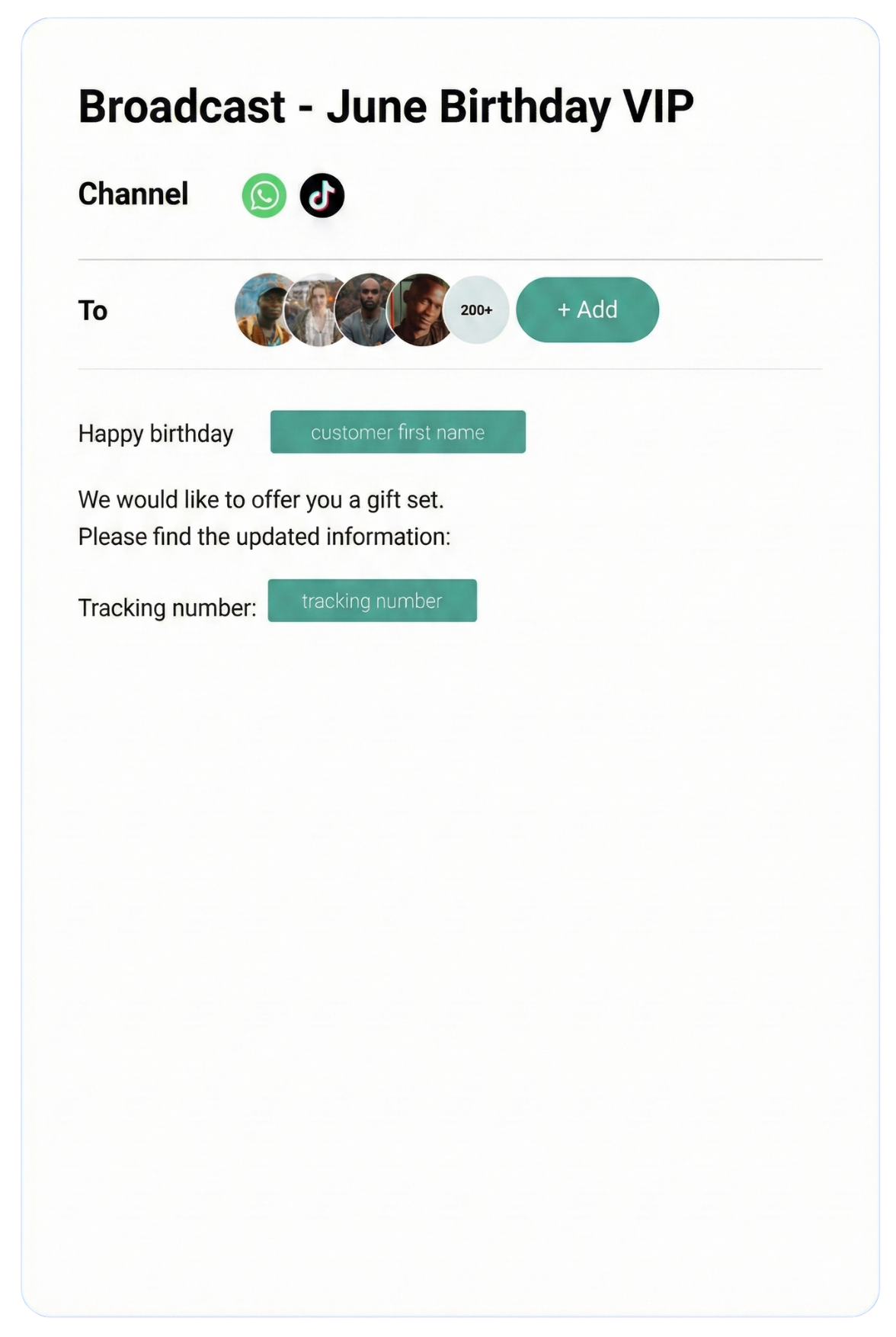
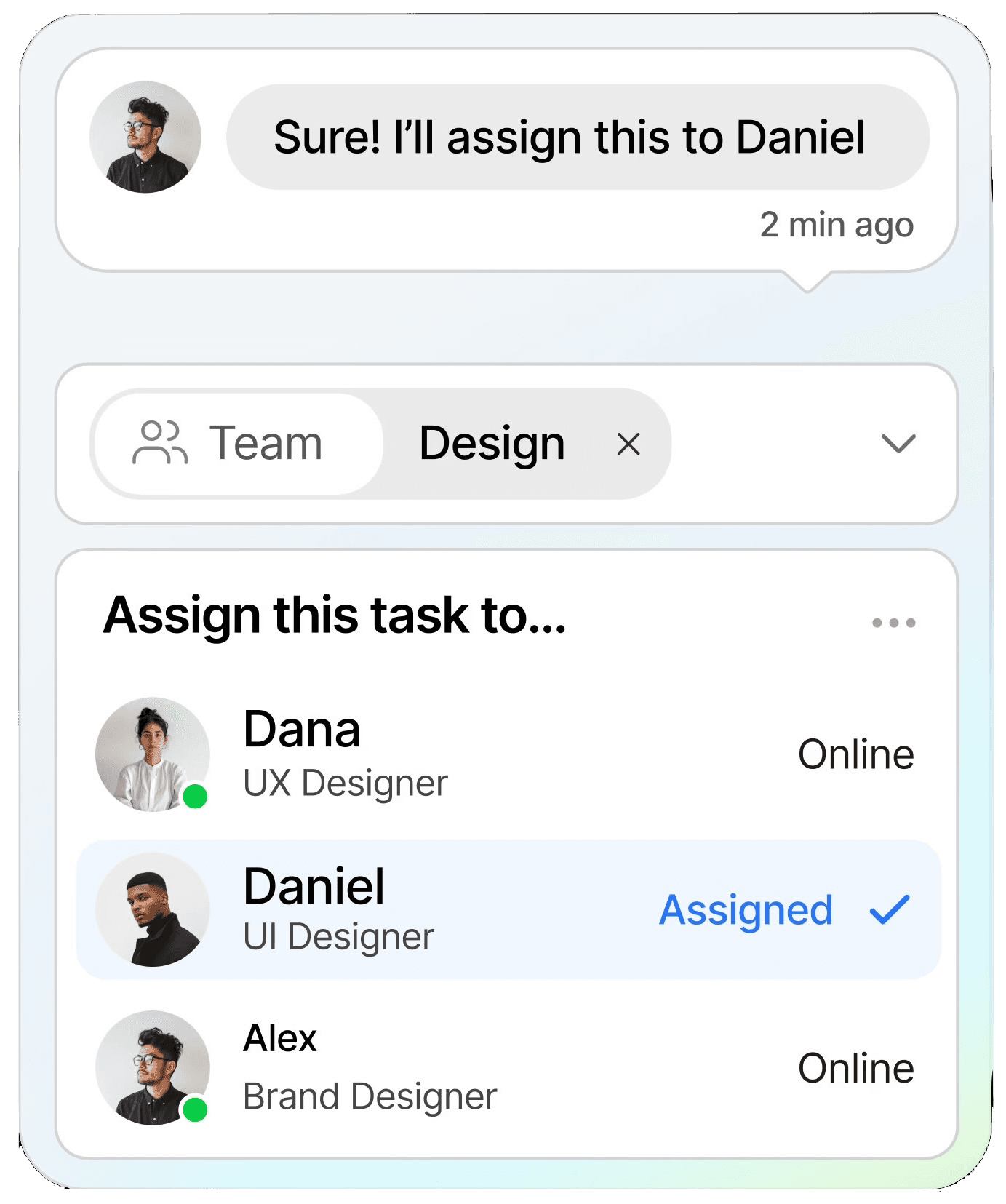
Streamline conversations across WhatsApp, Instagram, Facebook Messenger, TikTok, SMS, Email, and more — all in one intelligent platform built to grow your business.
Keep customers informed in real time with instant notifications, helping you stay connected and responsive at scale.
CRM
Organize customer data into a single view, making it easy to track interactions, nurture relationships, and boost retention.
Automation
Streamline repetitive tasks with intelligent automation, saving time and scaling your workflows without extra resources.
Testmonial
Trusted by businesses
Real results—from startups to enterprises—showing that smarter automation not only pays for itself but drives lasting growth.
Our bot deflection rate with our previous customer service solution was 5–10%. With ChatDaddy, we achieved 65% bot deflection within just one week of going live.
Edward
Gadget Galaxy Store
Self-service and proactive support have helped us reduce inbound conversation volume by 20% over the past two years, even as our user base has continued to grow.
Christian Parker
Contact Lens Easy
ChatDaddy powers our customer communications, delivering conversions, customer engagement, and personalized support. The WhatsApp chatbot is the heart of this strategy.
Geronimo Chala
Fashion Fusion Boutique
We have almost all of our support channels integrated into one system, making it easy for us to manage our support, as well as take a data-driven approach to continuously improving our service.
Ada May
Delicious Bites & More
Our bot deflection rate with our previous customer service solution was 5–10%. With ChatDaddy, we achieved 65% bot deflection within just one week of going live.
Edward
Gadget Galaxy Store
Self-service and proactive support have helped us reduce inbound conversation volume by 20% over the past two years, even as our user base has continued to grow.
Christian Parker
Contact Lens Easy
ChatDaddy powers our customer communications, delivering conversions, customer engagement, and personalized support. The WhatsApp chatbot is the heart of this strategy.
Geronimo Chala
Fashion Fusion Boutique
We have almost all of our support channels integrated into one system, making it easy for us to manage our support, as well as take a data-driven approach to continuously improving our service.
Ada May
Delicious Bites & More
WhatsApp + Make Integration: Connect & Automate in 2026
By ChatDaddy TeamMarch 24, 20269 min read
The WhatsApp Make (formerly Integromat) integration lets you build advanced multi-step automation scenarios that connect WhatsApp Business to hundreds of apps. Using ChatDaddy as the WhatsApp module in Make, you can create complex workflows with conditional logic, data transformation, and error handling — all through a visual drag-and-drop builder.
Make (formerly Integromat) is the power user's automation platform. While Zapier excels at simple trigger-action flows, Make offers visual scenario building with branching logic, iterators, aggregators, and routers. When combined with ChatDaddy's WhatsApp module, Make enables sophisticated messaging automations that would require custom development with any other approach.
Make's drag-and-drop interface lets you see your entire automation flow visually. Each module connects to the next, and you can add branches, filters, and error handlers with a click. Building a WhatsApp workflow in Make feels like drawing a flowchart.
Advanced Logic and Data Transformation
Unlike simpler automation tools, Make supports routers (if/else branching), iterators (loop through arrays), aggregators (combine multiple items), and built-in data transformation functions. Send different WhatsApp messages based on complex conditions without writing code.
Lower Cost at Scale
Make's pricing is based on operations, and their free plan includes 1,000 operations per month. For businesses running high-volume WhatsApp automations, Make is often 50-70% cheaper than Zapier at equivalent scale.
Error Handling Built In
Make includes automatic retry, error routes, and scenario monitoring. If a WhatsApp message fails to send, Make can retry, notify your team, or route to an alternative action — ensuring no customer communication falls through the cracks.
2. What You Can Automate
1. Multi-Channel Lead Capture
When a lead comes in from any source (Facebook Ads, Google Forms, website chat), Make routes it to ChatDaddy to send a WhatsApp welcome message, simultaneously creates a CRM contact, and logs the lead in Google Sheets — all in one scenario.
2. Conditional WhatsApp Responses
Use Make's router to send different WhatsApp messages based on conditions: VIP customers get priority support routing, new leads get an onboarding sequence, and existing customers get product recommendations based on purchase history.
3. Batch Processing
Process large CSV files of contacts through Make's iterator module, sending personalized WhatsApp messages to each contact with custom merge fields. Rate limiting ensures compliance with WhatsApp sending limits.
4. Webhook-Triggered Flows
Set up Make webhooks that listen for events from any system. When your custom app fires a webhook, Make processes the data and sends the appropriate WhatsApp message through ChatDaddy.
5. Data Enrichment Before Messaging
Before sending a WhatsApp message, Make can enrich the contact data by pulling information from your CRM, checking order history in your database, or looking up account status — then personalizing the message with all available context.
6. Scheduled Campaigns
Use Make's scheduling feature to run WhatsApp broadcast scenarios at specific times. Send weekly promotions every Friday at 10 AM, daily inventory alerts, or monthly account summaries.
Automated WhatsApp workflow connected with Make through ChatDaddy
3. Step-by-Step Setup Guide Using ChatDaddy
Step 1: Create Your ChatDaddy Account
Sign up at app.chatdaddy.tech and connect your WhatsApp Business API number.
Step 2: Open Make and Create a Scenario
Log in to Make and create a new scenario. Search for ChatDaddy in the module directory. Add it as a trigger or action module.
Step 3: Authenticate ChatDaddy in Make
Click the ChatDaddy module and add a new connection. Enter your ChatDaddy API key from your dashboard settings.
Step 4: Build Your Scenario
Connect modules visually: add your trigger (e.g., webhook, schedule, or app event), add data transformation if needed, then connect the ChatDaddy Send Message module. Map fields between modules.
Step 5: Add Error Handling
Right-click on the ChatDaddy module and add an error handler route. Configure retry logic or fallback actions for failed message sends.
Step 6: Test and Activate
Run the scenario once to test. Verify the WhatsApp message is sent correctly. Then schedule the scenario and activate it.
Configuring the ChatDaddy-Make integration
4. Real Workflow Examples
Below are practical workflows that businesses run with the WhatsApp-Make integration through ChatDaddy. Each example includes screenshot placeholders showing the actual configuration.
A real workflow combining WhatsApp messaging with Make data
5. Comparison: Native vs Zapier vs API Integration
Method
Option A
Option B
Custom API
Setup Time
15-30 minutes
5-15 minutes
Days to weeks
Visual Builder
Yes (advanced)
Yes (basic)
No
Conditional Logic
Routers, filters, iterators
Paths, filters
Custom code
Pricing Model
Per operation
Per task
Dev cost
Error Handling
Built-in error routes
Basic retry
Custom
Best For
Complex multi-step flows
Simple automations
Enterprise custom
Choose Make when your WhatsApp automations require branching logic, data transformation, or integration with multiple systems in a single flow. For simple two-step automations, Zapier may be faster to set up.
Connect WhatsApp + Make Today
Automate WhatsApp messaging with Make using ChatDaddy. Set up in minutes. Start free.
How does Make compare to Zapier for WhatsApp automation?
Make offers more advanced features: visual scenario building, routers for conditional logic, iterators for batch processing, and lower per-operation pricing. Zapier is simpler for basic trigger-action flows. Both work with ChatDaddy.
Can I build WhatsApp chatbot logic in Make?
Make can handle message routing and conditional responses based on keywords or contact data. However, for real-time conversational chatbot flows, ChatDaddy's built-in chatbot builder is more appropriate. Use Make for backend automation that triggers WhatsApp messages.
What is the Make free plan limit?
Make's free plan includes 1,000 operations per month and two active scenarios. Each WhatsApp message sent counts as one operation. Paid plans start at $9/month for 10,000 operations.
Can Make handle WhatsApp message scheduling?
Yes. Make supports scheduled scenario runs at specific times or intervals. You can set up a scenario to send WhatsApp messages every day at a specific time or on specific days of the week.
Is Make reliable for business-critical WhatsApp messages?
Yes. Make offers 99.9% uptime on paid plans, built-in error handling with retry logic, and execution logging. For mission-critical flows, add error routes that notify your team if a message fails to send.