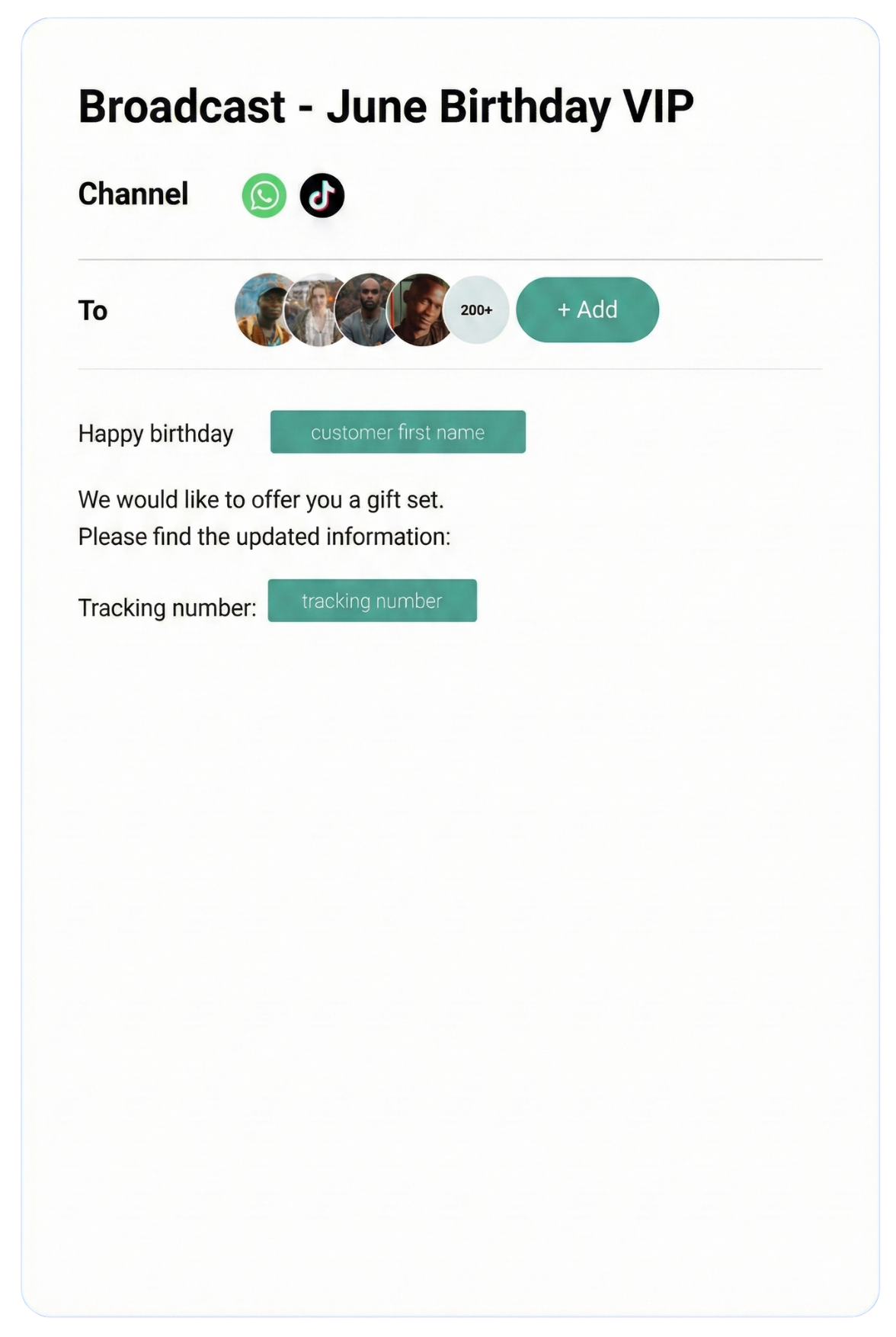
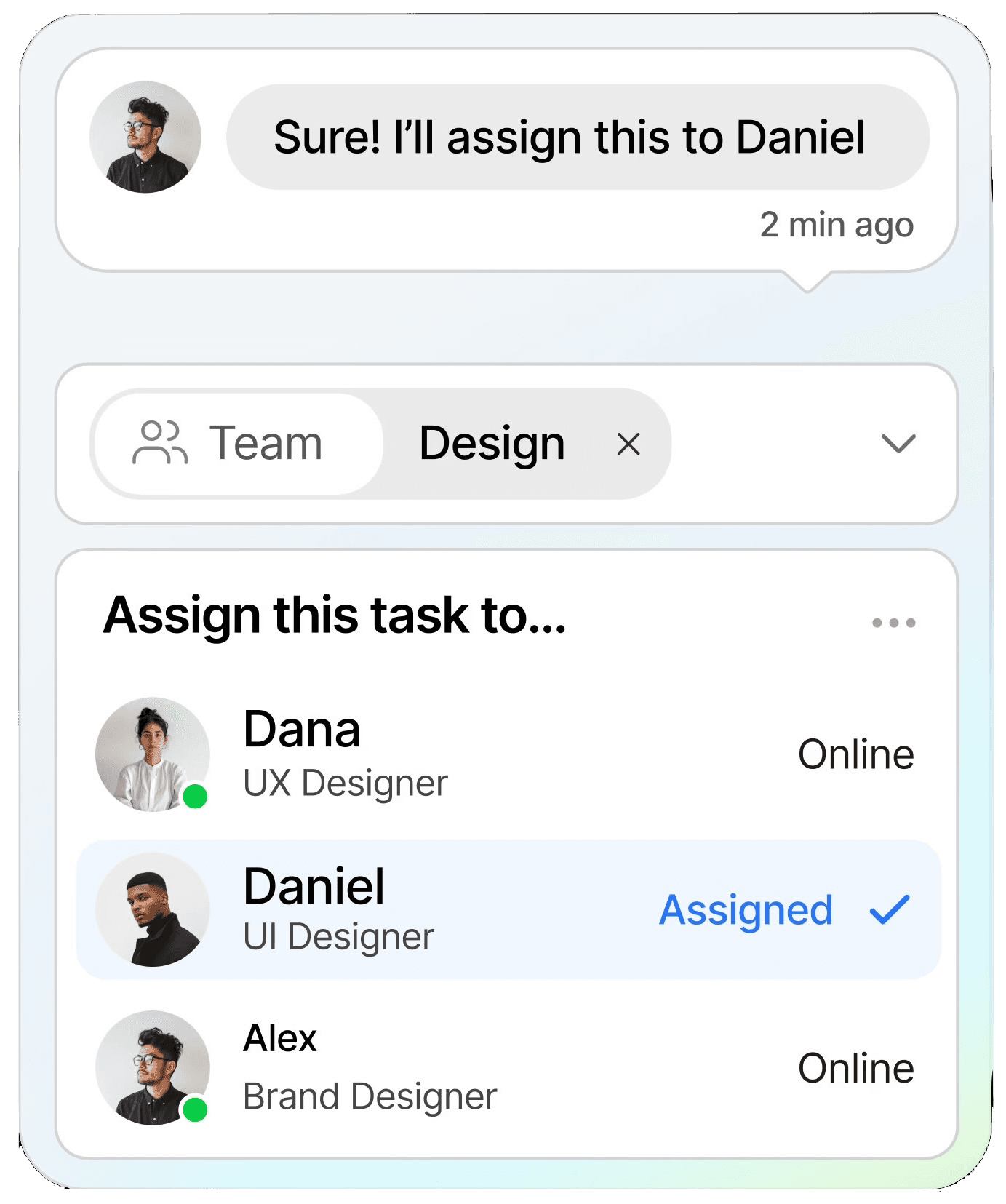
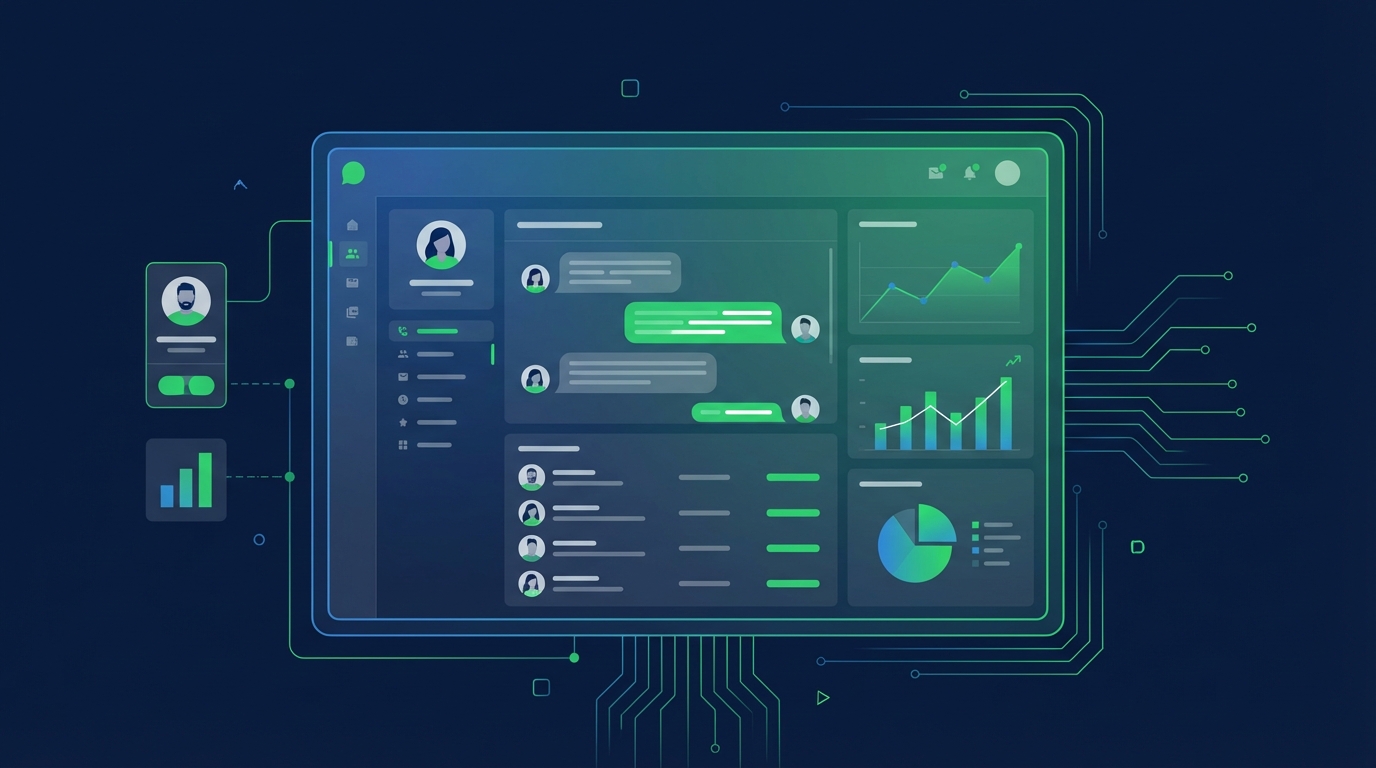
Streamline conversations across WhatsApp, Instagram, Facebook Messenger, TikTok, SMS, Email, and more — all in one intelligent platform built to grow your business.
Keep customers informed in real time with instant notifications, helping you stay connected and responsive at scale.
CRM
Organize customer data into a single view, making it easy to track interactions, nurture relationships, and boost retention.
Automation
Streamline repetitive tasks with intelligent automation, saving time and scaling your workflows without extra resources.
Testmonial
Trusted by businesses
Real results—from startups to enterprises—showing that smarter automation not only pays for itself but drives lasting growth.
Our bot deflection rate with our previous customer service solution was 5–10%. With ChatDaddy, we achieved 65% bot deflection within just one week of going live.
Edward
Gadget Galaxy Store
Self-service and proactive support have helped us reduce inbound conversation volume by 20% over the past two years, even as our user base has continued to grow.
Christian Parker
Contact Lens Easy
ChatDaddy powers our customer communications, delivering conversions, customer engagement, and personalized support. The WhatsApp chatbot is the heart of this strategy.
Geronimo Chala
Fashion Fusion Boutique
We have almost all of our support channels integrated into one system, making it easy for us to manage our support, as well as take a data-driven approach to continuously improving our service.
Ada May
Delicious Bites & More
Our bot deflection rate with our previous customer service solution was 5–10%. With ChatDaddy, we achieved 65% bot deflection within just one week of going live.
Edward
Gadget Galaxy Store
Self-service and proactive support have helped us reduce inbound conversation volume by 20% over the past two years, even as our user base has continued to grow.
Christian Parker
Contact Lens Easy
ChatDaddy powers our customer communications, delivering conversions, customer engagement, and personalized support. The WhatsApp chatbot is the heart of this strategy.
Geronimo Chala
Fashion Fusion Boutique
We have almost all of our support channels integrated into one system, making it easy for us to manage our support, as well as take a data-driven approach to continuously improving our service.
Ada May
Delicious Bites & More
WhatsApp + Mailchimp Integration: Connect & Automate in 2026
By ChatDaddy TeamMarch 24, 20269 min read
The WhatsApp Mailchimp integration lets you sync subscriber lists between Mailchimp and WhatsApp, trigger WhatsApp messages from Mailchimp campaign events, re-engage email non-openers via WhatsApp, and combine email and WhatsApp for multi-channel marketing campaigns that maximize reach and conversion.
Email marketing is not dead, but it is struggling with declining open rates. Mailchimp's average email open rate sits around 21%. WhatsApp messages hit 95-98%. By connecting Mailchimp with WhatsApp through ChatDaddy, you do not abandon email — you amplify it with a channel that actually gets read.
When a Mailchimp campaign goes out and contacts do not open the email within 24 hours, automatically send the key message via WhatsApp. You reach the same audience on a channel with 5x the open rate.
Subscriber List Sync
Keep your Mailchimp audience and ChatDaddy contacts in sync. New WhatsApp contacts are added to Mailchimp audiences for email campaigns, and Mailchimp subscribers with phone numbers can receive WhatsApp messages.
Multi-Channel Campaigns
Run coordinated campaigns: email first, then WhatsApp follow-up for non-openers, then WhatsApp for time-sensitive offers. Reach contacts across both channels without duplicate messaging.
Higher Campaign ROI
Email campaigns with WhatsApp follow-up consistently outperform email-only campaigns. The combined approach can increase overall campaign conversion rates by 40-60% compared to email alone.
2. What You Can Automate
1. Non-Opener WhatsApp Follow-Up
When a Mailchimp email campaign is sent, wait 24 hours, then send a WhatsApp message to contacts who did not open the email. Deliver the same offer or CTA via WhatsApp for maximum reach.
2. Subscriber Welcome Sequence
When a new subscriber joins a Mailchimp audience, send a WhatsApp welcome message in addition to the email welcome. Contacts who engage on WhatsApp can be tagged for future WhatsApp-first communication.
3. Audience Sync
Bidirectional sync keeps your lists aligned. New WhatsApp contacts are added to Mailchimp with proper tags. Mailchimp unsubscribes are respected in ChatDaddy's messaging.
4. Product Launch Alerts
For major product launches or flash sales, send Mailchimp email to your full list and WhatsApp messages to your most engaged segment. The urgency of WhatsApp drives faster action.
5. Abandoned Browse Follow-Up
When Mailchimp tracks a subscriber browsing your website without purchasing (via Mailchimp's e-commerce features), trigger a WhatsApp message with the browsed product and a special offer.
6. Re-Engagement Campaigns
Identify inactive Mailchimp subscribers (no opens in 90 days) and re-engage them via WhatsApp. If they respond on WhatsApp, update their Mailchimp engagement status.
Automated WhatsApp workflow connected with Mailchimp through ChatDaddy
3. Step-by-Step Setup Guide Using ChatDaddy
Step 1: Create Your ChatDaddy Account
Sign up at app.chatdaddy.tech and connect your WhatsApp Business API number.
Step 2: Connect Mailchimp to Zapier
In Zapier, select Mailchimp as the trigger app. Choose your trigger (e.g., New Subscriber, Campaign Sent, Tag Added). Authenticate your Mailchimp account.
Step 3: Add ChatDaddy Action
Select ChatDaddy as the action. Choose Send WhatsApp Message. Map Mailchimp subscriber fields (name, phone, tags) to the WhatsApp template.
Step 4: Set Up Audience Sync
Create a Zap from ChatDaddy (New Contact) to Mailchimp (Add Subscriber to Audience) for reverse sync. Map phone number and name fields.
Step 5: Configure Non-Opener Flow
Create a Zap triggered by Mailchimp Campaign Sent. Add a Zapier Delay of 24 hours. Add a Mailchimp filter for contacts who did not open. Send WhatsApp message via ChatDaddy.
Step 6: Test and Launch
Add a test subscriber and verify they appear in both systems. Send a test Mailchimp campaign and verify the WhatsApp follow-up fires for non-openers.
Configuring the ChatDaddy-Mailchimp integration
4. Real Workflow Examples
Below are practical workflows that businesses run with the WhatsApp-Mailchimp integration through ChatDaddy. Each example includes screenshot placeholders showing the actual configuration.
A real workflow combining WhatsApp messaging with Mailchimp data
5. Comparison: Native vs Zapier vs API Integration
Method
Option A
Option B
Custom API
Setup Time
20 minutes (via Zapier)
15 minutes
Days
Non-Opener Retargeting
Yes
Manual
Custom
Audience Sync
Bidirectional
One-way
Custom
Multi-Channel Campaigns
Yes
Limited
Custom
Cost
Zapier + ChatDaddy
ChatDaddy plan
Dev cost
Best For
Marketers
Developers
Enterprise
Zapier provides the simplest connection for marketers who want to combine Mailchimp email campaigns with WhatsApp follow-ups. The non-opener retargeting flow alone can significantly boost campaign ROI.
Connect WhatsApp + Mailchimp Today
Automate WhatsApp messaging with Mailchimp using ChatDaddy. Set up in minutes. Start free.
Can I send WhatsApp messages to Mailchimp subscribers who do not open emails?
Yes. Using Zapier, you can identify contacts who did not open a Mailchimp campaign and send them a WhatsApp follow-up with the same offer or CTA. This is one of the highest-ROI use cases.
Does the integration sync Mailchimp audiences with WhatsApp contacts?
Yes. Bidirectional sync through Zapier keeps your Mailchimp audiences and ChatDaddy contacts aligned. New contacts in either system are created in the other.
Can I run email and WhatsApp campaigns simultaneously?
Yes. Send your Mailchimp email campaign, then use the non-opener flow to follow up via WhatsApp. You can also send WhatsApp messages to a VIP segment simultaneously with the email blast.
Will Mailchimp unsubscribes be respected on WhatsApp?
You should configure your sync to respect unsubscribe status. When a contact unsubscribes from Mailchimp, update their ChatDaddy profile to exclude them from marketing messages.
What is the ROI of combining Mailchimp and WhatsApp?
Businesses report 40-60% higher campaign conversion rates when combining email with WhatsApp follow-ups compared to email-only campaigns. The improvement comes from reaching non-openers on a high-engagement channel.