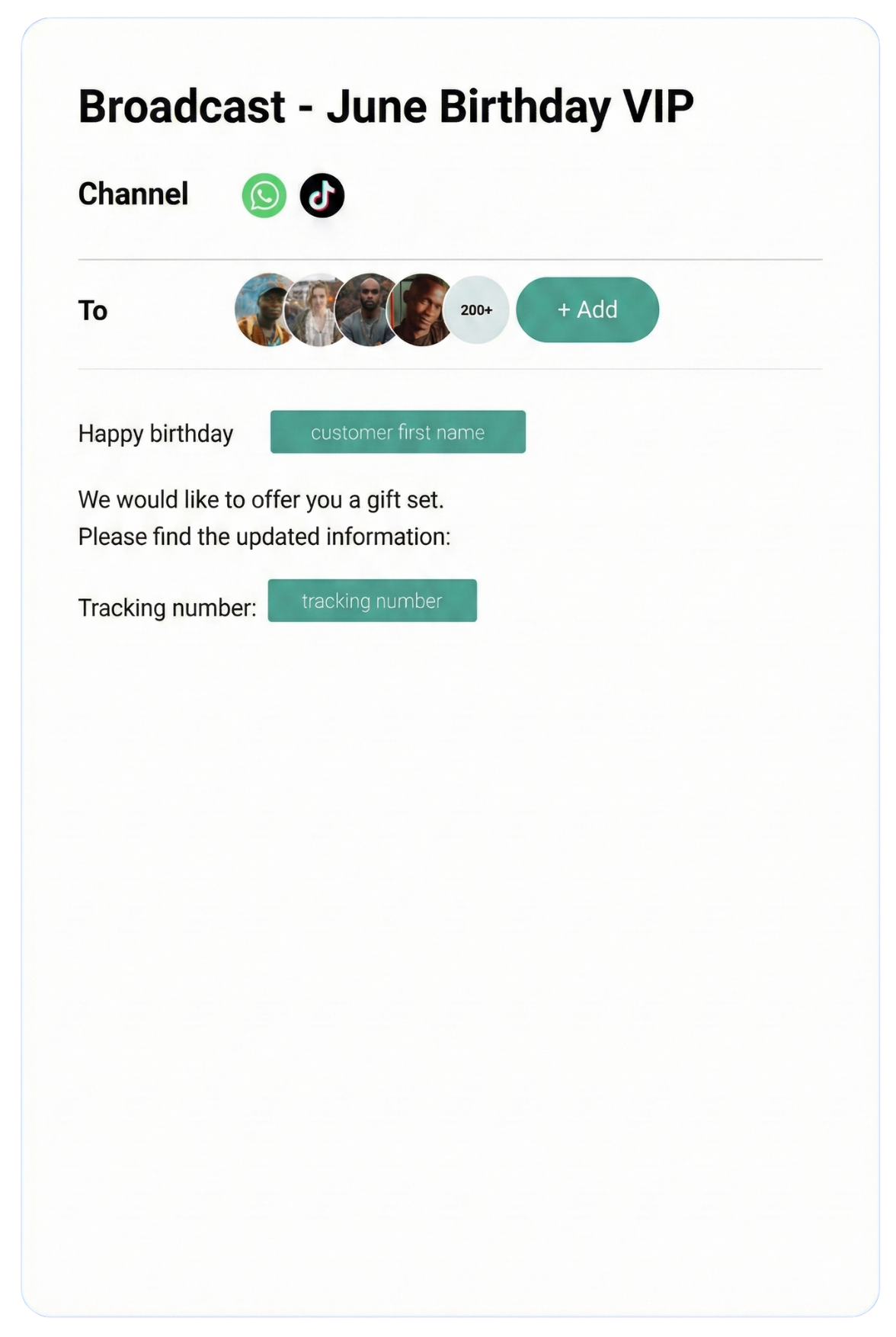
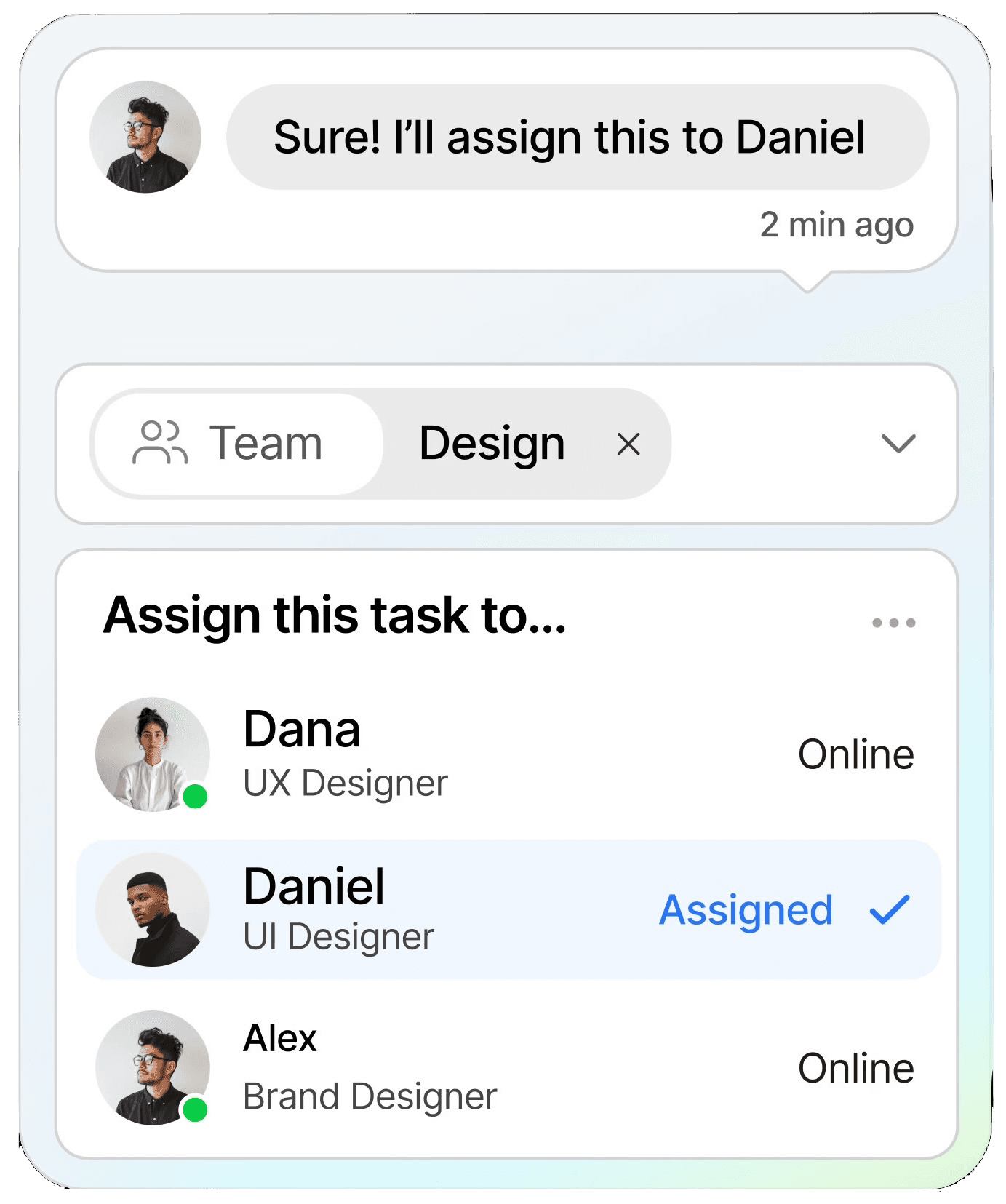
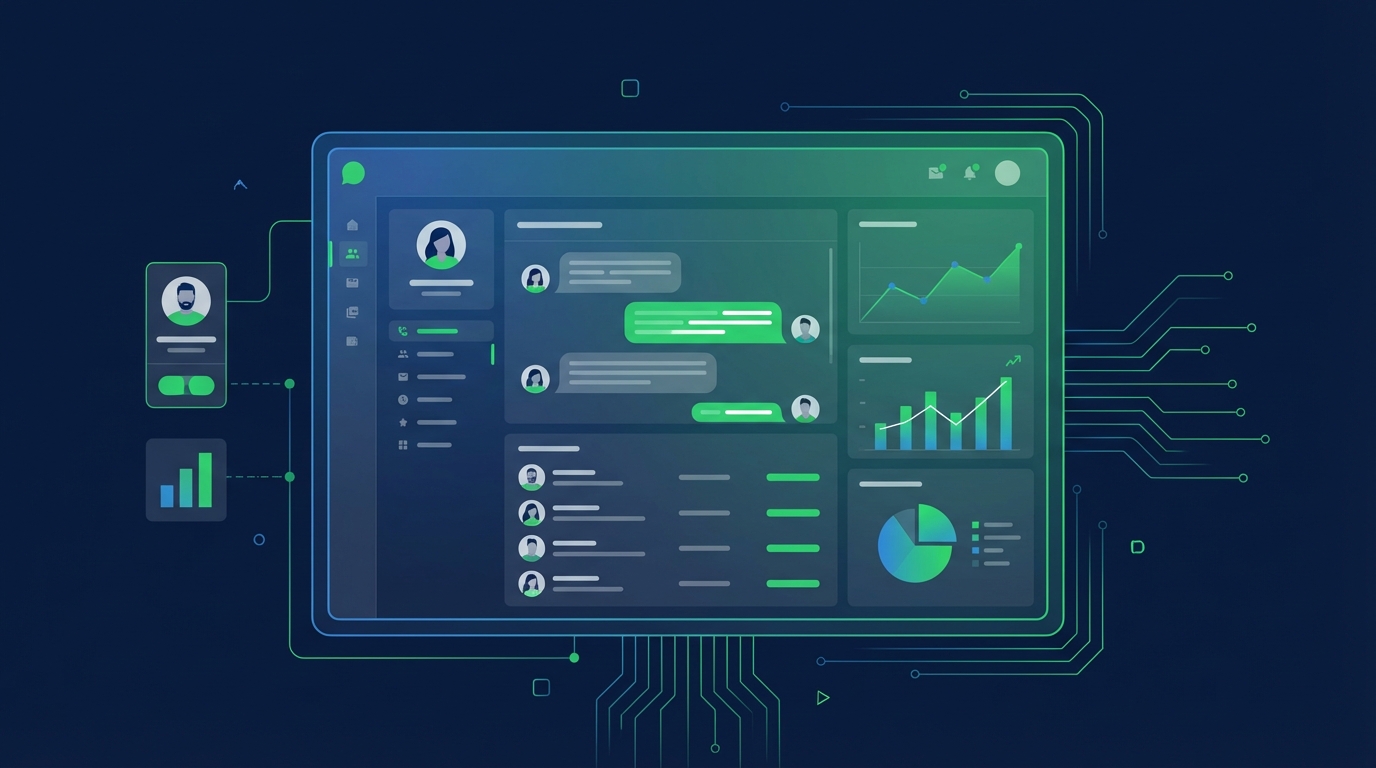
Streamline conversations across WhatsApp, Instagram, Facebook Messenger, TikTok, SMS, Email, and more — all in one intelligent platform built to grow your business.
Keep customers informed in real time with instant notifications, helping you stay connected and responsive at scale.
CRM
Organize customer data into a single view, making it easy to track interactions, nurture relationships, and boost retention.
Automation
Streamline repetitive tasks with intelligent automation, saving time and scaling your workflows without extra resources.
Testmonial
Trusted by businesses
Real results—from startups to enterprises—showing that smarter automation not only pays for itself but drives lasting growth.
Our bot deflection rate with our previous customer service solution was 5–10%. With ChatDaddy, we achieved 65% bot deflection within just one week of going live.
Edward
Gadget Galaxy Store
Self-service and proactive support have helped us reduce inbound conversation volume by 20% over the past two years, even as our user base has continued to grow.
Christian Parker
Contact Lens Easy
ChatDaddy powers our customer communications, delivering conversions, customer engagement, and personalized support. The WhatsApp chatbot is the heart of this strategy.
Geronimo Chala
Fashion Fusion Boutique
We have almost all of our support channels integrated into one system, making it easy for us to manage our support, as well as take a data-driven approach to continuously improving our service.
Ada May
Delicious Bites & More
Our bot deflection rate with our previous customer service solution was 5–10%. With ChatDaddy, we achieved 65% bot deflection within just one week of going live.
Edward
Gadget Galaxy Store
Self-service and proactive support have helped us reduce inbound conversation volume by 20% over the past two years, even as our user base has continued to grow.
Christian Parker
Contact Lens Easy
ChatDaddy powers our customer communications, delivering conversions, customer engagement, and personalized support. The WhatsApp chatbot is the heart of this strategy.
Geronimo Chala
Fashion Fusion Boutique
We have almost all of our support channels integrated into one system, making it easy for us to manage our support, as well as take a data-driven approach to continuously improving our service.
Ada May
Delicious Bites & More
WhatsApp + HubSpot Integration: Connect & Automate in 2026
By ChatDaddy TeamMarch 24, 20269 min read
The WhatsApp HubSpot integration lets you sync contacts bidirectionally, trigger WhatsApp messages from HubSpot workflows, log every conversation to the CRM timeline, and automate lead nurturing sequences — all without switching between platforms. ChatDaddy connects the two systems in minutes via native integration or Zapier.
HubSpot is one of the most popular CRMs in the world, and WhatsApp is the most popular messaging app with 3.3 billion monthly active users. Connecting the two means your sales, marketing, and support teams can reach customers on the channel they actually use — while keeping every interaction tracked in HubSpot.
In this guide, we walk through why you should integrate WhatsApp with HubSpot, what you can automate, how to set it up with ChatDaddy, and how different integration methods compare.
Running WhatsApp and HubSpot separately creates data silos. Your sales reps have conversations on WhatsApp that never show up in HubSpot, and your marketing team sends emails to contacts who would respond faster on WhatsApp. Here are the core benefits of connecting the two:
Unified Customer View
Every WhatsApp message, chatbot interaction, and broadcast reply gets logged on the HubSpot contact timeline. When a sales rep opens a contact record, they see the full picture — emails, calls, form submissions, and WhatsApp conversations in one place. No more asking colleagues what was said in a WhatsApp chat.
Higher Engagement Rates
HubSpot email sequences average 20-25% open rates. WhatsApp messages hit 95-98% open rates. By triggering WhatsApp messages from HubSpot workflows, you reach contacts on the channel where they actually read and respond. This is especially powerful for time-sensitive communications like appointment reminders, deal follow-ups, and payment confirmations.
Automated Lead Routing
When a new WhatsApp lead comes in, the integration can automatically create or update a HubSpot contact, assign a deal owner based on lead score or geography, and move the deal to the correct pipeline stage. Your team spends less time on data entry and more time on selling.
Better Reporting and Attribution
With WhatsApp conversations flowing into HubSpot, you can measure which campaigns drive WhatsApp conversations, track conversion rates from WhatsApp touchpoints, and attribute revenue to specific messaging workflows. HubSpot's reporting dashboards give you full visibility into WhatsApp as a channel.
2. What You Can Automate
The WhatsApp-HubSpot integration through ChatDaddy unlocks powerful automations that would otherwise require manual effort:
1. Bidirectional Contact Sync
New WhatsApp contacts are automatically created in HubSpot with phone number, name, and conversation tags. Updates in HubSpot (like lifecycle stage changes) sync back to ChatDaddy so your WhatsApp segmentation stays current.
2. Trigger WhatsApp Messages from Deal Stages
When a deal moves to "Proposal Sent" in HubSpot, automatically send a WhatsApp message with the proposal link. When a deal moves to "Closed Won," trigger a welcome onboarding sequence. Every pipeline stage can have a corresponding WhatsApp action.
3. Log Conversations to HubSpot Timeline
Every WhatsApp message — inbound and outbound — appears as an activity on the HubSpot contact timeline. This means any team member can pick up a conversation with full context, even if the original agent is unavailable.
4. Lead Scoring Updates from WhatsApp Engagement
Contacts who reply to WhatsApp messages, click links, or engage with chatbot flows can have their HubSpot lead score increased automatically. This surfaces the most engaged prospects for your sales team to prioritize.
5. Automated Follow-Up Sequences
If a HubSpot contact has not been active for 7 days, trigger a WhatsApp re-engagement message. Combine HubSpot's workflow logic with WhatsApp's high deliverability to bring cold leads back into your pipeline.
6. Form Submission Notifications via WhatsApp
When a prospect fills out a HubSpot form, instantly send a WhatsApp confirmation with next steps. The speed of response dramatically increases conversion — responding within 5 minutes makes you 21x more likely to qualify the lead.
A HubSpot workflow that triggers a WhatsApp message when a deal changes stage
3. Step-by-Step Setup Guide Using ChatDaddy
Setting up the WhatsApp-HubSpot integration with ChatDaddy takes about 10 minutes. Here is the process:
Step 1: Create Your ChatDaddy Account
Sign up at app.chatdaddy.tech and connect your WhatsApp Business number. ChatDaddy is a Meta Official ISV Partner, so verification is fast.
Step 2: Navigate to Integrations
In your ChatDaddy dashboard, go to Settings and then Integrations. Find HubSpot in the integration catalog and click Connect.
Step 3: Authorize HubSpot
You will be redirected to HubSpot to authorize the connection. Log in with your HubSpot account and grant ChatDaddy permission to access contacts, deals, and workflows. This uses OAuth 2.0 so your credentials are never shared.
Step 4: Configure Sync Settings
Choose your sync preferences:
Contact sync direction: one-way (WhatsApp to HubSpot) or bidirectional
Field mapping: map ChatDaddy tags to HubSpot properties
Default pipeline: select which HubSpot pipeline receives new WhatsApp deals
Step 5: Set Up HubSpot Workflows
In HubSpot, create workflows that use the ChatDaddy action. For example, create a workflow triggered by "Deal stage changed to Proposal Sent" with the action "Send WhatsApp template message via ChatDaddy." Select your approved WhatsApp template and map the personalization fields.
Step 6: Test and Go Live
Send a test WhatsApp message and verify it appears on the HubSpot contact timeline. Trigger a test workflow and confirm the WhatsApp message is delivered. Once everything checks out, activate your workflows.
ChatDaddy's HubSpot integration settings panel for configuring contact sync and conversation logging
4. Real Workflow Examples
Here are practical workflows that businesses run with the WhatsApp-HubSpot integration:
Lead Qualification Flow
A visitor clicks a WhatsApp link on your website. ChatDaddy's chatbot qualifies them by asking about budget, timeline, and needs. The responses are synced to HubSpot as contact properties. HubSpot's lead scoring evaluates the answers and assigns the contact to the appropriate sales rep. The rep gets a notification and picks up the conversation in ChatDaddy's shared inbox with full HubSpot context visible.
Post-Purchase Onboarding
When a deal closes in HubSpot, a workflow triggers a WhatsApp onboarding sequence through ChatDaddy: a welcome message on day 0, a getting-started guide on day 1, a check-in on day 3, and a feedback request on day 7. All replies are logged to HubSpot so your customer success team has complete visibility.
Re-Engagement Campaign
HubSpot identifies contacts who have not engaged in 30 days. A workflow sends a personalized WhatsApp message with a special offer or relevant content. Because WhatsApp messages have a 95%+ open rate, re-engagement rates are dramatically higher than email campaigns targeting the same segment.
A re-engagement workflow that combines HubSpot segmentation with WhatsApp delivery
5. Comparison: Native vs Zapier vs API Integration
There are three main ways to connect WhatsApp with HubSpot. Here is how they compare:
Method
ChatDaddy Native
Zapier / Make
Custom API
Setup Time
10 minutes
30-60 minutes
Days to weeks
Technical Skill
None
Low
Developer required
Bidirectional Sync
Yes
Limited
Yes
Conversation Logging
Automatic
Manual setup per Zap
Custom build
Real-Time
Yes
1-15 min delay
Yes
Cost
Included in plan
$20-50/mo for Zapier
Development cost
Maintenance
Zero
Low (Zap monitoring)
Ongoing dev work
Best For
Most businesses
Custom multi-app flows
Enterprise with unique needs
For most businesses, the ChatDaddy native integration is the best option — it is the fastest to set up, requires no technical expertise, and includes real-time bidirectional sync. Use Zapier or Make when you need to connect WhatsApp and HubSpot with additional third-party apps in a single workflow. The custom API route makes sense only for enterprises with highly specialized requirements.
Connect WhatsApp + HubSpot in Minutes
ChatDaddy's native HubSpot integration syncs contacts, logs conversations, and triggers WhatsApp from deal stages. Start free today.
Can I send WhatsApp messages directly from HubSpot?
Yes. With the ChatDaddy integration, you can trigger WhatsApp template messages from HubSpot workflows. This means deal stage changes, form submissions, or list membership can automatically send a WhatsApp message to the contact.
Does the integration sync WhatsApp conversations to HubSpot?
Yes. Every WhatsApp message — both inbound and outbound — is logged on the HubSpot contact timeline as an activity. This gives your entire team visibility into WhatsApp conversations without leaving HubSpot.
Is the WhatsApp HubSpot integration free?
The integration is included in ChatDaddy's paid plans starting at $119/month. You will also need a HubSpot account (free CRM works) and a WhatsApp Business API number connected through ChatDaddy.
Can I use HubSpot lead scores to prioritize WhatsApp outreach?
Absolutely. HubSpot lead scores sync to ChatDaddy, so your team can prioritize high-scoring contacts in the WhatsApp inbox. You can also create HubSpot workflows that trigger WhatsApp messages only for leads above a certain score threshold.
What happens if a WhatsApp contact already exists in HubSpot?
The integration matches contacts by phone number. If a match is found, the existing HubSpot record is updated with new WhatsApp conversation data rather than creating a duplicate. If no match exists, a new contact is created.
Discover how WhatsApp automation drives 98% open rates and 28% lead conversion.
ChatDaddy Team
ChatDaddy is a Meta ISV Partner helping 23,500+ businesses manage 10M+ daily messages. We specialize in WhatsApp Business API integrations with CRMs, e-commerce platforms, and automation tools.