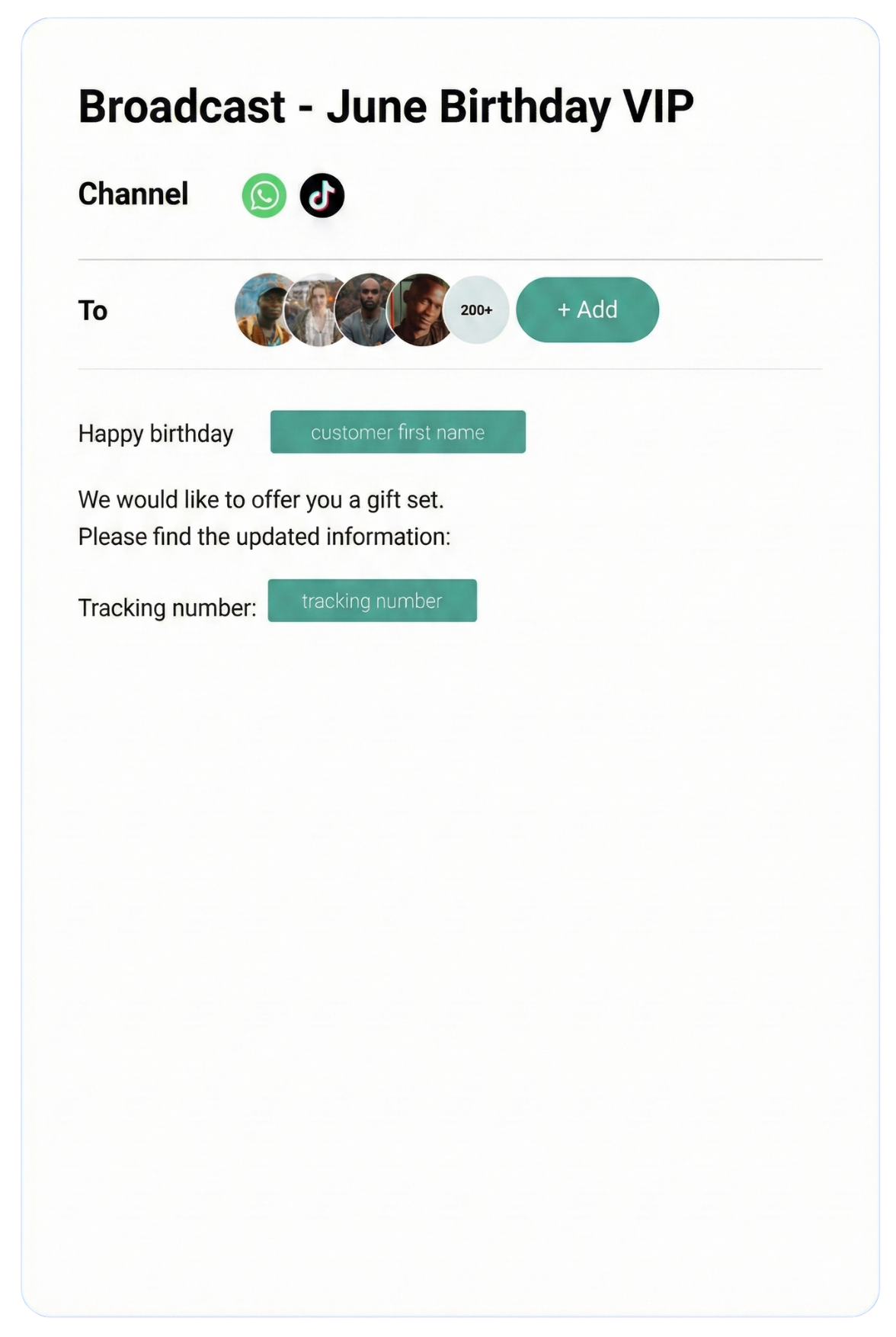
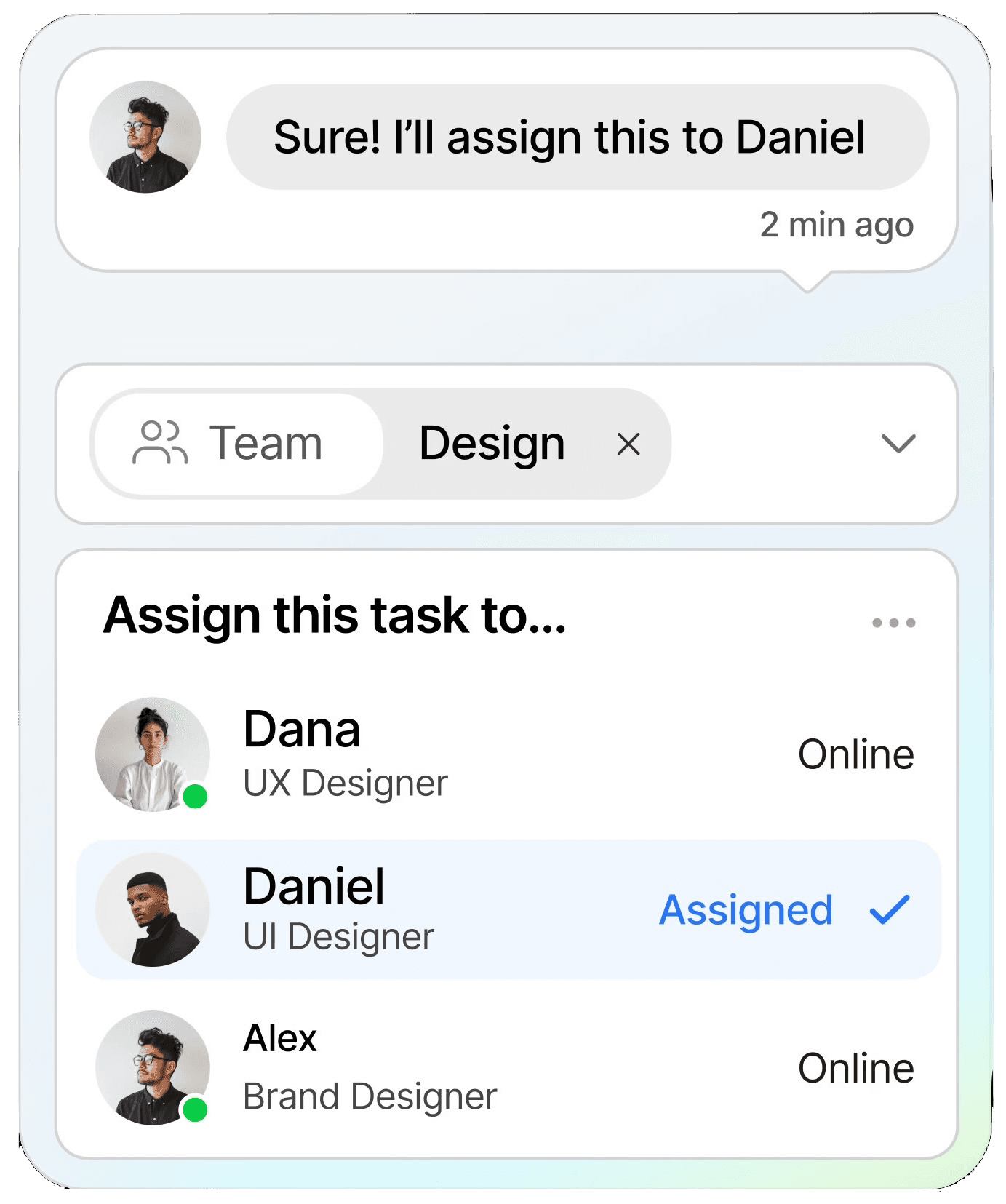
Streamline conversations across WhatsApp, Instagram, Facebook Messenger, TikTok, SMS, Email, and more — all in one intelligent platform built to grow your business.
Keep customers informed in real time with instant notifications, helping you stay connected and responsive at scale.
CRM
Organize customer data into a single view, making it easy to track interactions, nurture relationships, and boost retention.
Automation
Streamline repetitive tasks with intelligent automation, saving time and scaling your workflows without extra resources.
Testmonial
Trusted by businesses
Real results—from startups to enterprises—showing that smarter automation not only pays for itself but drives lasting growth.
Our bot deflection rate with our previous customer service solution was 5–10%. With ChatDaddy, we achieved 65% bot deflection within just one week of going live.
Edward
Gadget Galaxy Store
Self-service and proactive support have helped us reduce inbound conversation volume by 20% over the past two years, even as our user base has continued to grow.
Christian Parker
Contact Lens Easy
ChatDaddy powers our customer communications, delivering conversions, customer engagement, and personalized support. The WhatsApp chatbot is the heart of this strategy.
Geronimo Chala
Fashion Fusion Boutique
We have almost all of our support channels integrated into one system, making it easy for us to manage our support, as well as take a data-driven approach to continuously improving our service.
Ada May
Delicious Bites & More
Our bot deflection rate with our previous customer service solution was 5–10%. With ChatDaddy, we achieved 65% bot deflection within just one week of going live.
Edward
Gadget Galaxy Store
Self-service and proactive support have helped us reduce inbound conversation volume by 20% over the past two years, even as our user base has continued to grow.
Christian Parker
Contact Lens Easy
ChatDaddy powers our customer communications, delivering conversions, customer engagement, and personalized support. The WhatsApp chatbot is the heart of this strategy.
Geronimo Chala
Fashion Fusion Boutique
We have almost all of our support channels integrated into one system, making it easy for us to manage our support, as well as take a data-driven approach to continuously improving our service.
Ada May
Delicious Bites & More
WhatsApp + Airtable Integration: Connect & Automate in 2026
By ChatDaddy TeamMarch 24, 20269 min read
The WhatsApp Airtable integration lets you log WhatsApp contacts, conversations, and orders to Airtable bases, trigger WhatsApp messages from Airtable automations, and build custom CRM and order management systems powered by WhatsApp data. ChatDaddy connects both platforms for teams that use Airtable as their operational database.
Airtable combines the simplicity of a spreadsheet with the power of a database. For teams that manage customers, orders, and projects in Airtable, connecting WhatsApp through ChatDaddy means your bases automatically fill with customer data from WhatsApp conversations — and Airtable automations can trigger WhatsApp messages back.
WhatsApp conversations are unstructured. Airtable gives them structure. Each contact becomes a record with typed fields: name, phone, status, tags, order history, and notes. Filter, sort, and group your WhatsApp data like a database.
Built-In Automation
Airtable's native automation feature can trigger actions when records change. When a contact's status changes to Follow Up, Airtable can trigger a webhook to ChatDaddy to send a WhatsApp message — no Zapier required.
Rich Field Types
Airtable supports attachments, linked records, formulas, rollups, and lookups. Link WhatsApp contacts to order records, calculate lifetime value with formulas, and attach conversation transcripts as files.
Collaborative Views
Share specific Airtable views with different teams: sales sees the lead pipeline view, support sees the open tickets view, marketing sees the campaign contacts view — all from the same WhatsApp data.
2. What You Can Automate
1. Contact Registration
When a new WhatsApp contact messages your business, create an Airtable record with their phone number, name, first message, and source. Build your customer database automatically.
2. Order Tracking
When customers place orders via WhatsApp, create Airtable records with order details, quantities, amounts, and status. Your operations team manages fulfillment from an Airtable view.
3. Status-Triggered Messages
When an Airtable record's status changes (e.g., Order Shipped), Airtable's automation sends a webhook to ChatDaddy, which delivers a WhatsApp notification to the customer.
4. Form-to-WhatsApp
Use Airtable's form view to collect data from your team (e.g., a support escalation form). When the form is submitted, trigger a WhatsApp message to the customer with the update.
5. Linked Record Workflows
Link WhatsApp contacts to multiple tables: orders, support tickets, payments. When an order is completed, the linked contact automatically receives a WhatsApp confirmation.
6. Reporting and Analytics
Use Airtable's summary bar, chart blocks, and pivot tables to analyze WhatsApp data: messages per day, lead conversion rates, average response times, and revenue per contact.
Automated WhatsApp workflow connected with Airtable through ChatDaddy
3. Step-by-Step Setup Guide Using ChatDaddy
Step 1: Create Your ChatDaddy Account
Sign up at app.chatdaddy.tech and connect your WhatsApp Business API number.
Step 2: Set Up Your Airtable Base
Create an Airtable base with tables for Contacts (Name, Phone, Status, Tags, Notes) and optionally Orders, Conversations, and Tasks. Add the field types that match your data.
Step 3: Connect via Zapier or Airtable Automations
Option A: Use Zapier with ChatDaddy trigger and Airtable action. Option B: Use ChatDaddy webhooks with Airtable's native automation webhook trigger.
Step 4: Map Fields
Map ChatDaddy contact data to Airtable fields. Phone number, name, and message map to text fields. Tags map to multi-select. Timestamps map to date fields.
Step 5: Set Up Airtable Automations for Outbound
In Airtable, create automations triggered by record updates. When Status changes to Follow Up, use the Send Webhook action to call ChatDaddy's API and send a WhatsApp message.
Step 6: Test Bidirectional Flow
Send a test WhatsApp message and verify an Airtable record is created. Update the Airtable record status and verify the customer receives a WhatsApp message.
Configuring the ChatDaddy-Airtable integration
4. Real Workflow Examples
Below are practical workflows that businesses run with the WhatsApp-Airtable integration through ChatDaddy. Each example includes screenshot placeholders showing the actual configuration.
A real workflow combining WhatsApp messaging with Airtable data
5. Comparison: Native vs Zapier vs API Integration
Method
Option A
Option B
Custom API
Setup Time
15-20 minutes
15 minutes (via Zapier)
Days
Native Automations
Yes (Airtable automations)
No
Custom
Field Types
Rich (attachments, linked, formulas)
Basic text and numbers
Custom schema
Linked Records
Yes
No
Custom relations
Cost
Airtable plan + ChatDaddy
Zapier + ChatDaddy
Dev cost
Best For
Airtable-first teams
No-code simple flows
Enterprise
Airtable's native automations can replace Zapier for some flows, reducing cost and latency. Use Airtable automations for status-triggered WhatsApp messages and Zapier for complex multi-app workflows.
Connect WhatsApp + Airtable Today
Automate WhatsApp messaging with Airtable using ChatDaddy. Set up in minutes. Start free.
Yes. Create an Airtable base with contact records populated from WhatsApp conversations. Add pipeline stages, tags, notes, and linked order records. Airtable's Kanban view works as a visual pipeline.
Can Airtable automations send WhatsApp messages?
Yes. Airtable's built-in automations can send webhooks to ChatDaddy's API when record conditions are met. This means you can trigger WhatsApp messages from Airtable without needing Zapier.
How do I log WhatsApp orders in Airtable?
Create an Orders table linked to your Contacts table. Use Zapier to create order records when customers confirm orders via WhatsApp. Include product, quantity, amount, and status fields.
Does Airtable handle high-volume WhatsApp data?
Airtable's free plan supports 1,000 records per base. Paid plans support 50,000+ records. For very high-volume messaging, consider archiving older records or using Airtable's sync features.
Can multiple team members work on WhatsApp data in Airtable?
Yes. Airtable supports real-time collaboration. Multiple team members can view, edit, and comment on WhatsApp contact records simultaneously. Use views to give each team their own perspective on the data.