WhatsApp Business API Hong Kong: Complete Setup Guide for HK Businesses in 2026
By ChatDaddy Team
March 28, 2026
Last updated: March 28, 2026
11 min read

Hong Kong has one of the highest WhatsApp penetration rates in Asia. With over 6.3 million active WhatsApp users in a city of 7.5 million, messaging on WhatsApp is simply how business gets done — from Mong Kok retailers and Central financial firms to Sham Shui Po garment traders and Wan Chai insurance brokers. The free WhatsApp Business App gets you started, but when your team scales past one person, or you need to send legal marketing broadcasts, or your customers expect instant replies at 11 PM, you need the WhatsApp Business API.
This guide covers everything Hong Kong businesses need to know: what the API is, how it compares to the free app, how to access it through ChatDaddy (an official Meta ISV Partner), step-by-step setup instructions, HKD pricing, and how to stay compliant with Hong Kong's Personal Data (Privacy) Ordinance (PDPO, Cap. 486).
What Is WhatsApp Business API?
The WhatsApp Business API is Meta's enterprise-grade messaging infrastructure that allows businesses to send and receive WhatsApp messages programmatically at scale. Unlike the free WhatsApp Business App, the API enables multiple agents to share one number, automated chatbots, unlimited broadcast messaging to opted-in contacts, and deep integrations with CRMs and business systems — all under official Meta terms.
Most Hong Kong businesses start with the free WhatsApp Business App — it's fine for a solo founder or a two-person operation. But the moment you need a second person answering messages, want to send a promotion to 5,000 customers, or need a chatbot to handle after-hours inquiries in Cantonese and English, the app hits a hard wall.
The WhatsApp Business API removes those walls. It's the same WhatsApp your customers already use — same green tick, same familiar interface on their phones — but on your end it's powered by Meta's cloud infrastructure, giving you capabilities the app simply cannot offer:
- Multi-agent shared inbox — up to 15 teammates managing one WhatsApp number simultaneously
- Automated chatbots — handle Cantonese, Traditional Chinese, Simplified Chinese, and English inquiries 24/7
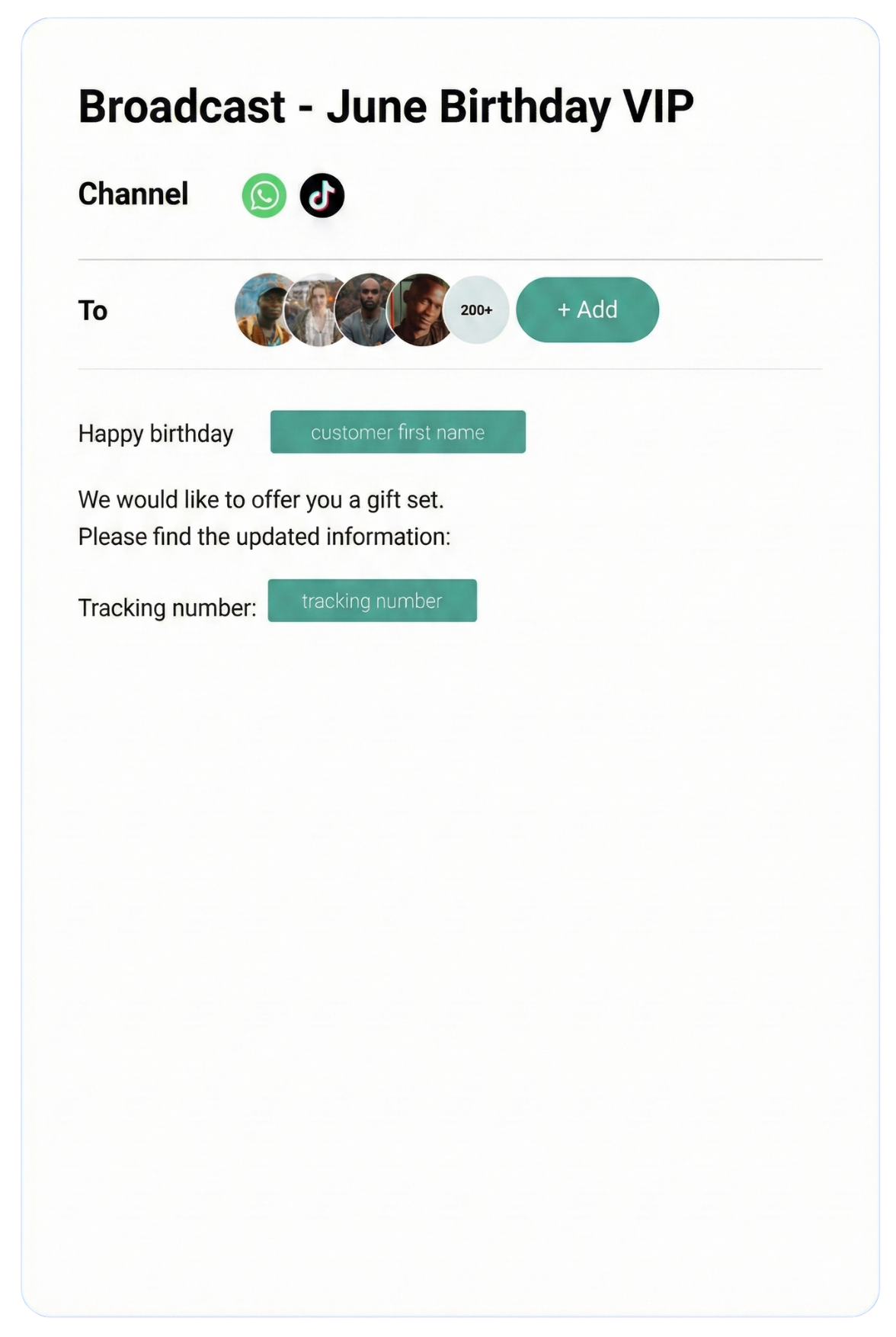
- Official broadcast messaging — send approved templates to unlimited opted-in contacts legally
- No device dependency — runs on cloud servers, not a physical phone that needs charging
- CRM and system integrations — connect to Shopify, Google Sheets, Salesforce, Zapier, and more
- Analytics and audit trails — full message history, response times, agent performance reports
Access to the API is granted through Meta-approved partners. ChatDaddy is a Meta ISV (Independent Software Vendor) Partner — meaning it builds software on top of Meta's API and handles the entire technical setup for you. You do not need to manage servers, webhooks, or API credentials. ChatDaddy gives you a ready-to-use dashboard from day one.
API vs WhatsApp Business App: Full Comparison
The WhatsApp Business API differs from the free WhatsApp Business App in five key ways: the API supports unlimited agents on one number (app supports one device), the API allows automated chatbots (app has only basic quick-replies), the API enables compliant broadcast messaging at scale (app limits broadcasts to 256 contacts), the API works without a physical device, and the API provides full analytics — the app offers none.
Here is a direct comparison so you can see exactly where the free app falls short for Hong Kong businesses:
| Feature |
WhatsApp Business App |
WhatsApp Business API (via ChatDaddy) |
| Multiple agents on one number | No (1 device only) | Yes — up to 15 teammates |
| Chatbot / automation | Basic quick-replies only | Full no-code chatbot builder with AI |
| Broadcast messaging | 256 contacts max, manual | Unlimited opted-in contacts, automated |
| Device required | Yes (phone must stay on) | No — 100% cloud-based |
| CRM integrations | None | Shopify, Salesforce, Zapier, and more |
| Analytics | None | Full dashboard: response time, conversion, agent performance |
| Multi-language chatbot | No | Yes — Cantonese, Traditional Chinese, Simplified Chinese, English |
| Template message approval | Not applicable | 3–5 minutes via ChatDaddy |
| Message markup cost | Free | 0% markup — pay Meta directly |
| Chat history on migration | Lost on transfer | Preserved for 6 months |
| Coexistence with personal WhatsApp | No | Yes — API + WhatsApp Business App on same number simultaneously (free for ChatDaddy customers) |
| Cost | Free | From HK$0/month (free plan) to HK$6,232/month |
One capability worth highlighting is coexistence — a feature unique to ChatDaddy. Most API providers force you to choose: either use the API or use the WhatsApp Business App on your number, but not both. ChatDaddy's coexistence feature lets you run the WhatsApp Business API and your regular WhatsApp Business App on the same phone number simultaneously — at no extra cost. This is critical for HK business owners who personally manage key client relationships while their team handles volume through the shared inbox.
Why Hong Kong Businesses Need the API
Hong Kong has approximately 85% WhatsApp penetration among smartphone users — one of the highest rates in Asia. For Hong Kong businesses, WhatsApp is the primary customer communication channel ahead of email, phone, and all other messaging apps. The WhatsApp Business API is the only way to scale this channel beyond a single operator.
The numbers make the case clearly. Hong Kong's 7.5 million residents use WhatsApp more intensively than almost any other city in Asia. A 2025 survey by Statista placed WhatsApp penetration among Hong Kong smartphone users at approximately 85% — ahead of WeChat for cross-border use and far ahead of Line or Telegram for everyday business messaging.
For HK businesses, this creates both an opportunity and a pressure:
- Customer expectation — Hong Kong consumers expect WhatsApp replies within minutes. A slow response loses the sale to a faster competitor.
- Language complexity — HK customers communicate in Traditional Chinese (繁體中文), Cantonese romanization, Simplified Chinese (简体中文 for mainland visitors), and English — often switching mid-conversation. Manual management across languages at scale is impossible without automation.
- Broadcast compliance — mass WhatsApp messaging through the free app violates Meta's terms and risks permanent number bans. The API is the only legal way to run large-scale WhatsApp marketing in HK.
- Team scale — Hong Kong's competitive retail, financial services, and property sectors require multiple staff managing customer conversations in parallel. The free app allows only one device per number.
Beyond scale, the WhatsApp Business API delivers a speed advantage that matters in HK's fast-moving market. ChatDaddy's broadcast infrastructure is 20x faster than standard WhatsApp broadcasting — meaning a campaign to 10,000 contacts goes out in minutes, not hours, so your Lunar New Year promotion lands before your competitor's does.
"In Hong Kong, if you don't reply on WhatsApp within five minutes, the customer has already messaged three other suppliers. The API with a chatbot handling first responses changed everything for our team." — Operations Director, Hong Kong logistics firm
Get WhatsApp Business API for Your Hong Kong Business
ChatDaddy is a Meta ISV Partner — get API access, shared inbox, chatbot, and unlimited contacts. Free plan available, no credit card needed. Setup in under 2 minutes.
Start Free Today
How to Get WhatsApp Business API Access via ChatDaddy
Hong Kong businesses get WhatsApp Business API access through a Meta ISV Partner like ChatDaddy. ChatDaddy handles the entire application process — including Meta Business verification using your Hong Kong Business Registration (BR) certificate — and has you live on the API in approximately 2 minutes once verification is complete.
There are two routes to WhatsApp Business API access:
- Direct via Meta (Cloud API) — apply directly through Meta's developer platform. Requires technical setup of webhooks, servers, and API integration. Takes days to weeks. Requires a developer.
- Via a Meta ISV Partner like ChatDaddy — ChatDaddy provides a fully managed dashboard. No technical setup. Migration takes approximately 2 minutes. Chat history preserved for 6 months.
For the vast majority of Hong Kong SMEs, route 2 is the only practical choice. ChatDaddy as a Meta ISV Partner (not a BSP — an important distinction) means it builds its own software platform on Meta's API rather than simply reselling API access. The result: faster feature development, more stable infrastructure, and a product built around business workflows — not just raw API connectivity.
What You Need for HK Business Verification
Meta requires business verification before granting API access. For Hong Kong businesses, you will need:
- Business Registration (BR) certificate issued by the Inland Revenue Department of Hong Kong
- A Hong Kong phone number capable of receiving SMS or voice calls (can be your existing WhatsApp business number)
- A Meta Business Manager account (free to create at business.facebook.com)
- Your business website URL
- Business display name matching or clearly related to your BR registration
ChatDaddy's onboarding team walks you through every step of the verification process, including submitting your BR documentation correctly to minimize delays. Verification typically completes within 1–3 business days for Hong Kong companies with clean documentation.
Step-by-Step Setup Guide for HK Businesses
Setting up WhatsApp Business API for a Hong Kong business via ChatDaddy takes approximately 30 minutes of active setup time, with Meta Business verification adding 1–3 business days. The migration itself — transferring your existing WhatsApp number to the API — takes under 2 minutes and preserves chat history for 6 months.
Step 1: Sign Up for ChatDaddy
Go to app.chatdaddy.tech and create your account. The free plan is available immediately with no credit card required. You can explore the dashboard, build your first chatbot flow, and set up your team structure before committing to a paid plan.
Step 2: Create or Log In to Meta Business Manager
Visit business.facebook.com and create a Meta Business Manager account if you don't have one. This is separate from your personal Facebook account. Enter your business name exactly as it appears on your BR certificate to avoid verification delays.
Step 3: Submit Business Verification Documents
Within Meta Business Manager, go to Business Settings → Security Center → Start Verification. Upload your Hong Kong Business Registration certificate. Meta accepts BR certificates in English. If your BR is in Chinese only, a certified English translation may be required. ChatDaddy's team can advise on document preparation to speed up approval.
Step 4: Connect Your WhatsApp Number
In the ChatDaddy dashboard, navigate to Settings → WhatsApp Channels → Add Number. Enter your Hong Kong phone number. You will receive a 6-digit verification code via SMS or phone call. Enter the code to confirm ownership. If the number was previously used with the WhatsApp Business App, the migration process begins here — it takes under 2 minutes and your chat history from the past 6 months is preserved.
Step 5: Configure Your Team and Roles
Invite team members by email with role-based permissions. Typical HK business structures:
- Admin — full access, billing, settings, all conversations
- Agent — assigned conversations only, no settings access
- Supervisor — all conversations, reports, agent management
Step 6: Build Your Chatbot Flows
Use ChatDaddy's no-code chatbot builder to create automated response flows in Traditional Chinese, English, and any other languages your customers use. ChatDaddy provides pre-built templates for common HK business scenarios: product inquiries, appointment booking, order status, and FAQ handling. The AI-powered language detection automatically identifies whether a customer is writing in English or Traditional Chinese and routes to the correct flow.
Step 7: Create and Submit Message Templates
Broadcast messages require pre-approved templates from Meta. Create your templates in the ChatDaddy dashboard — promotional messages, appointment reminders, order confirmations, or payment follow-ups. Submit for Meta approval. Via ChatDaddy's optimized submission process, approval typically takes 3–5 minutes compared to hours through direct submission.
Step 8: Import Contacts and Go Live
Upload your existing customer contact list via CSV. Tag contacts by language preference, customer segment, location (HK Island, Kowloon, New Territories), or any custom field. Run a test broadcast to a small segment. Once confirmed, your full WhatsApp Business API setup is live.
Pricing in HKD
ChatDaddy's WhatsApp Business API pricing for Hong Kong businesses starts at HK$0 (free plan, 1 teammate), with paid plans at approximately HK$930/month (Basic, 5 teammates), HK$2,332/month (Pro, 10 teammates), and HK$6,232/month (Max, 15 teammates). All plans include unlimited contacts. Meta's conversation fees are charged separately, directly by Meta, with 0% markup from ChatDaddy.
ChatDaddy's pricing is listed in USD but can be paid in HKD. Here is the full breakdown with approximate HKD equivalents at current exchange rates:
| Plan |
Price (USD/mo) |
Approx. HKD/mo |
Teammates |
Key Features |
| Free | $0 | HK$0 | 1 | Shared inbox, basic chatbot, API access |
| Basic | $119 | ~HK$930 | 5 | Full chatbot builder, broadcast messaging, unlimited contacts, integrations |
| Pro | $299 | ~HK$2,332 | 10 | AI chatbot, advanced automation, analytics dashboard, priority support |
| Max | $799 | ~HK$6,232 | 15 | All Pro features + dedicated account manager, custom integrations, SLA support |
All plans include unlimited contacts — a key differentiator. Many competing platforms charge per contact or restrict contact limits on lower tiers, making costs balloon as your customer database grows. With ChatDaddy, you can have 100,000 contacts in your database on the Basic plan at HK$930/month.
Meta Conversation Fees (Separate from ChatDaddy)
The WhatsApp Business API charges per conversation, billed directly by Meta. ChatDaddy charges 0% markup on Meta fees — you pay Meta the exact wholesale rate. This is in contrast to some other providers who mark up Meta's conversation fees by 10–30%.
Meta's conversation pricing for Hong Kong (approximate, subject to change):
| Conversation Type |
Description |
Approx. Cost (USD per conversation) |
| Marketing | Promotional broadcasts, campaigns | ~$0.0492 |
| Utility | Order confirmations, delivery updates | ~$0.0139 |
| Authentication | OTP codes, account verification | ~$0.0139 |
| Service | Customer-initiated conversations (first 1,000/month free) | ~$0.0124 |
A typical Hong Kong SME sending 5,000 marketing messages per month spends approximately USD $246 (HK$1,920) on Meta conversation fees in addition to their ChatDaddy plan. The first 1,000 service conversations every month are free — meaning inbound customer inquiries cost nothing until you exceed that threshold.
Key Features of the WhatsApp Business API
The WhatsApp Business API's most valuable features for Hong Kong businesses are: multi-agent shared inbox, trilingual chatbot automation (Traditional Chinese, Simplified Chinese, English), 20x-faster broadcast messaging, coexistence with WhatsApp Business App on the same number, 3–5 minute template approval, and 0% message markup.
Multi-Agent Shared Inbox
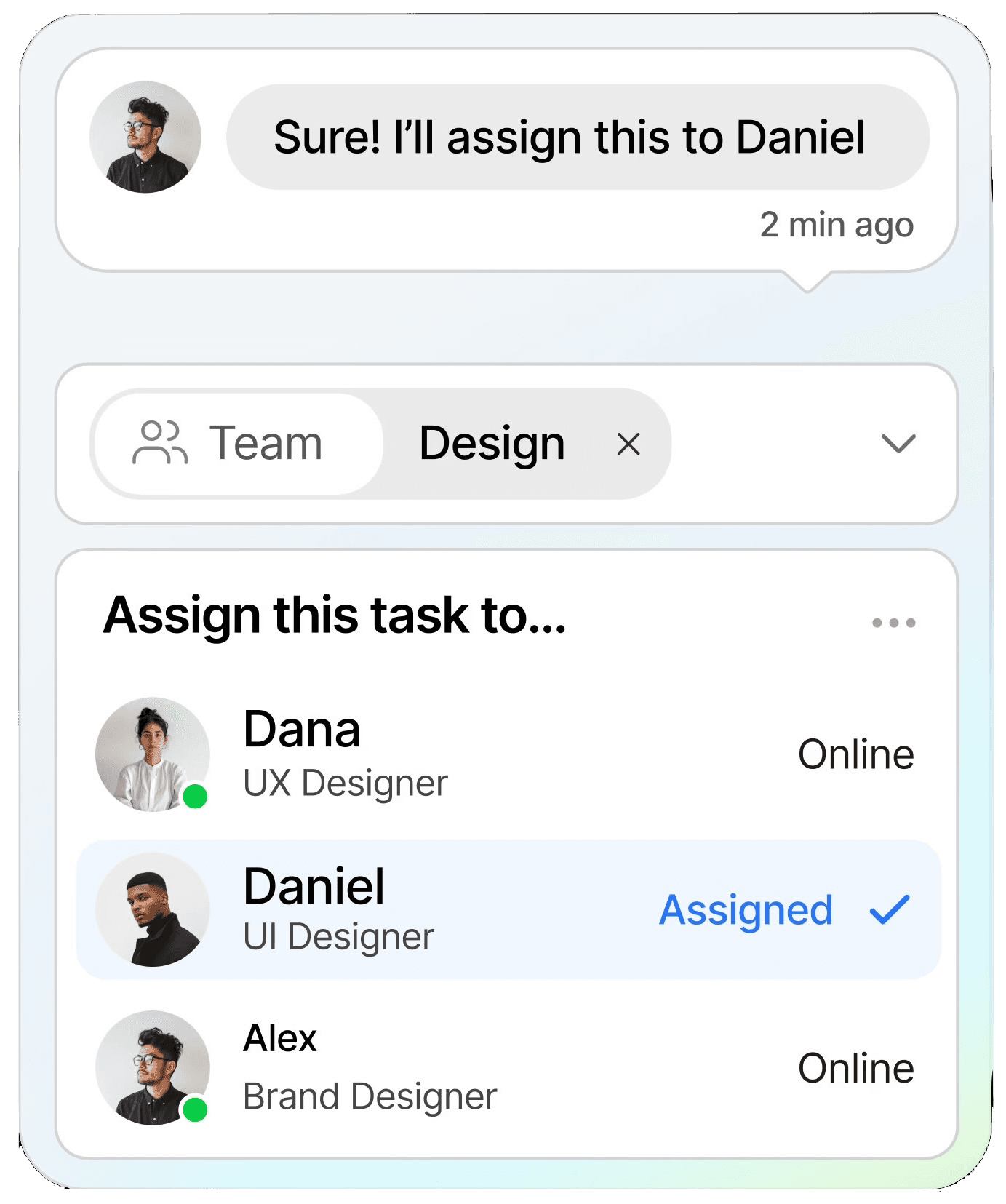
Every conversation from your WhatsApp number lands in one dashboard, visible to your entire team. Supervisors assign chats to specific agents based on language ability, product expertise, or availability. Internal notes let agents hand off conversations with full context. Customers always see a seamless experience — they never know they've been transferred.
Trilingual AI Chatbot
Hong Kong is a trilingual business city. ChatDaddy's chatbot handles Traditional Chinese (繁體中文), Simplified Chinese (简体中文 for mainland visitors and cross-border commerce), and English — automatically detecting language from the customer's first message and routing to the correct flow. Build separate conversation trees for each language or use AI to respond dynamically. No developer required — the no-code builder uses drag-and-drop logic.
20x Faster Broadcast Messaging
Standard WhatsApp broadcasting is slow — the free app caps at 256 contacts per broadcast and takes hours to process at scale. ChatDaddy's broadcast infrastructure sends 20x faster than standard WhatsApp broadcasting, meaning a campaign to 10,000 contacts completes in minutes. Segment by language, location, purchase history, or custom tags. Schedule broadcasts in advance for campaign timing precision.
Coexistence: API + WhatsApp Business App on the Same Number
This is the feature most HK business owners don't expect to exist — but it changes everything. ChatDaddy's coexistence capability lets you run the WhatsApp Business API (for team inbox and automation) and the standard WhatsApp Business App (for personal client relationships managed directly by the owner or a senior executive) on the same phone number simultaneously. This feature is free for all ChatDaddy customers. Most API providers do not offer this — switching to the API means abandoning the app entirely.
3–5 Minute Template Approval
Meta requires pre-approval of message templates used for marketing broadcasts. Through standard submission, this can take hours. ChatDaddy's optimized template submission pathway consistently achieves approvals in 3–5 minutes — critical when you need to launch a campaign quickly in response to market events or competitor activity.
0% Message Markup
ChatDaddy does not add any markup to Meta's conversation fees. Some providers charge 10–30% on top of Meta's wholesale rates. With ChatDaddy, your Meta bill reflects exactly what Meta charges — you pay one fee to ChatDaddy for the platform, and a separate direct fee to Meta for messages. Full cost transparency.
Analytics and Reporting
Track agent response times, first-reply speed, conversation resolution rates, broadcast open rates, and customer satisfaction scores. Export reports in CSV for management reviews or regulatory record-keeping. For HK financial services and insurance companies with compliance requirements, the full audit trail of every message is stored and accessible.
Use Cases: HK Retail, Insurance, Property, F&B, Education
Hong Kong businesses across retail, insurance, property, F&B, and education use the WhatsApp Business API to automate first-contact responses in Traditional Chinese and English, run compliant marketing broadcasts, manage appointment bookings, and scale customer communication without proportionally scaling headcount.
Retail: Mong Kok to ifc Mall
Hong Kong's retail sector — from neighborhood electronics shops to luxury flagship stores — lives on WhatsApp inquiries. A customer sees a product on Instagram, taps the WhatsApp button, and expects an immediate price and availability response. A chatbot handles the first interaction: confirms stock, provides pricing in HKD, asks about pick-up or delivery preference. Human agents step in only for complex requests or closing the sale. For retailers running seasonal campaigns — 618, Double 11, Chinese New Year — broadcast messaging to opted-in customers delivers 95%+ open rates compared to 18% for email promotions.
Insurance: Personalized Policy Follow-Up at Scale
Hong Kong has one of the most competitive insurance markets in Asia. Insurance agents use ChatDaddy to manage their entire client pipeline via WhatsApp: initial inquiry handling, policy comparison workflows, renewal reminders, and claims status updates. A single agent managing 500+ clients can set up automated touchpoints — birthday greetings, annual review reminders, premium due notifications — that run without manual intervention. Policy documents can be sent as approved WhatsApp messages with PDF attachments.
Property: Lead Qualification from Listings to Viewings
Hong Kong property is among the world's most competitive markets. When a potential buyer or tenant clicks a WhatsApp link from a Centaline or Midland listing, a chatbot immediately qualifies the lead: budget range, preferred district, flat size, move-in timeline. Qualified leads are assigned to the right agent based on district expertise. Viewing appointments are confirmed and reminded automatically. One Kowloon property agency reported a 35% increase in confirmed viewings within 60 days of deploying ChatDaddy.
F&B: Reservations, Takeaway Orders, and Loyalty
Restaurants, cha chaan tengs, and bakeries across Hong Kong use WhatsApp for table reservations, takeaway orders, and customer loyalty programs. A chatbot handles the full reservation flow: party size, date, time preference, special requests — confirmed without a phone call. For festive seasons (Lunar New Year, Mid-Autumn, Christmas), broadcast campaigns to existing customers fill tables weeks in advance. One busy Causeway Bay dim sum restaurant reduced front-of-house phone calls by 70% after deploying a WhatsApp chatbot for reservations.
Education: Course Inquiries and Enrollment During Peak Seasons
Language schools, tutoring centres, international school admissions teams, and professional certification providers face massive inquiry spikes during enrollment windows. A ChatDaddy chatbot handles the initial inquiry: course offered, schedule, fees, enrollment deadlines — in Traditional Chinese or English depending on the prospective student's language. Hot leads are transferred to admissions counselors instantly. Enrollment conversion rates improve when response time drops from hours to under 60 seconds.
Ready to Scale WhatsApp for Your Hong Kong Business?
23,500+ businesses across 50+ countries trust ChatDaddy. Get API access, unlimited contacts, trilingual chatbot, and 20x faster broadcasts. Start free — no credit card required.
Get Started Free
PDPO Compliance for HK Businesses Using WhatsApp API
Hong Kong's Personal Data (Privacy) Ordinance (PDPO, Cap. 486) requires businesses using WhatsApp for marketing to collect explicit consent before sending commercial messages, provide a clear opt-out mechanism, restrict data use to the stated purpose, and protect stored personal data with appropriate security measures. The WhatsApp Business API is inherently more PDPO-friendly than bulk messaging via the free app.
The Personal Data (Privacy) Ordinance Cap. 486, enforced by the Office of the Privacy Commissioner for Personal Data (PCPD), governs how Hong Kong businesses handle customer data including WhatsApp contact information and conversation content. Key compliance obligations when using WhatsApp Business API:
Data Protection Principles (DPPs) Relevant to WhatsApp
- DPP 1 — Collection of Data: Collect only the data necessary for your stated purpose. When a customer sends you a WhatsApp message, you may store their number and conversation for customer service — but you must inform them of this and your purpose at the point of first contact.
- DPP 3 — Use of Data: Only use customer WhatsApp data for the purpose stated when collecting it. A customer who contacts you about a product inquiry has not consented to receiving unrelated marketing messages — obtain separate consent for marketing communications.
- DPP 4 — Data Security: Implement appropriate security to protect customer data. ChatDaddy uses encryption at rest and in transit across its infrastructure. All message data is stored on secured servers.
- DPP 6 — Access and Correction: Customers have the right to access their personal data you hold. Maintain records of customer interactions in a format that can be retrieved and shared upon request.
Practical Compliance Steps
- Opt-in consent for marketing: Before adding a customer to broadcast lists, obtain explicit consent. A simple WhatsApp message — "Reply YES to receive our promotions and updates" — with a logged response is sufficient. ChatDaddy automatically tracks opt-in status per contact.
- Opt-out mechanism: Every broadcast message should include an opt-out option (e.g., "Reply STOP to unsubscribe"). ChatDaddy's built-in keyword handling automatically removes opt-out responses from broadcast lists.
- Data retention policy: Define how long you retain conversation data and customer records. The PCPD recommends not keeping data longer than necessary for its purpose.
- Staff training: Agents with access to the shared inbox are handling personal data. Ensure they understand PDPO obligations and your internal data handling policies.
Using the official WhatsApp Business API through a Meta-certified partner is significantly more PDPO-compliant than bulk messaging via the free app. The API enforces opt-in consent for marketing templates, provides complete audit trails, and gives you the tools to manage data subject rights — all of which the free app lacks. For PDPO guidance specific to your industry, consult the PCPD official guidance.
Frequently Asked Questions
What is the WhatsApp Business API and how does it differ from the WhatsApp Business App?
The WhatsApp Business API is Meta's enterprise messaging infrastructure that enables multiple agents to share one number, automated chatbots, unlimited broadcast messaging to opted-in contacts, CRM integrations, and full analytics — none of which are available in the free WhatsApp Business App. The app is designed for solo operators; the API is designed for teams and businesses with scale requirements. For Hong Kong businesses with more than one person handling customer messages, the API is the correct tool.
How do I get WhatsApp Business API access in Hong Kong?
The fastest and most practical route for Hong Kong businesses is through a Meta ISV Partner like ChatDaddy. Sign up at app.chatdaddy.tech, complete Meta Business verification using your Hong Kong Business Registration (BR) certificate, connect your phone number, and you are live. The technical setup takes under 2 minutes once verification is approved. Meta verification for HK companies typically takes 1–3 business days with correct documentation.
How much does WhatsApp Business API cost in Hong Kong?
ChatDaddy's platform fees in HKD equivalents: Free (HK$0, 1 teammate), Basic (~HK$930/month, 5 teammates), Pro (~HK$2,332/month, 10 teammates), Max (~HK$6,232/month, 15 teammates). All plans include unlimited contacts. Separately, Meta charges per conversation — approximately HK$0.38 per marketing conversation and HK$0.11 per utility conversation. ChatDaddy adds 0% markup on Meta fees, so you pay Meta directly at wholesale rates.
Can I keep using the WhatsApp Business App after switching to the API?
Yes — with ChatDaddy's coexistence feature. Most API providers require you to abandon the WhatsApp Business App when you switch to the API. ChatDaddy's coexistence capability lets you run the API (for your team inbox and automation) and the WhatsApp Business App (for personal client management) on the same number simultaneously. This is free for all ChatDaddy customers and is a unique differentiator in the market.
Does the WhatsApp Business API support Traditional Chinese and Cantonese?
Yes. The WhatsApp Business API fully supports Traditional Chinese (繁體中文), Simplified Chinese (简体中文), and English message templates, chatbot flows, and broadcast messages. ChatDaddy's AI-powered chatbot automatically detects the language of incoming messages and responds in the same language. For Hong Kong businesses serving both local Cantonese speakers and Mandarin-speaking visitors or cross-border customers, this trilingual capability is built in.
Is using WhatsApp Business API compliant with Hong Kong's PDPO?
Using the official WhatsApp Business API through a Meta-certified partner is significantly more compliant with Hong Kong's Personal Data (Privacy) Ordinance (Cap. 486) than bulk messaging via the free app. The API enforces opt-in consent for marketing messages, provides complete audit trails, and includes tools for managing opt-outs — all PDPO requirements. You must still ensure your own data collection, retention, and usage practices comply with the PDPO's six Data Protection Principles. The PCPD's official guidance at pcpd.org.hk is the authoritative resource.
Will my chat history be lost when I migrate from the WhatsApp Business App to the API?
ChatDaddy preserves your chat history for 6 months during migration from the WhatsApp Business App to the API. The migration itself takes under 2 minutes. This is one of ChatDaddy's key advantages over some other API providers, where migration results in complete loss of historical conversations.
Do I need a Hong Kong Business Registration to use WhatsApp Business API?
Yes. Meta requires business verification to grant WhatsApp Business API access, which for Hong Kong businesses means providing your Business Registration (BR) certificate issued by the Inland Revenue Department. Sole proprietors can use their personal BR. Limited companies use the company BR. The display name on your WhatsApp business profile must match or be clearly associated with your registered business name to pass verification.
How many teammates can I add to one WhatsApp number?
The number of teammates depends on your ChatDaddy plan: Free (1 teammate), Basic (5 teammates), Pro (10 teammates), Max (15 teammates). All teammates access the same WhatsApp number through a shared inbox, with chats assigned to specific agents. There is no limit on contacts — all plans include unlimited contacts, so your entire customer database is accessible regardless of plan tier.
ChatDaddy Team
ChatDaddy is a Meta ISV Partner trusted by 23,500+ businesses across 50+ countries, processing 10 million+ messages daily. We help Hong Kong businesses turn WhatsApp into a scalable sales and support channel — with trilingual automation, PDPO-friendly tools, and 0% message markup.
chatdaddy.tech